LinkedIn carousel template for financial advisors
Financial advisors build trust by explaining basics clearly, without promising returns. This template explains one concept in steps and keeps the compliance-friendly tone. Below is a sample carousel Slidler made from the text in the editor; change the text to yours and make your own in under a minute.
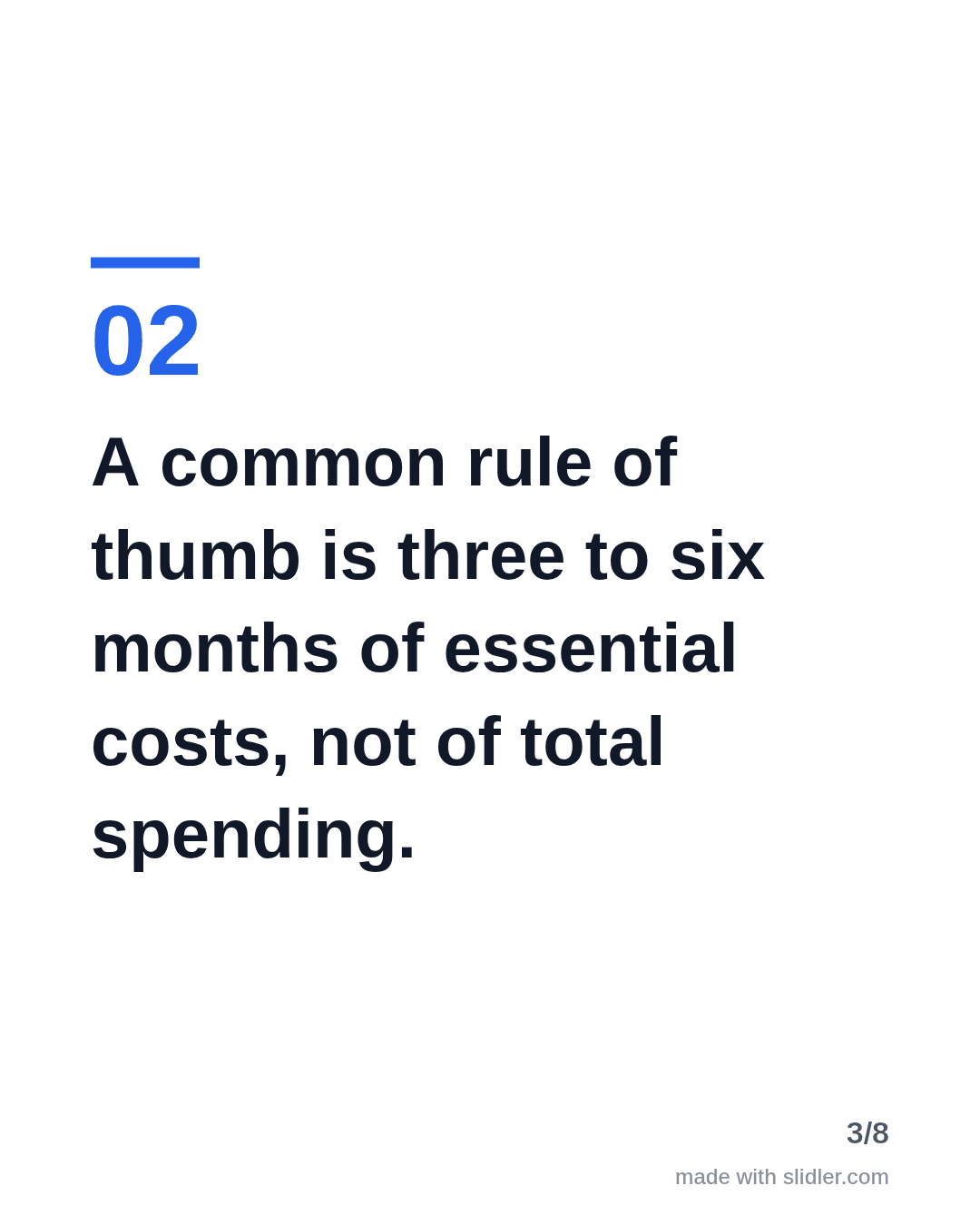
Sample carousel (5 of 8 slides)




How to use this template
- Cover: one concept, "explained in N slides".
- Definition first, then the rule of thumb.
- Practical steps, one per slide.
- A plain disclaimer slide, since this is general information.
Tip: Keep a disclaimer on the last point and check your firm's social media policy before posting.
Edit the sample and make your carousel (free, no sign-up)
The first line becomes the cover; each sentence becomes a slide. Replace the sample with your own words.
FAQ
Can financial advisors post carousels?
Usually yes, but many firms and regulators require review of social content. Check your compliance rules first.
Does Slidler write the content?
No. Slidler only lays out the text you give it; nothing is invented, which keeps you in control of what is said.
Is this template free?
Yes. Slidler is free and needs no account. Free exports carry a small “made with slidler.com” mark.
What size are the slides?
1080×1350 pixels (4:5 portrait), the size LinkedIn and Instagram show largest in the feed. LinkedIn gets a PDF; Instagram gets a zip of PNGs.
Related templates
- Myths vs facts LinkedIn carousel template
- How-to guide LinkedIn carousel template
- Tips list LinkedIn carousel template
- LinkedIn carousel template for founders
- LinkedIn carousel template for recruiters
Start from your own content instead: Text to carousel · Turn a newsletter issue into a LinkedIn carousel · All carousel templates