Myths vs facts LinkedIn carousel template
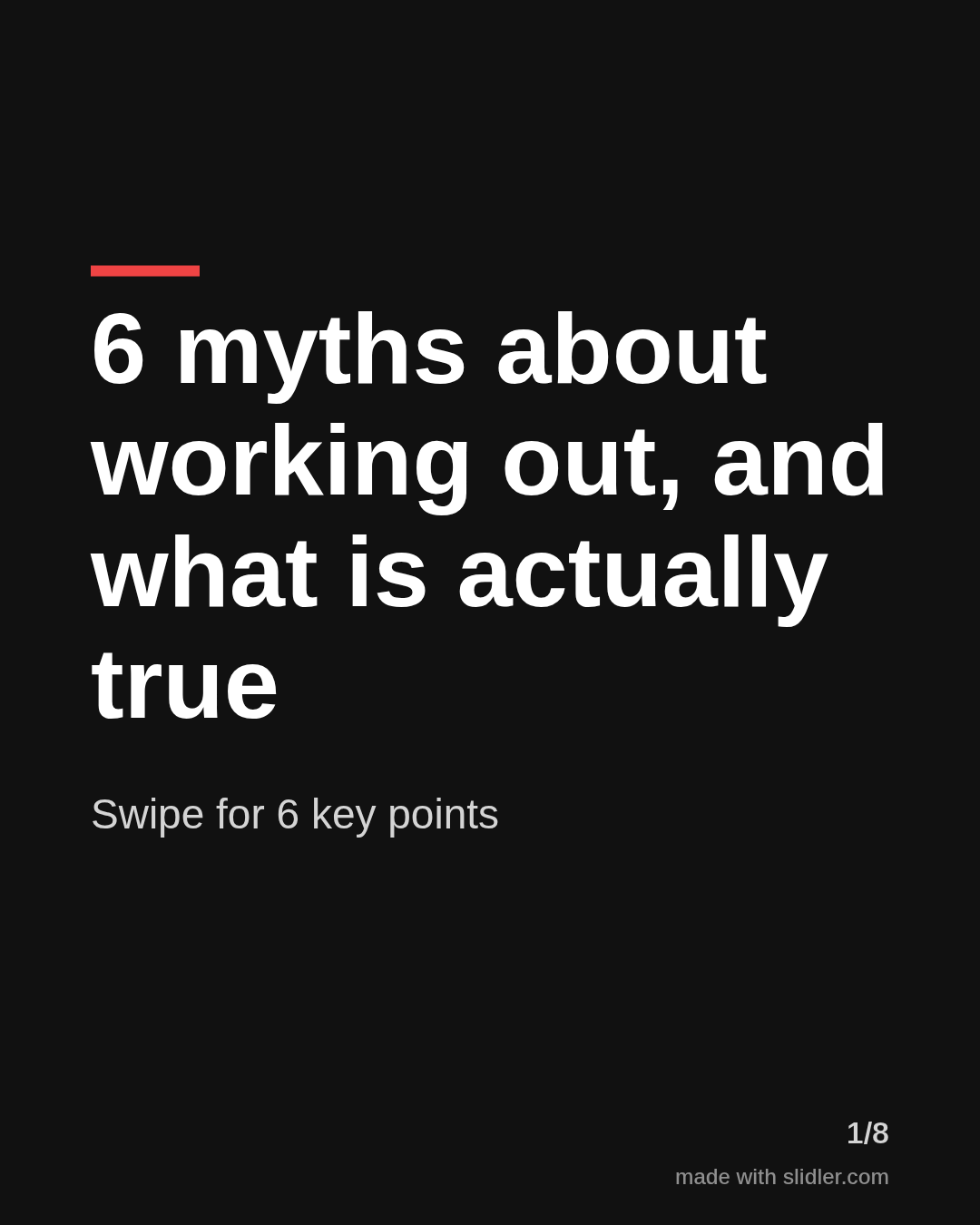
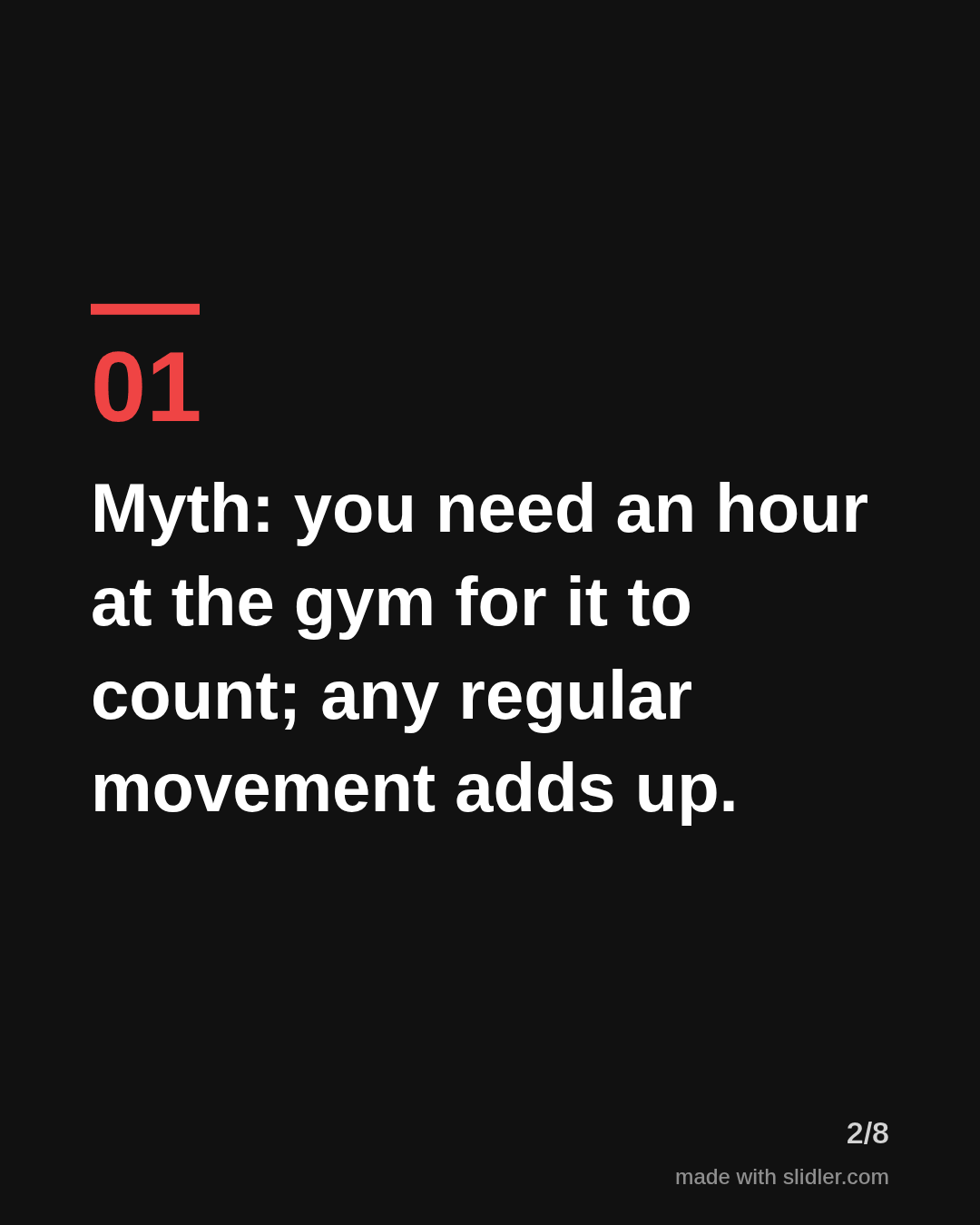
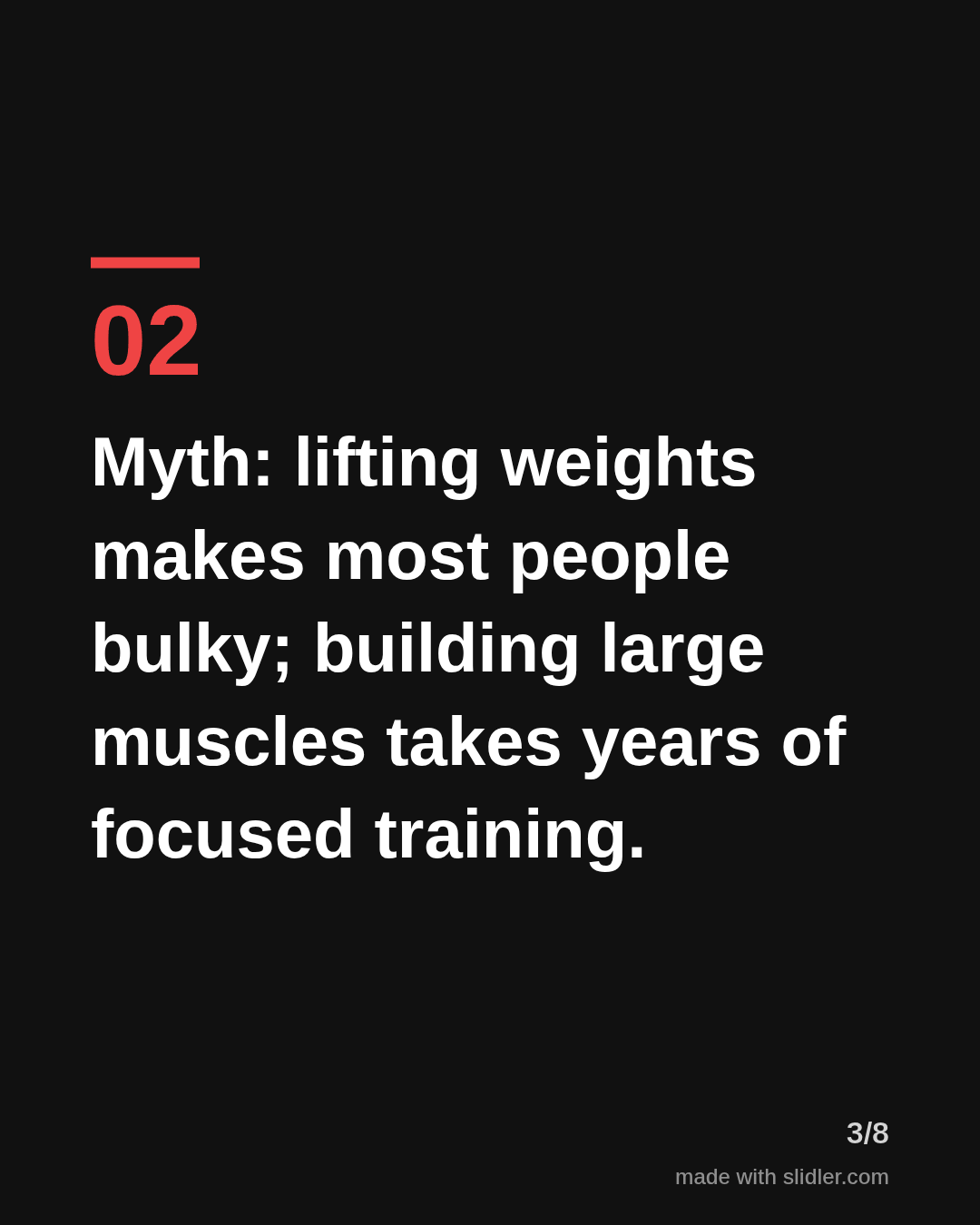
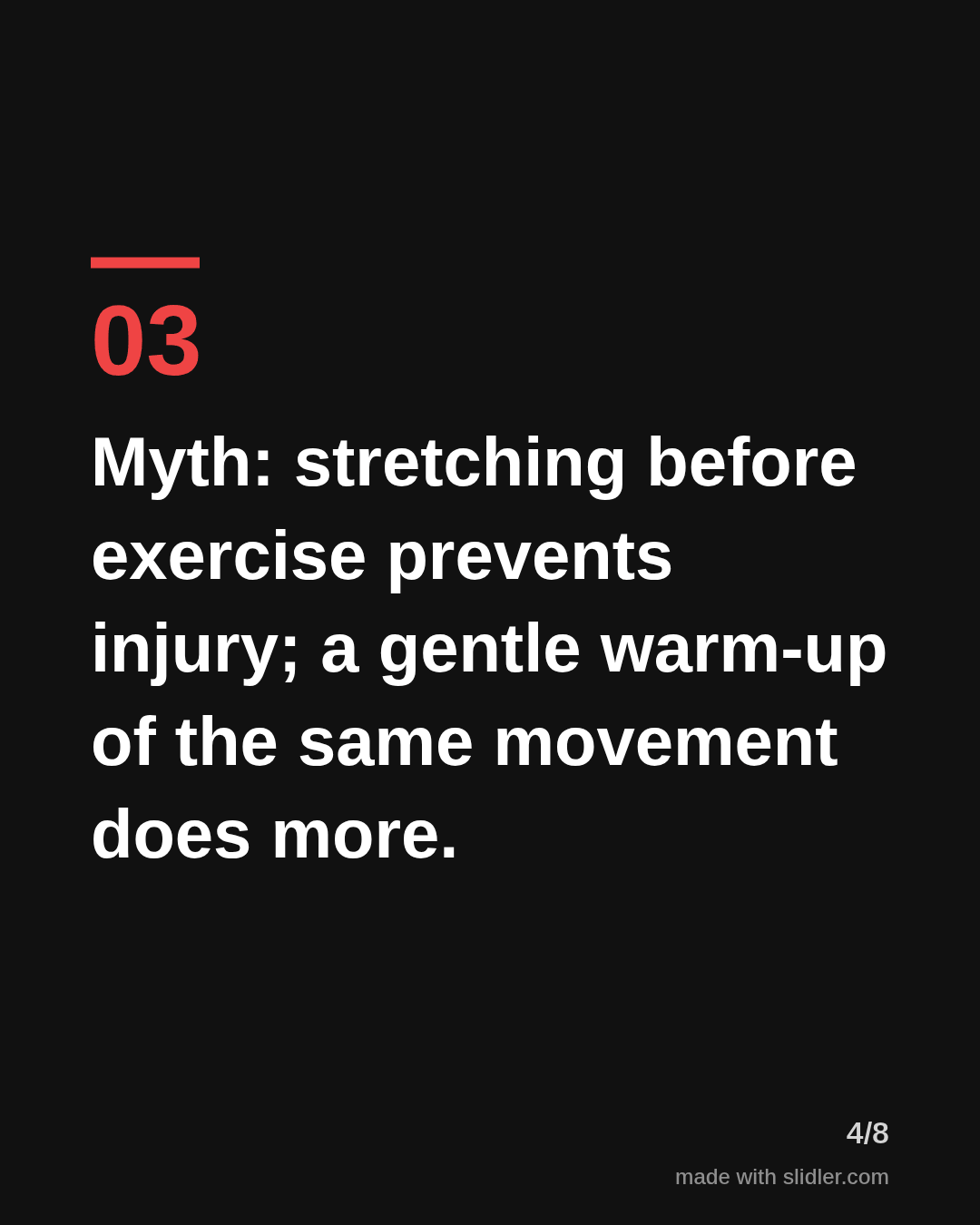
Myths vs facts carousels work because readers want to check what they believe. This template puts one myth and its correction on each slide. Below is a sample carousel Slidler made from the text in the editor; change the text to yours and make your own in under a minute.
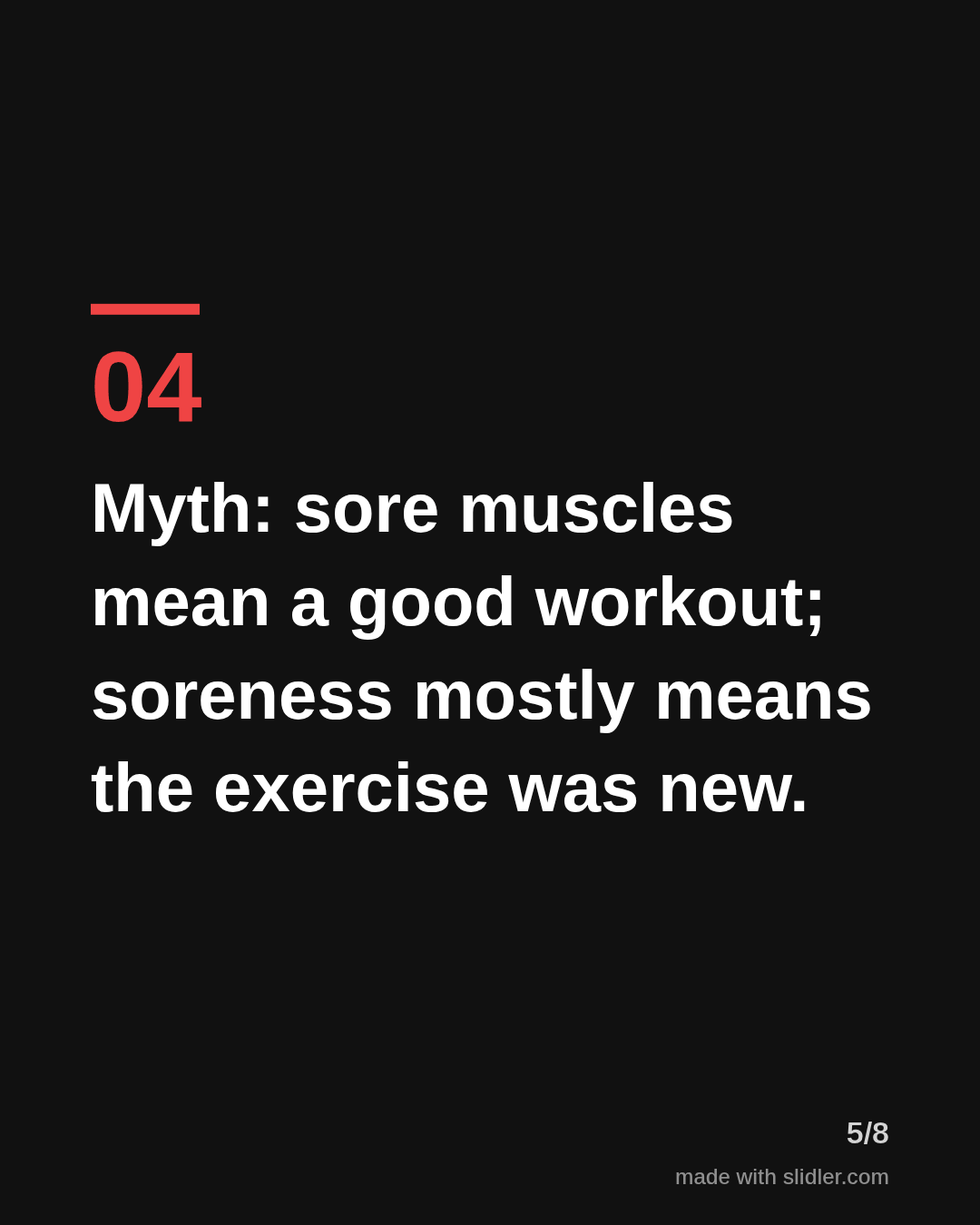
Sample carousel (5 of 8 slides)
How to use this template
- Cover: number of myths plus "what is actually true".
- Each slide: "Myth:" then the fact in the same sentence.
- Only use facts you can source; link sources in the post.
- Close by asking which myth readers believed.
Tip: Link a source for each fact in the post or comments; myth-busting posts get challenged.
Edit the sample and make your carousel (free, no sign-up)
The first line becomes the cover; each sentence becomes a slide. Replace the sample with your own words.
FAQ
How do I format a myth vs fact slide?
Start with "Myth:" and follow with the fact after a semicolon or dash, so one slide holds both.
Can Slidler check my facts?
No. Slidler lays out your text and does not add or verify claims, so check your sources.
Is this template free?
Yes. Slidler is free and needs no account. Free exports carry a small “made with slidler.com” mark.
What size are the slides?
1080×1350 pixels (4:5 portrait), the size LinkedIn and Instagram show largest in the feed. LinkedIn gets a PDF; Instagram gets a zip of PNGs.
Related templates
- Tips list LinkedIn carousel template
- LinkedIn carousel template for financial advisors
- LinkedIn carousel template for real estate agents
- Product launch LinkedIn carousel template
- Case study LinkedIn carousel template
Start from your own content instead: Text to carousel · Article to carousel · All carousel templates