LinkedIn carousel template for founders
Founders get the most from LinkedIn when they share what they learned the hard way, in plain words. This template turns a short list of lessons into a carousel people save. Below is a sample carousel Slidler made from the text in the editor; change the text to yours and make your own in under a minute.
Sample carousel (5 of 8 slides)

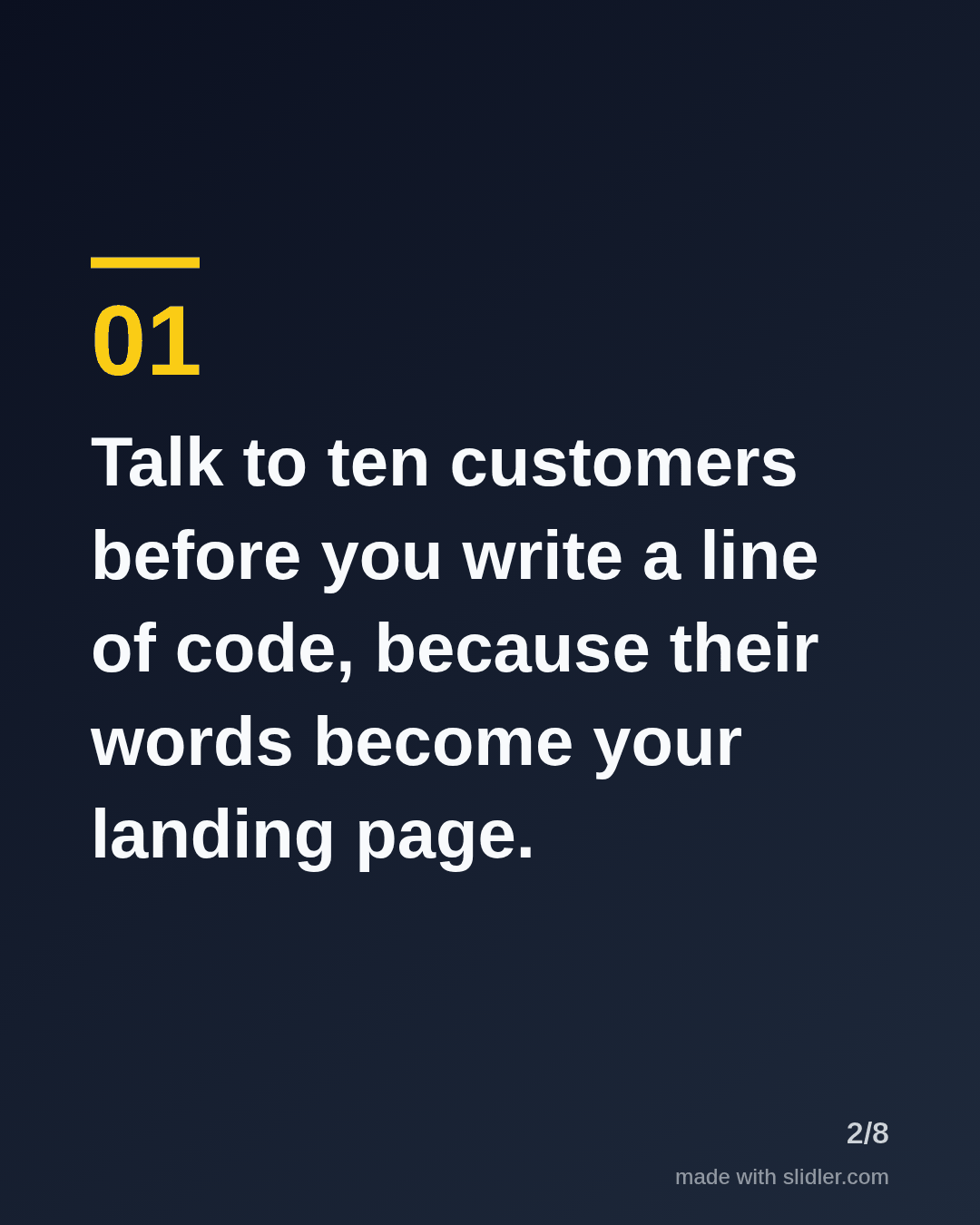
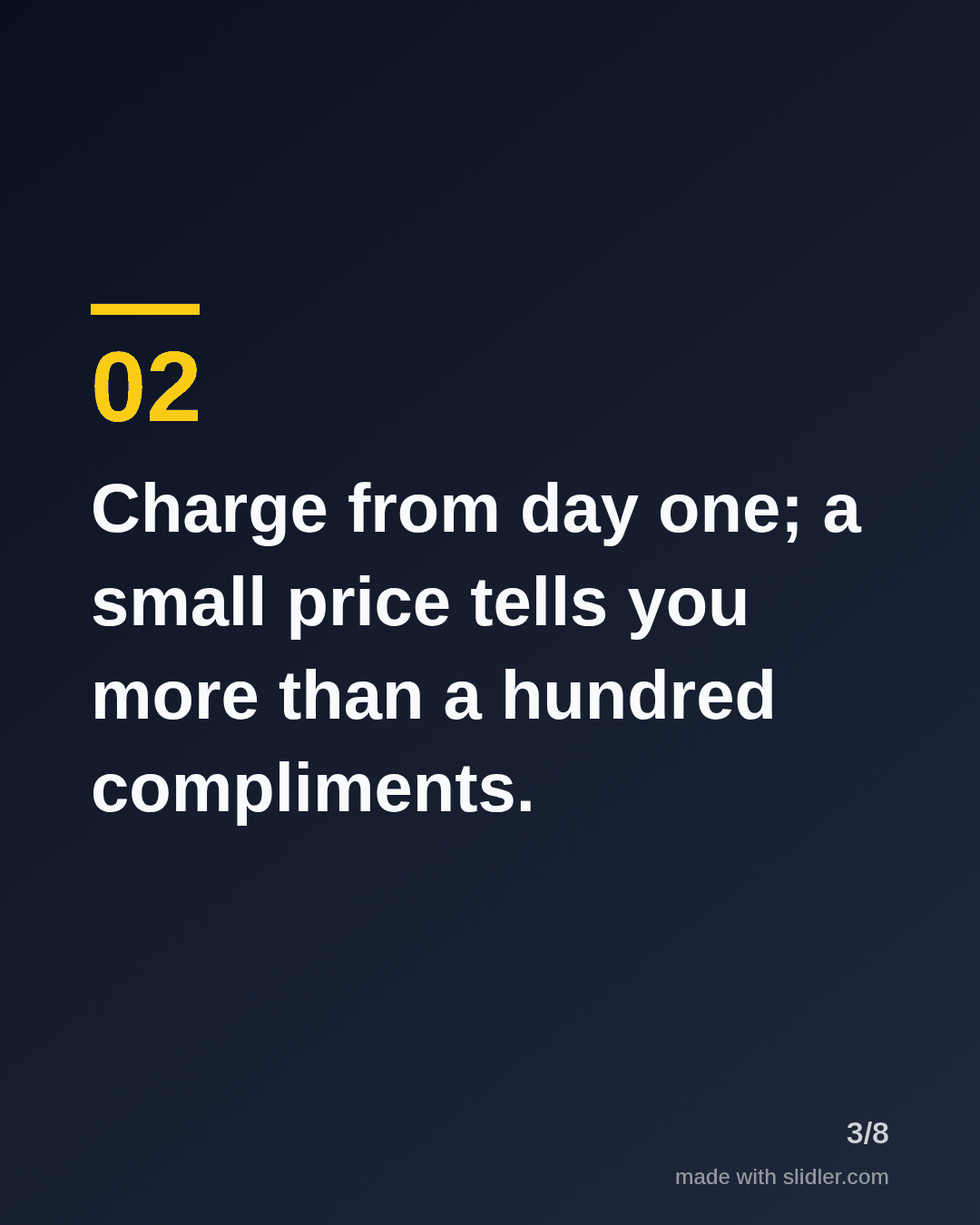
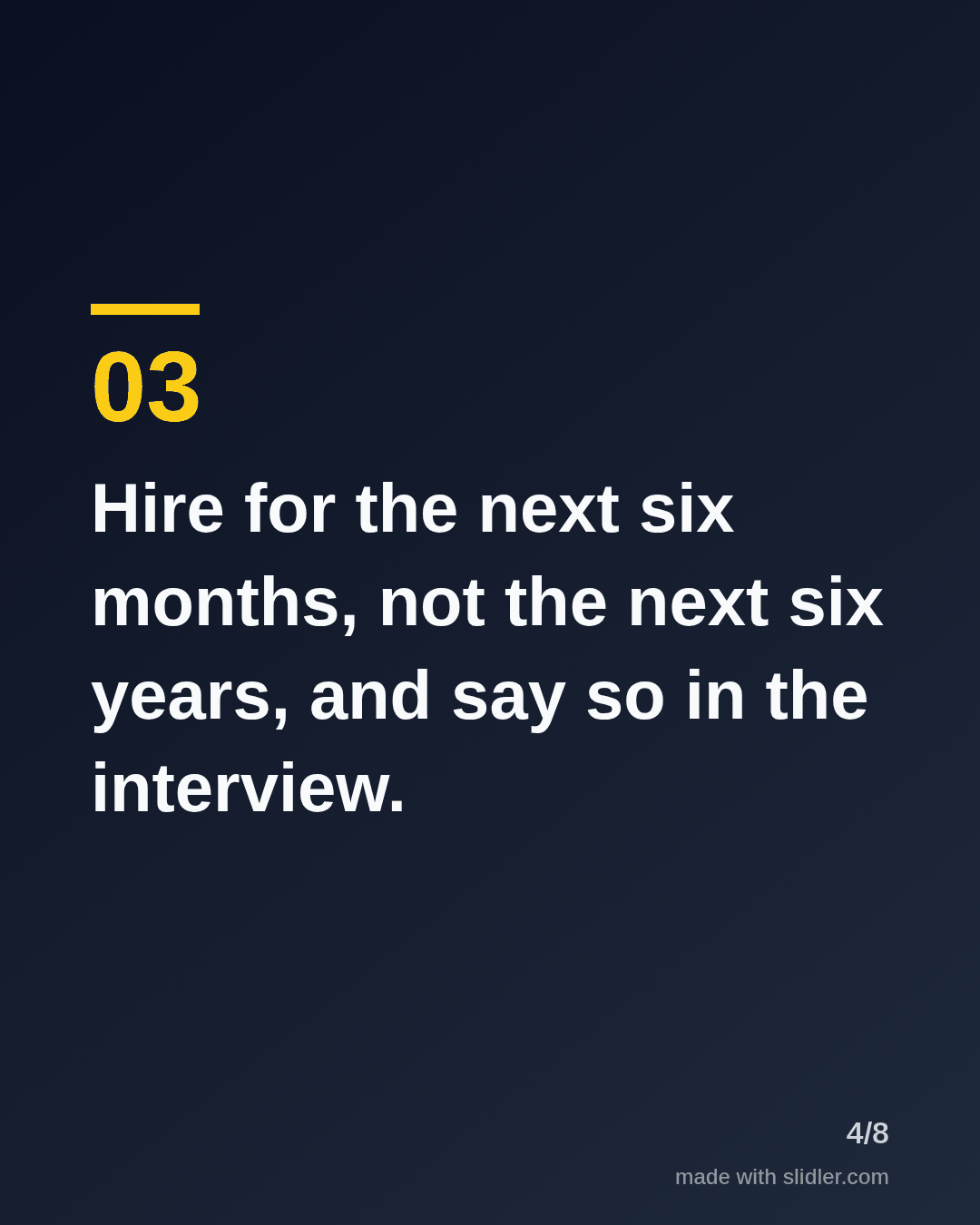
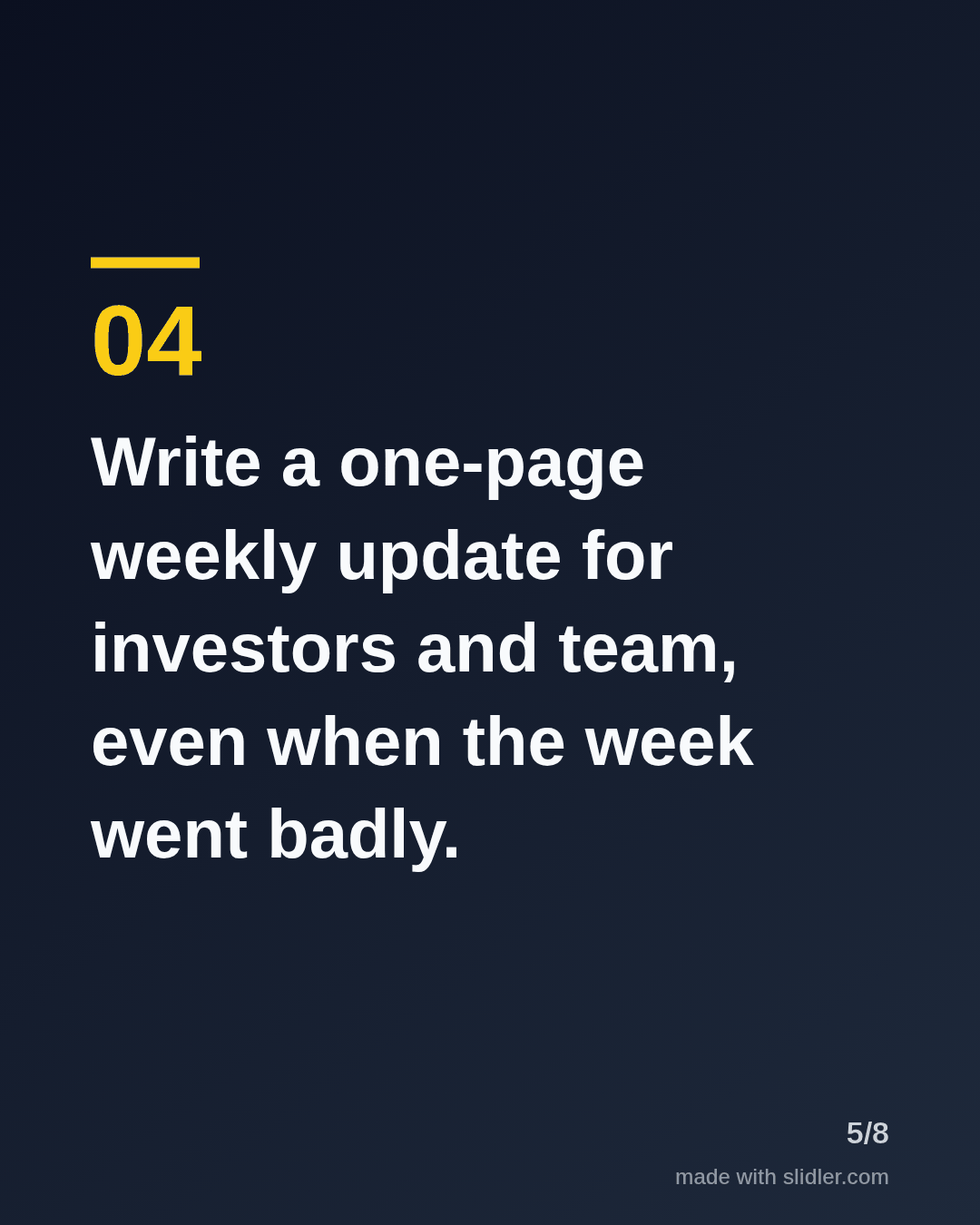
How to use this template
- Cover: a number and a time frame ("6 lessons from year one") so the promise is concrete.
- One lesson per slide, written as an instruction, with the reason in the same sentence.
- Keep the hardest or most surprising lesson in the middle, where swipers slow down.
- Close by asking which lesson readers disagree with; it invites comments, not just likes.
Tip: Swap in your real numbers (customers, revenue, hires) where you can; a specific figure reads as experience, a round one reads as advice.
Edit the sample and make your carousel (free, no sign-up)
The first line becomes the cover; each sentence becomes a slide. Replace the sample with your own words.
FAQ
What should a founder post as a carousel?
Lessons learned, how you made a hard decision, a teardown of your pricing or onboarding, and milestones with what got you there. Anything that is a list of steps or lessons fits a carousel.
How often should founders post carousels?
There is no magic number; one carousel a week alongside text posts is a pace most founders can keep without it eating product time.
Is this template free?
Yes. Slidler is free and needs no account. Free exports carry a small “made with slidler.com” mark.
What size are the slides?
1080×1350 pixels (4:5 portrait), the size LinkedIn and Instagram show largest in the feed. LinkedIn gets a PDF; Instagram gets a zip of PNGs.
Related templates
- Framework LinkedIn carousel template
- Product launch LinkedIn carousel template
- Milestone LinkedIn carousel template
- LinkedIn carousel template for recruiters
- LinkedIn carousel template for marketers
Start from your own content instead: Text to carousel · Turn a LinkedIn text post into a carousel · All carousel templates