LinkedIn carousel template for accountants
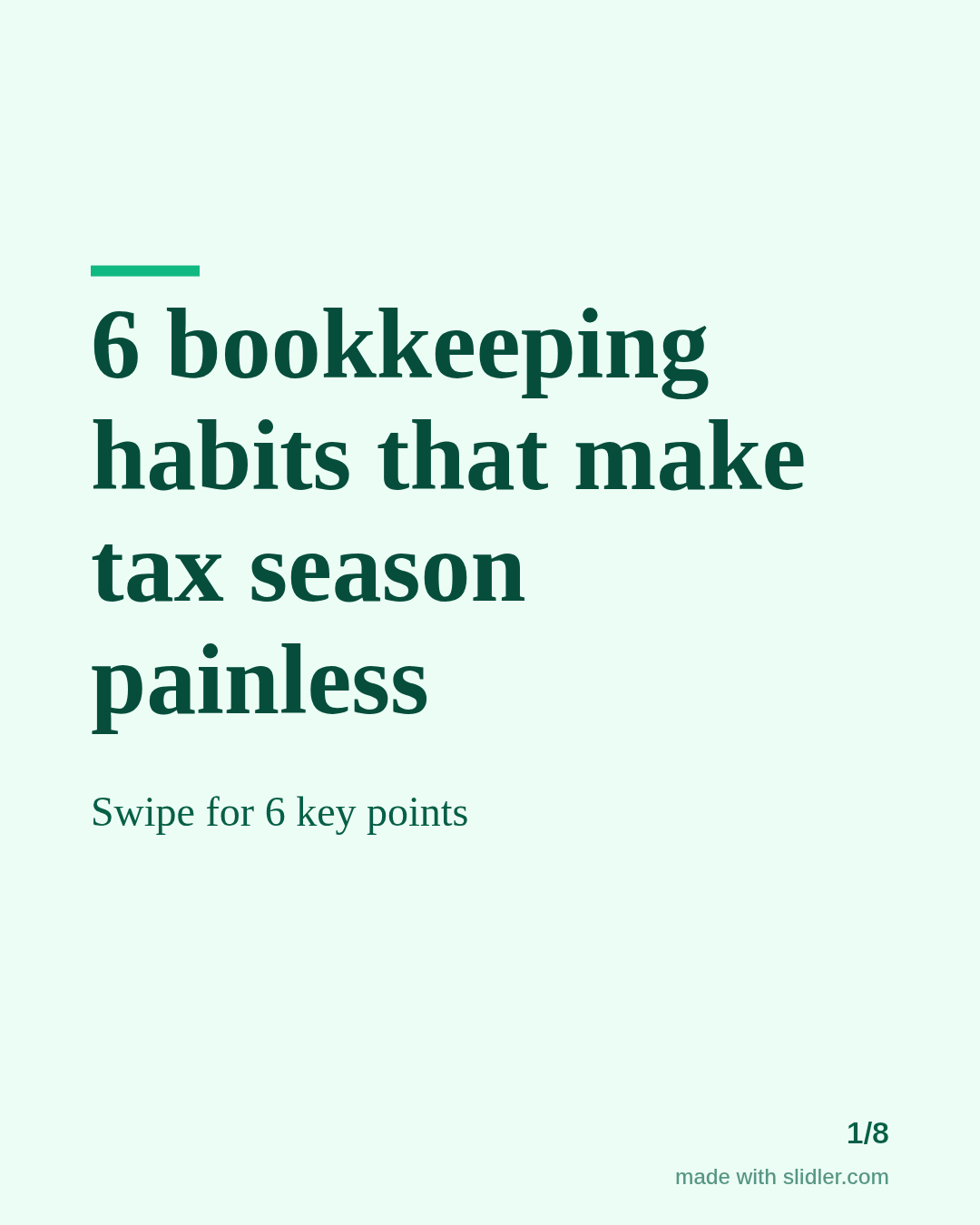
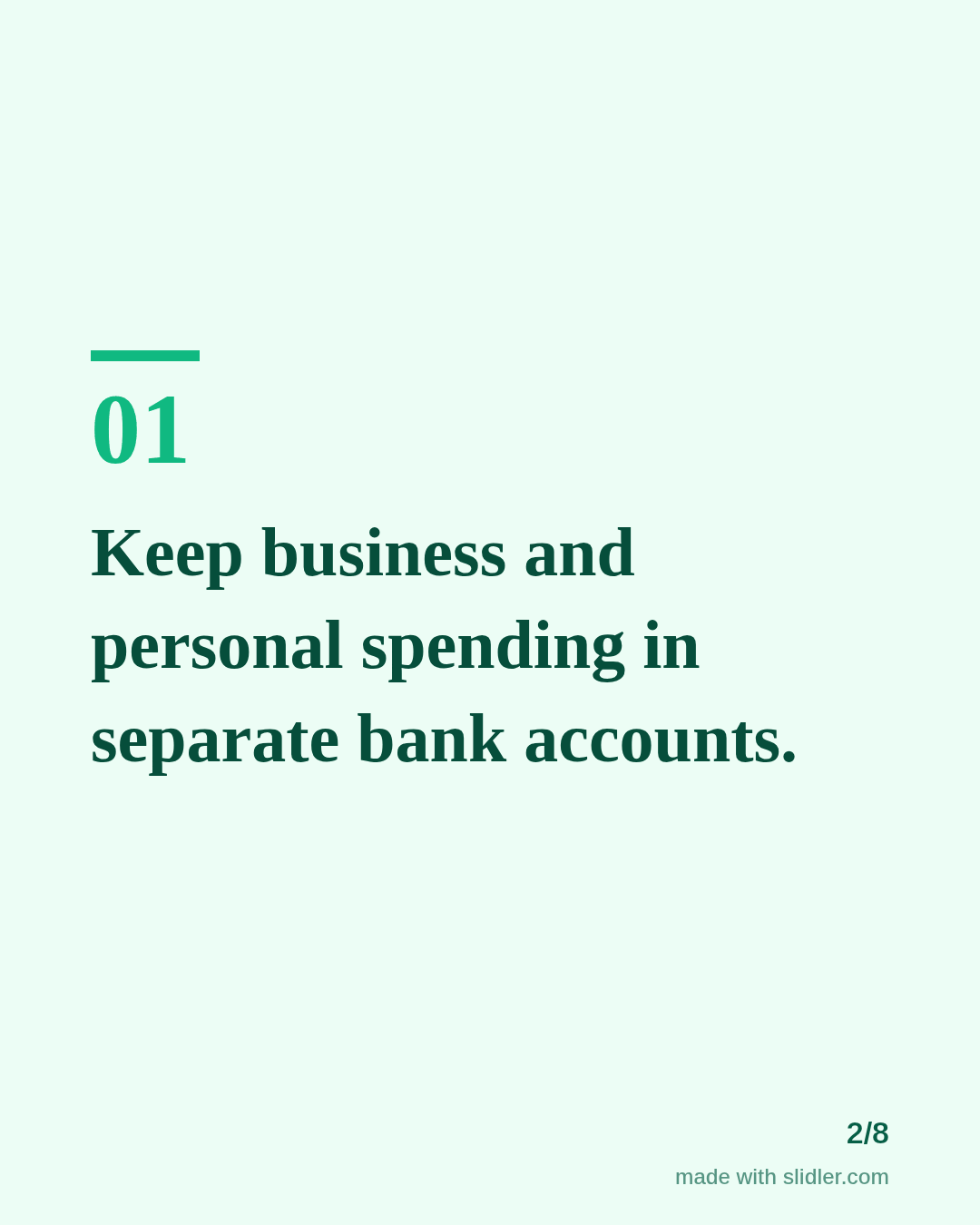
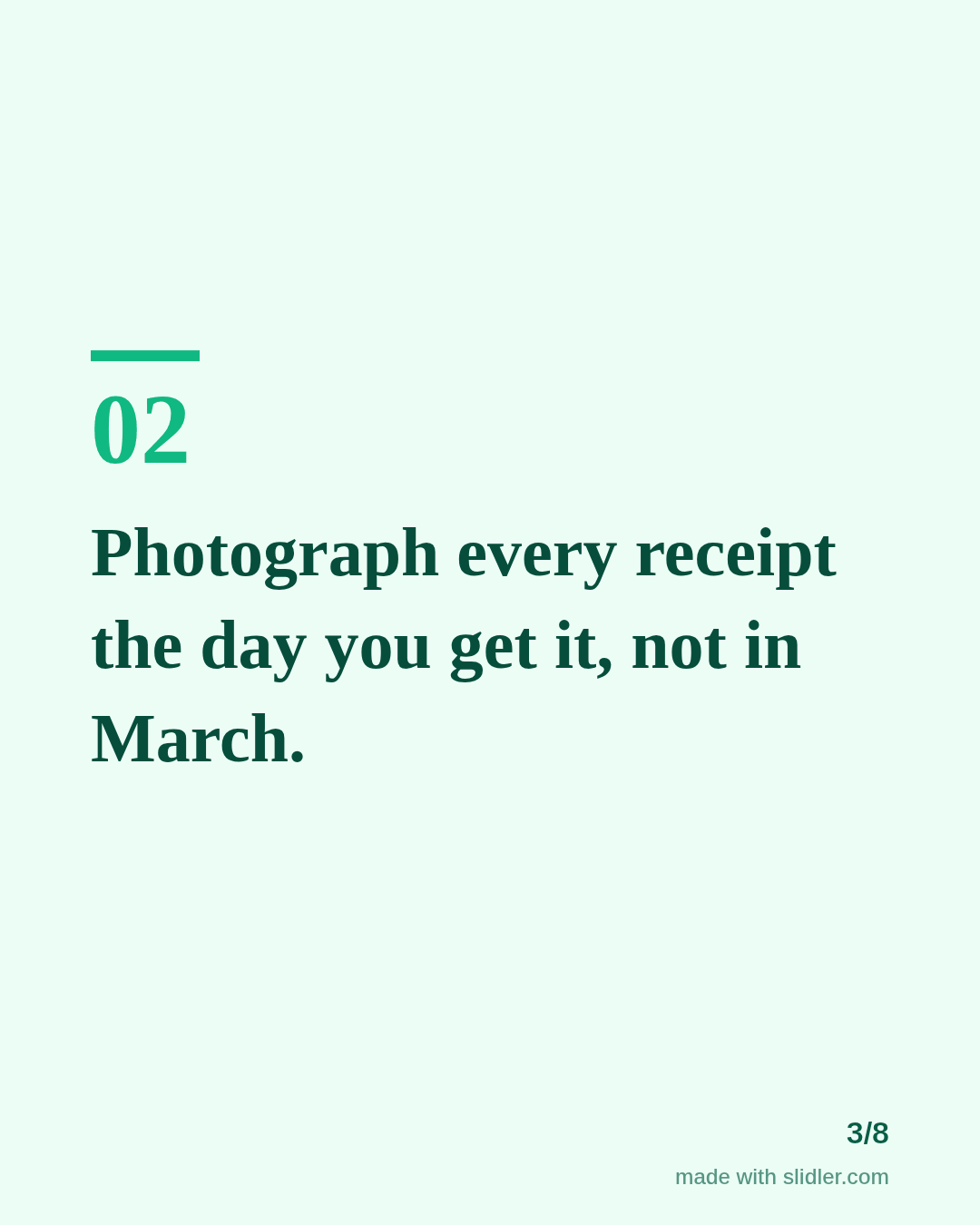
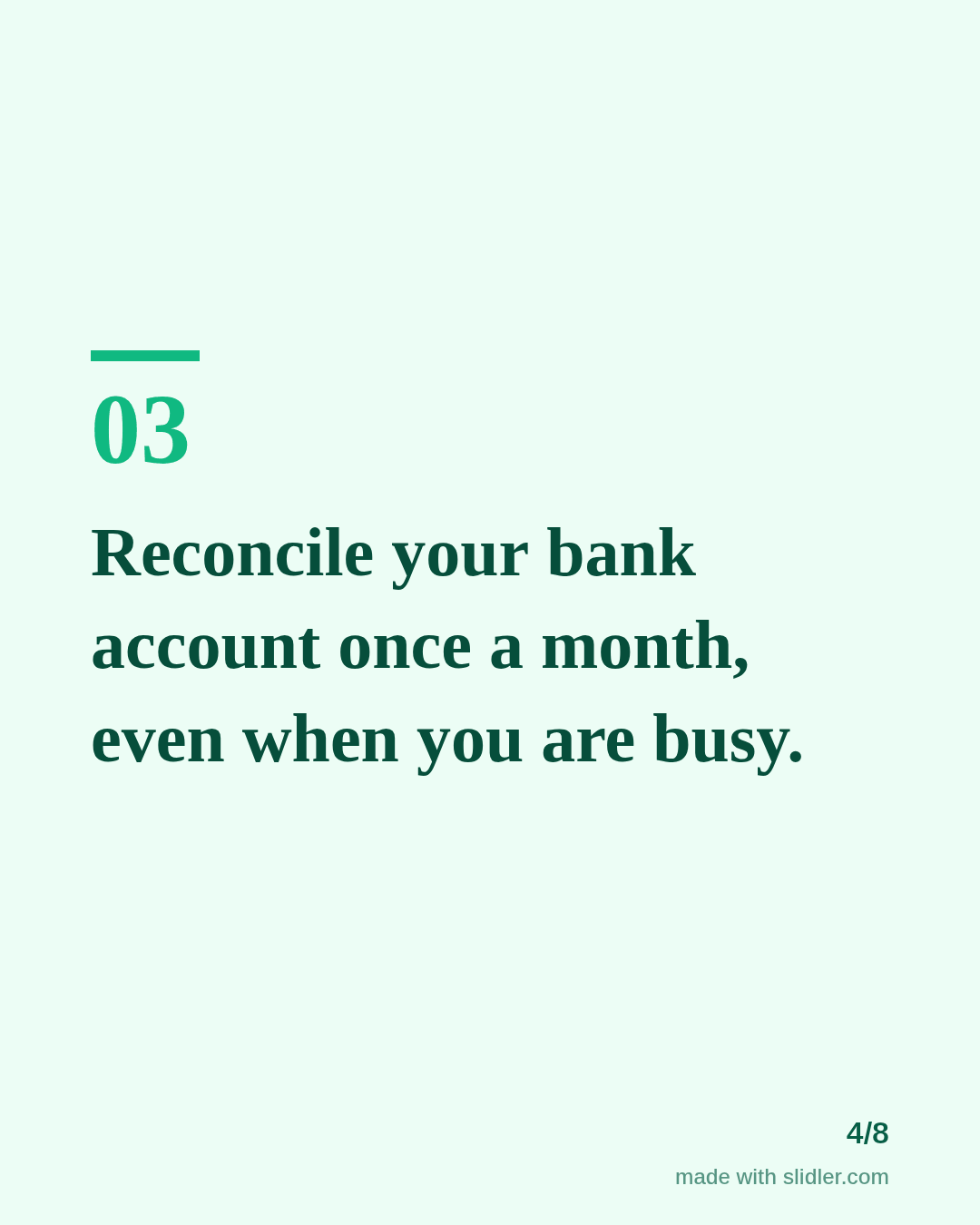
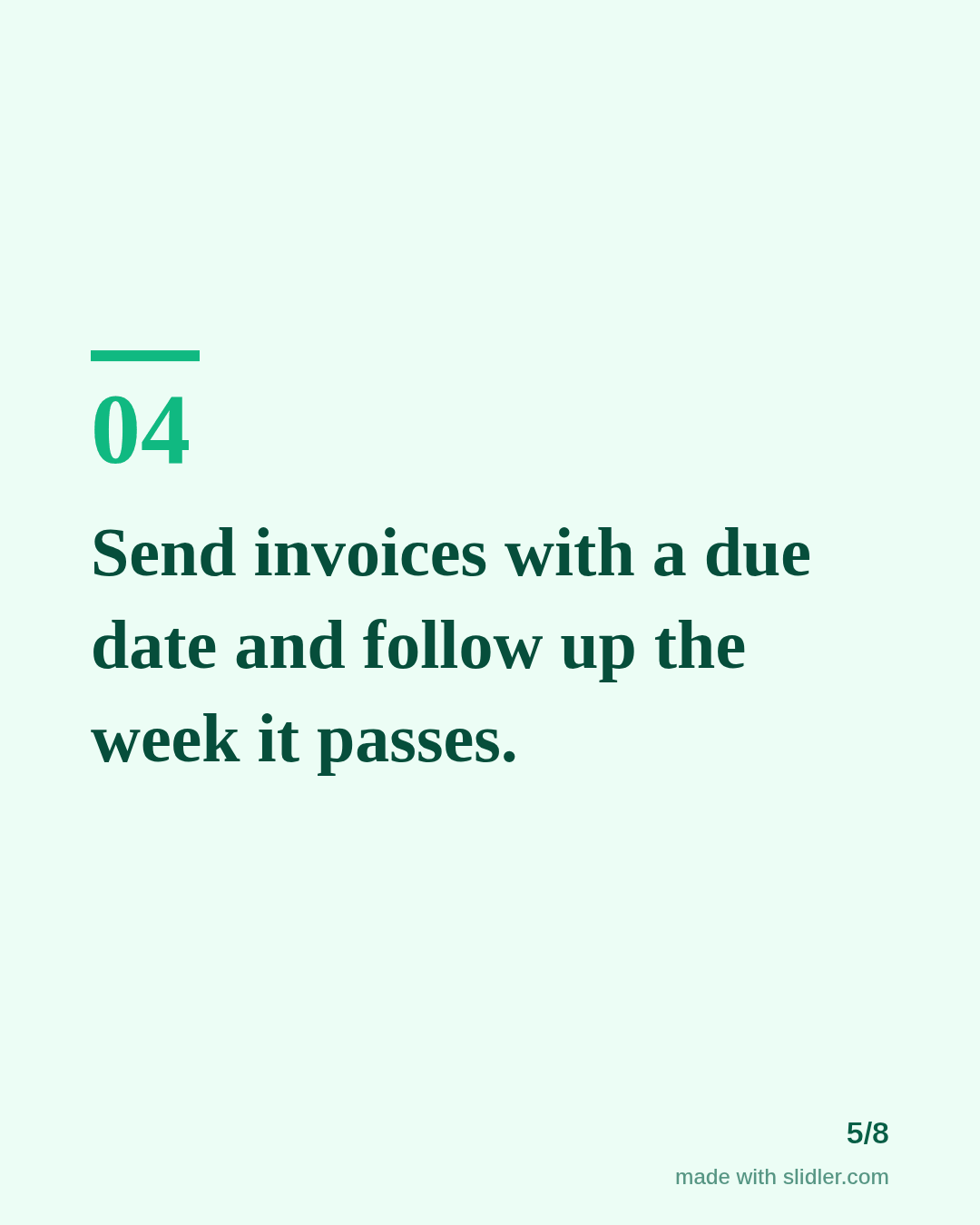
Accountants who explain money simply get remembered at tax time. This template turns a finance tip into a clear, saveable carousel. Below is a sample carousel Slidler made from the text in the editor; change the text to yours and make your own in under a minute.
Sample carousel (5 of 8 slides)
How to use this template
- Cover: a number and a stressful moment readers want to avoid.
- One habit per slide, written as an action.
- Keep numbers general unless you can cite the rule.
- Close with an offer to answer questions in the comments.
Tip: Use the words your clients use (receipts, invoices, tax bill), not accounting terms.
Edit the sample and make your carousel (free, no sign-up)
The first line becomes the cover; each sentence becomes a slide. Replace the sample with your own words.
FAQ
What should accountants post on LinkedIn?
Deadline reminders, plain-language tips, common mistakes and short explanations of rule changes.
When should accountants post carousels?
A few weeks before deadlines works well, because readers are already thinking about the topic.
Is this template free?
Yes. Slidler is free and needs no account. Free exports carry a small “made with slidler.com” mark.
What size are the slides?
1080×1350 pixels (4:5 portrait), the size LinkedIn and Instagram show largest in the feed. LinkedIn gets a PDF; Instagram gets a zip of PNGs.
Related templates
- LinkedIn carousel template for financial advisors
- Checklist LinkedIn carousel template
- LinkedIn carousel template for small businesses
- LinkedIn carousel template for founders
- LinkedIn carousel template for recruiters
Start from your own content instead: Text to carousel · Turn a newsletter issue into a LinkedIn carousel · All carousel templates