LinkedIn carousel template for small businesses
Small business owners don't have a content team, so posts need to be fast to make and useful to customers. This template answers the questions customers already ask you. Below is a sample carousel Slidler made from the text in the editor; change the text to yours and make your own in under a minute.
Sample carousel (5 of 8 slides)
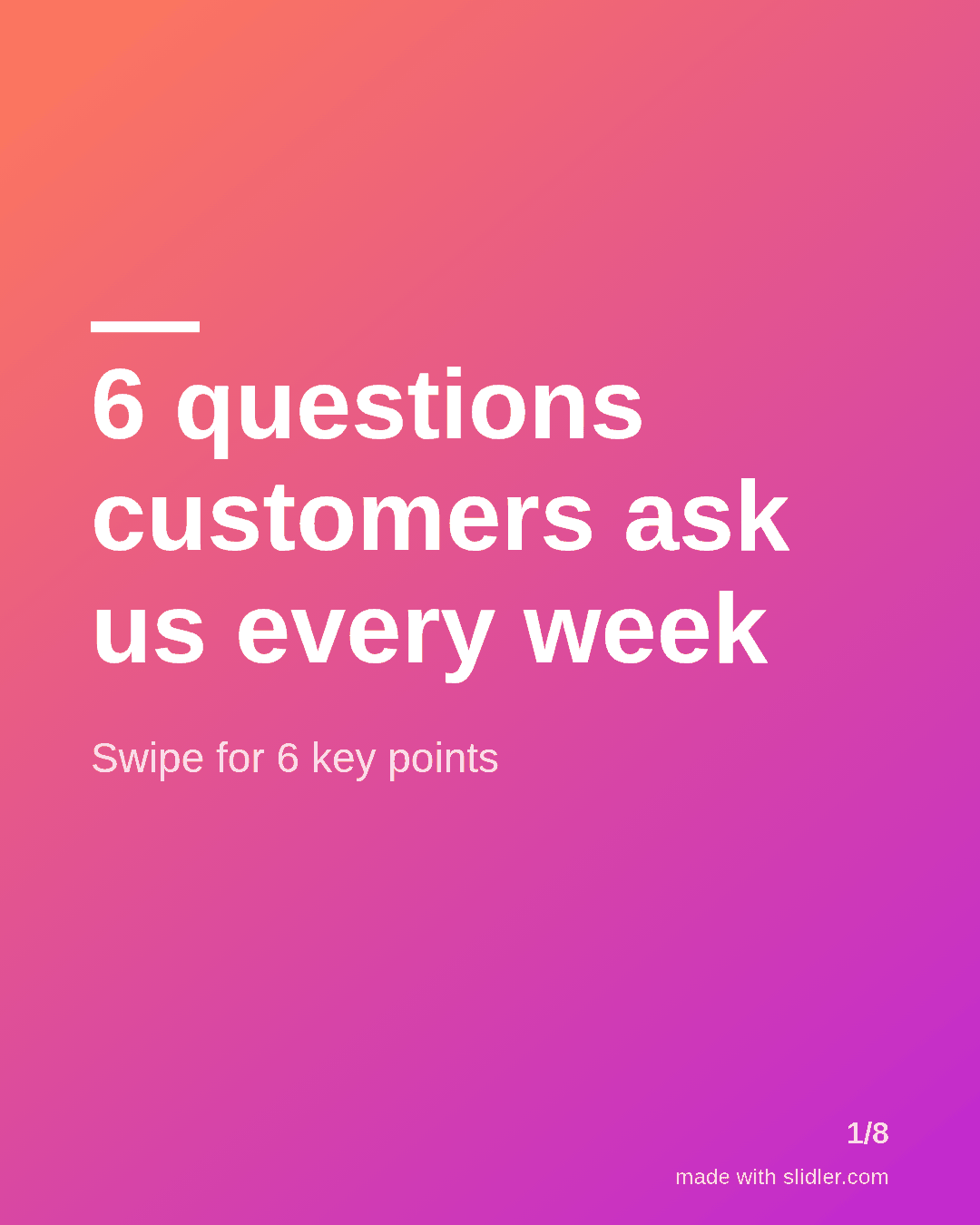
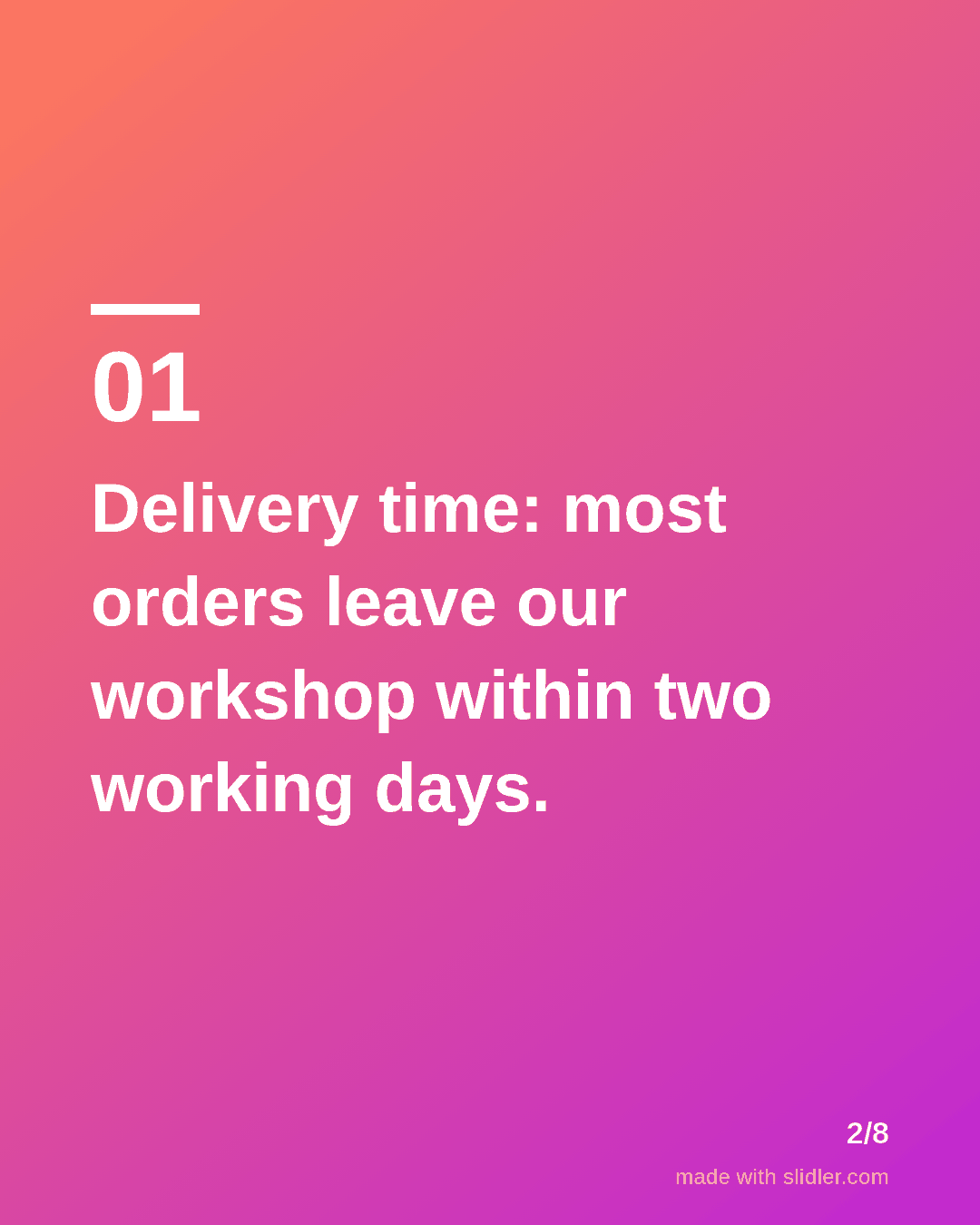
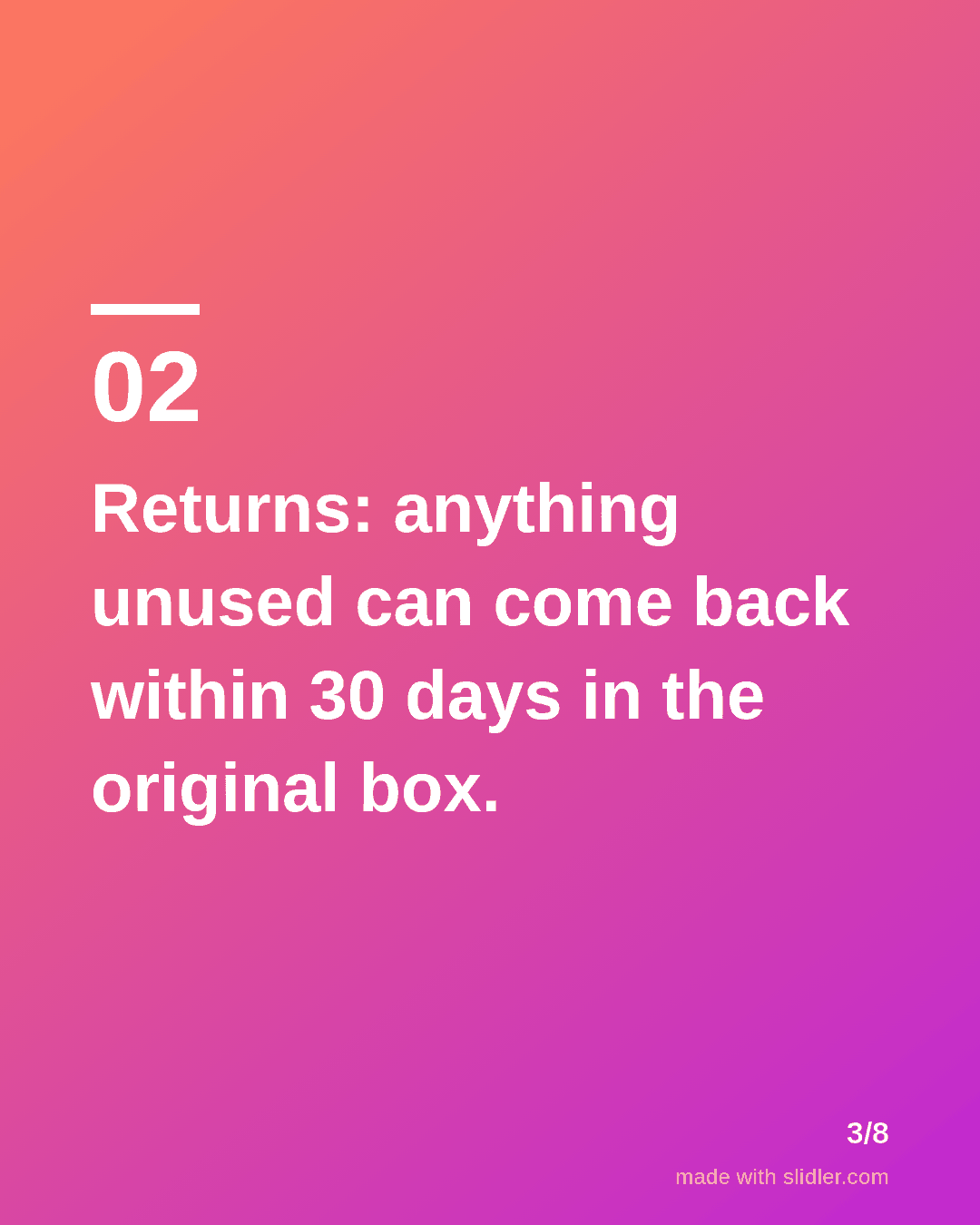
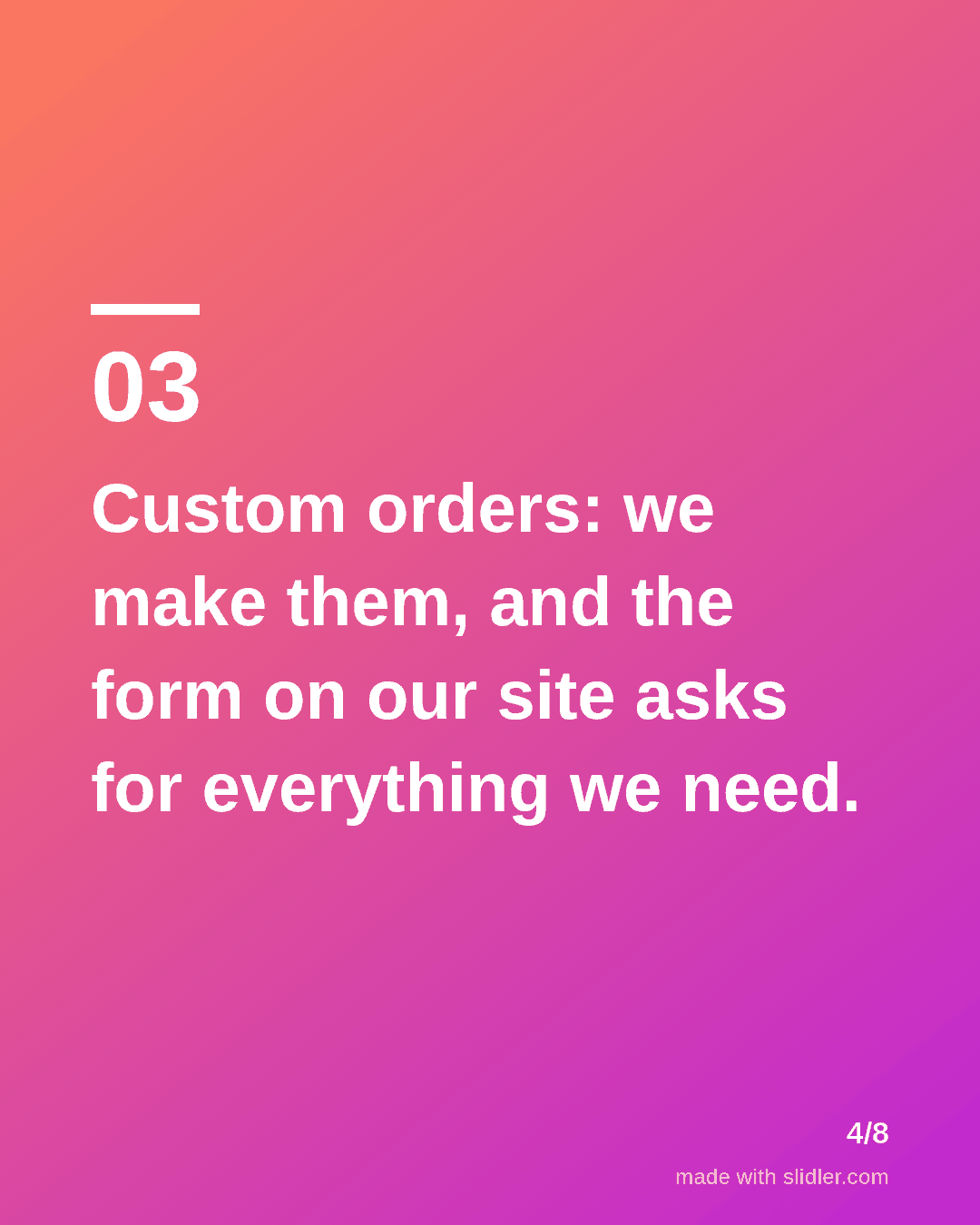
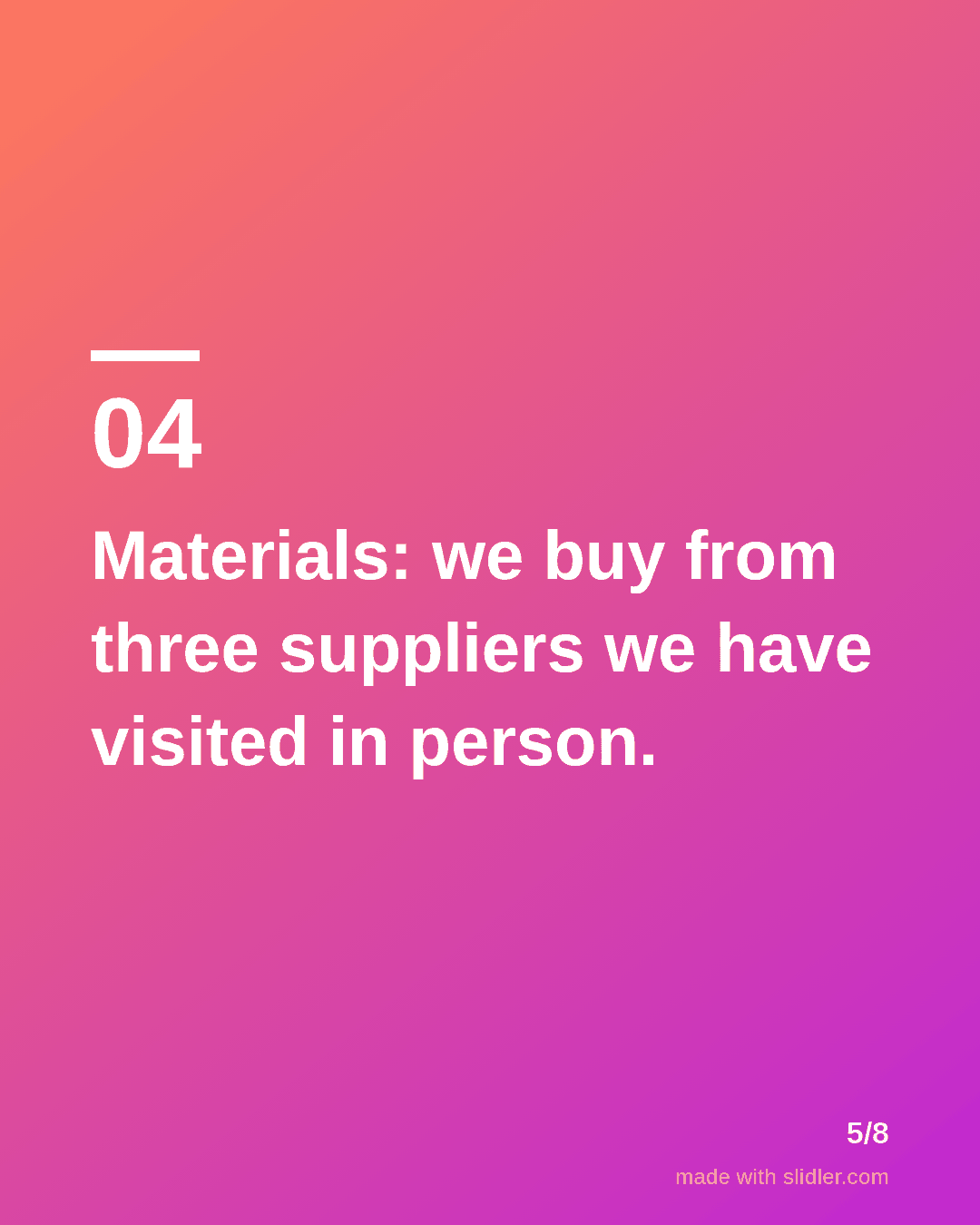
How to use this template
- Cover: "questions customers ask us" with the count.
- Question and answer on the same slide.
- Use your real policies; edit the sample answers before posting.
- End with where to ask the next question.
Tip: Replace every sample answer with your actual policy before posting; customers will hold you to it.
Edit the sample and make your carousel (free, no sign-up)
The first line becomes the cover; each sentence becomes a slide. Replace the sample with your own words.
FAQ
What should a small business post on LinkedIn?
Answers to common customer questions, behind-the-scenes process, customer stories and simple how-to guides related to what you sell.
Is Slidler free for business use?
Yes, exports are free and need no account. Free exports carry a small "made with slidler.com" mark.
Is this template free?
Yes. Slidler is free and needs no account. Free exports carry a small “made with slidler.com” mark.
What size are the slides?
1080×1350 pixels (4:5 portrait), the size LinkedIn and Instagram show largest in the feed. LinkedIn gets a PDF; Instagram gets a zip of PNGs.
Related templates
- Tips list LinkedIn carousel template
- Customer testimonial LinkedIn carousel template
- Announcement LinkedIn carousel template
- LinkedIn carousel template for founders
- LinkedIn carousel template for recruiters
Start from your own content instead: Text to carousel · Turn any URL into a carousel · All carousel templates