Checklist LinkedIn carousel template
Checklists get saved because people come back to them. This template keeps every item short and checkable. Below is a sample carousel Slidler made from the text in the editor; change the text to yours and make your own in under a minute.
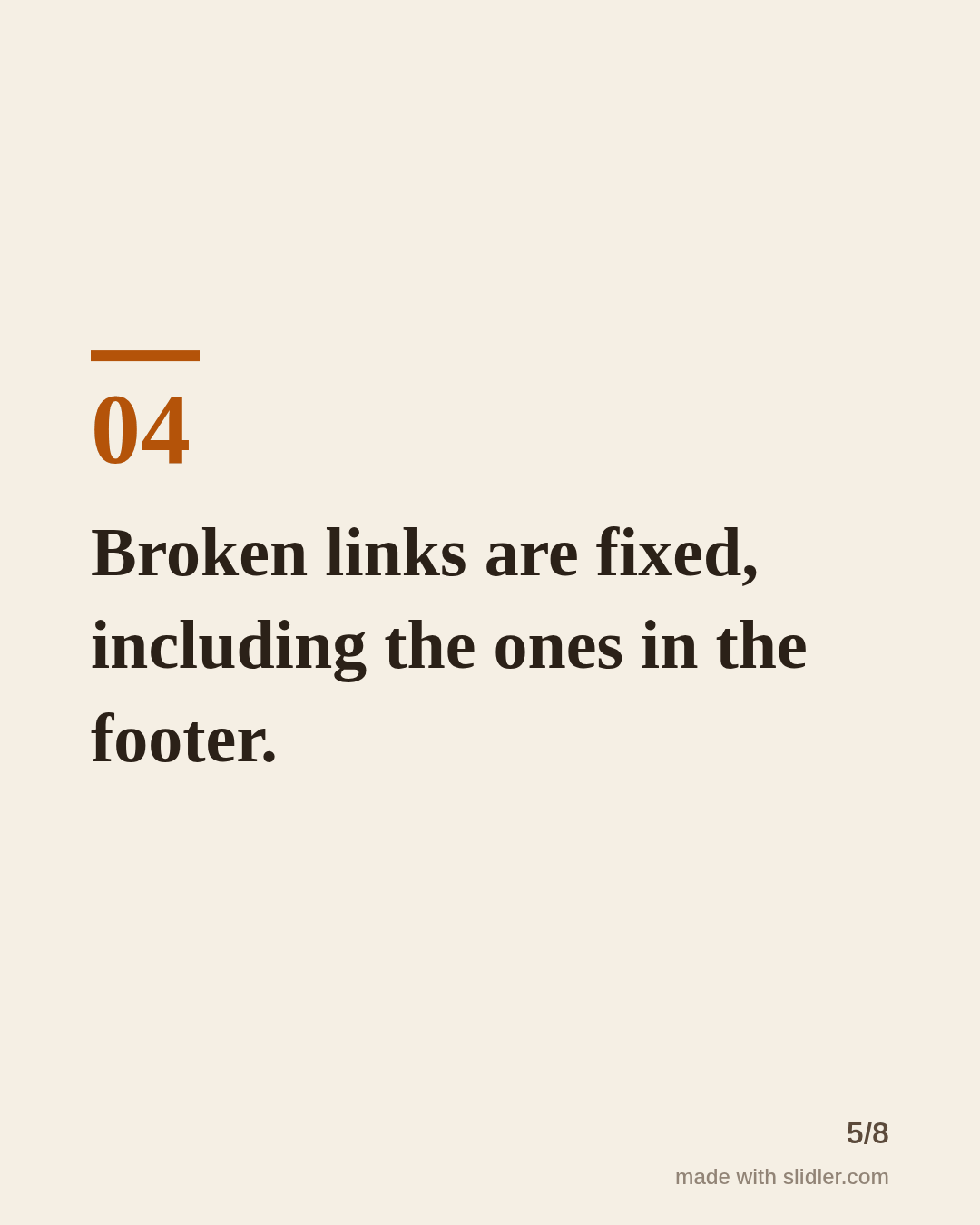
Sample carousel (5 of 8 slides)
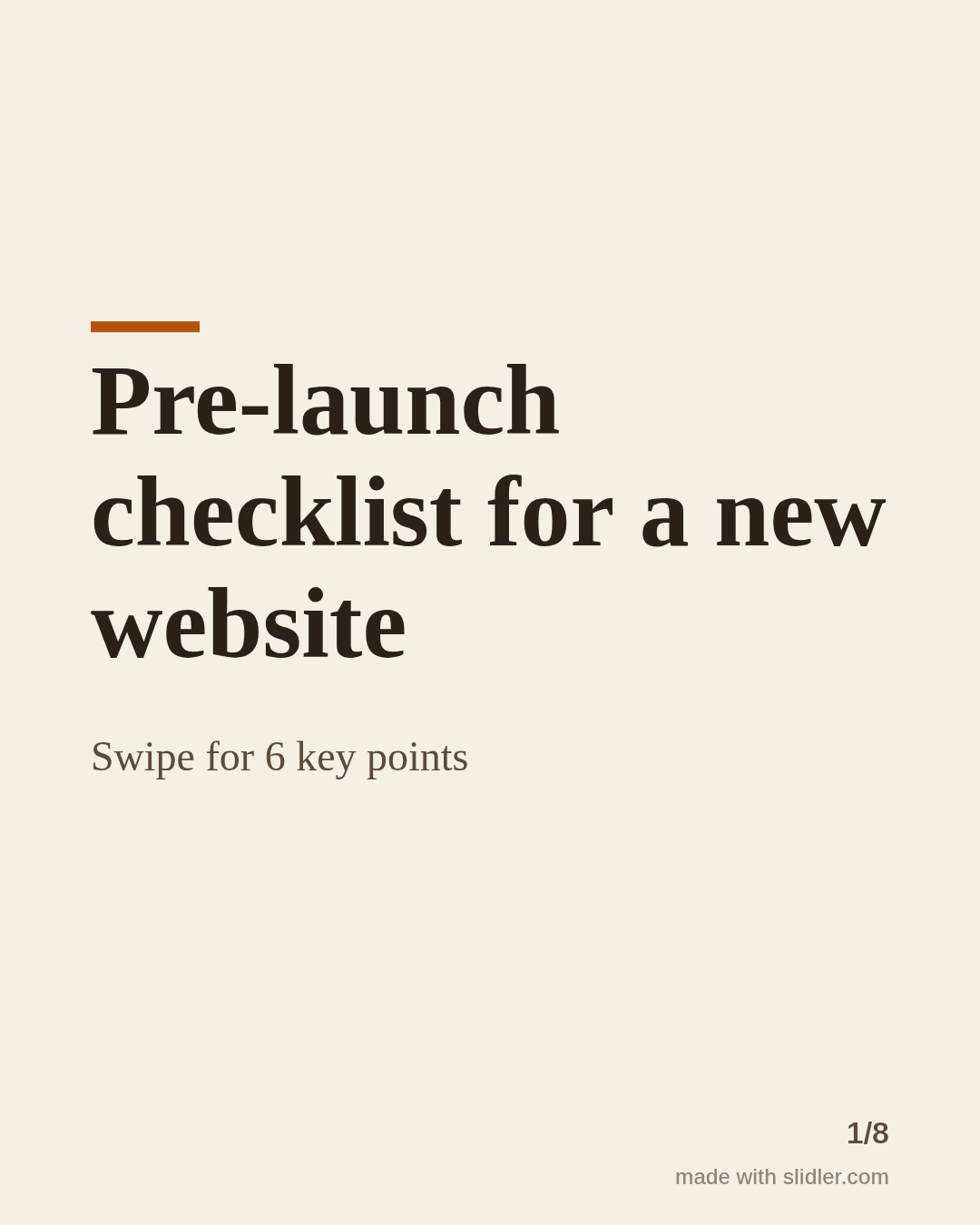
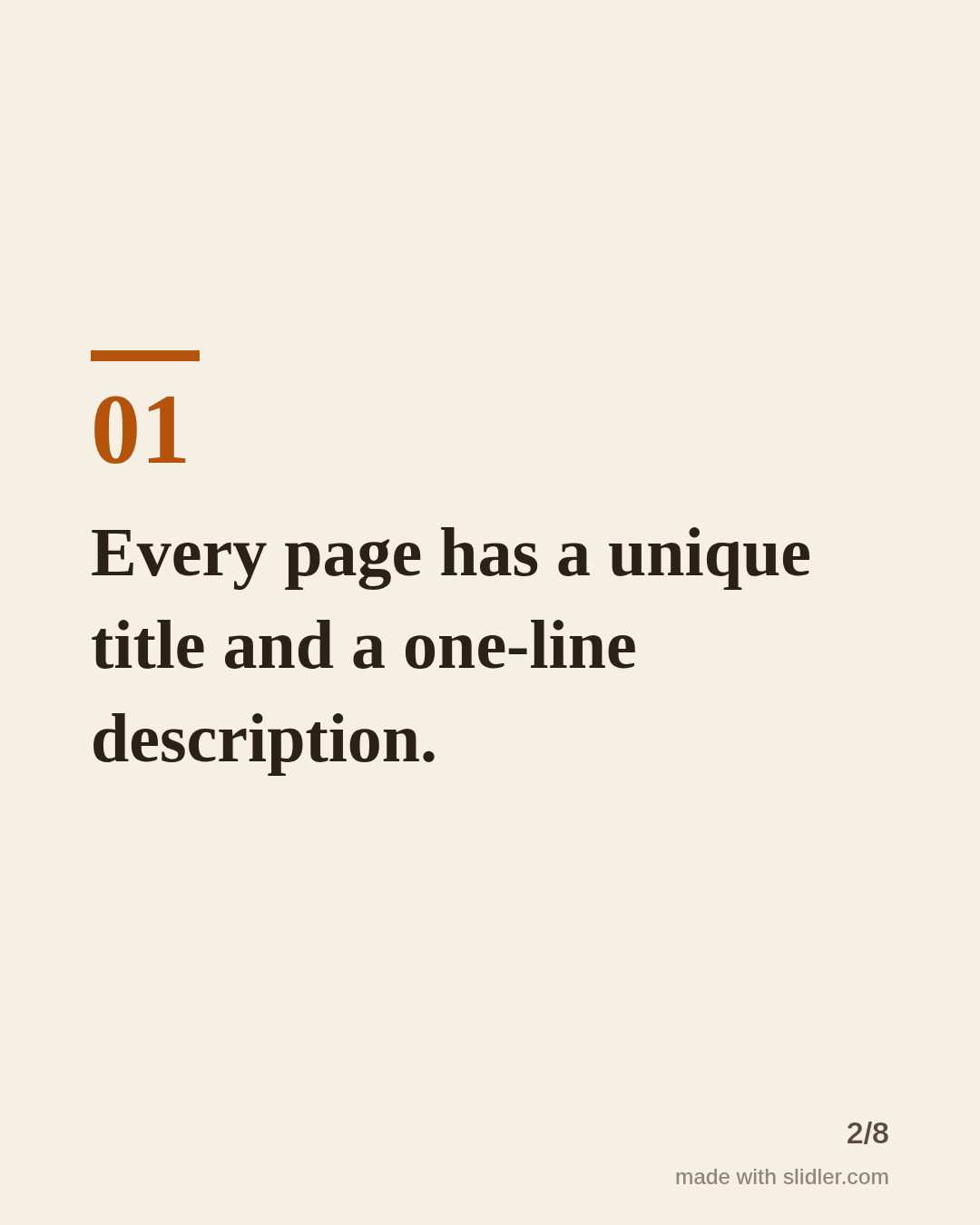
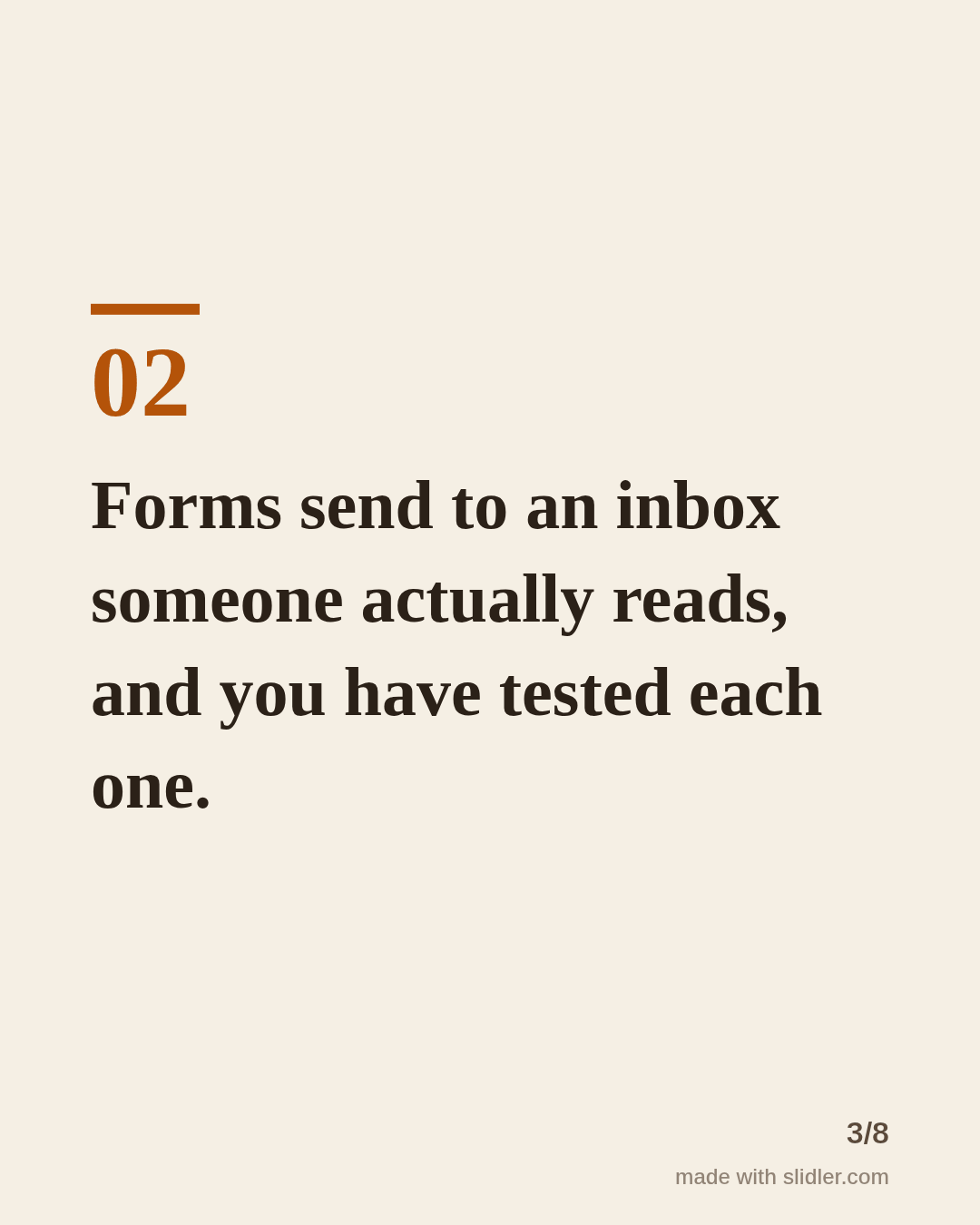
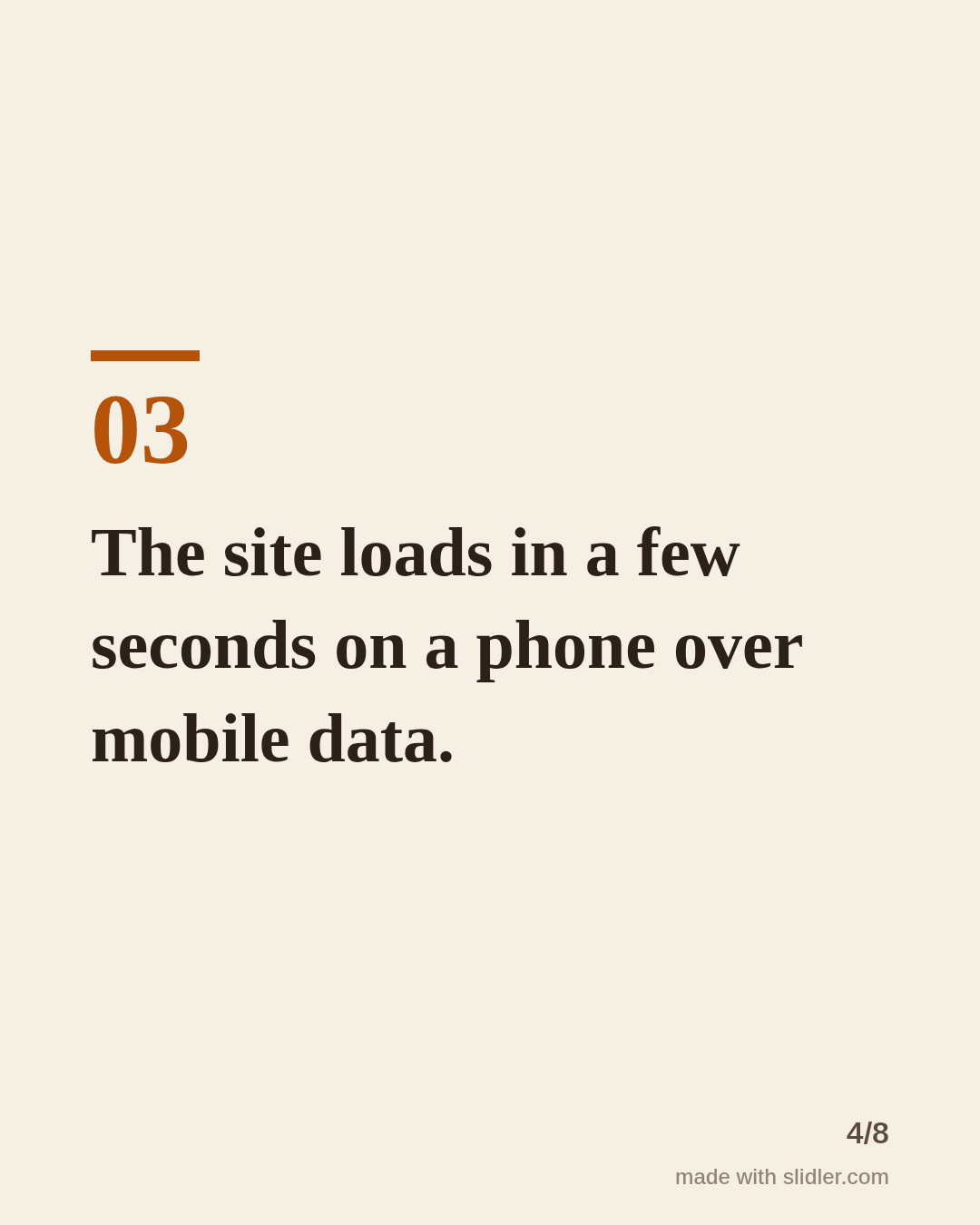
How to use this template
- Cover: "checklist" plus the moment it is for.
- One checkable item per slide.
- Write items as finished states ("Forms tested") so readers can tick them.
- Ask readers to save it for later.
Tip: Ask people to save the post; checklists are one of the formats people come back to.
Edit the sample and make your carousel (free, no sign-up)
The first line becomes the cover; each sentence becomes a slide. Replace the sample with your own words.
FAQ
How do I make a checklist carousel?
Write one checkable item per line, paste them in, and Slidler numbers them on separate slides.
What makes a good checklist item?
It's specific and either done or not done, like "forms tested" rather than "check forms".
Is this template free?
Yes. Slidler is free and needs no account. Free exports carry a small “made with slidler.com” mark.
What size are the slides?
1080×1350 pixels (4:5 portrait), the size LinkedIn and Instagram show largest in the feed. LinkedIn gets a PDF; Instagram gets a zip of PNGs.
Related templates
- How-to guide LinkedIn carousel template
- Tips list LinkedIn carousel template
- LinkedIn carousel template for real estate agents
- Product launch LinkedIn carousel template
- Case study LinkedIn carousel template
Start from your own content instead: Text to carousel · Turn a Notion page into a carousel · All carousel templates