LinkedIn carousel template for restaurants
Restaurants win on Instagram and LinkedIn when they show the people and the process behind a dish. This template turns your menu story into a carousel regulars share. Below is a sample carousel Slidler made from the text in the editor; change the text to yours and make your own in under a minute.
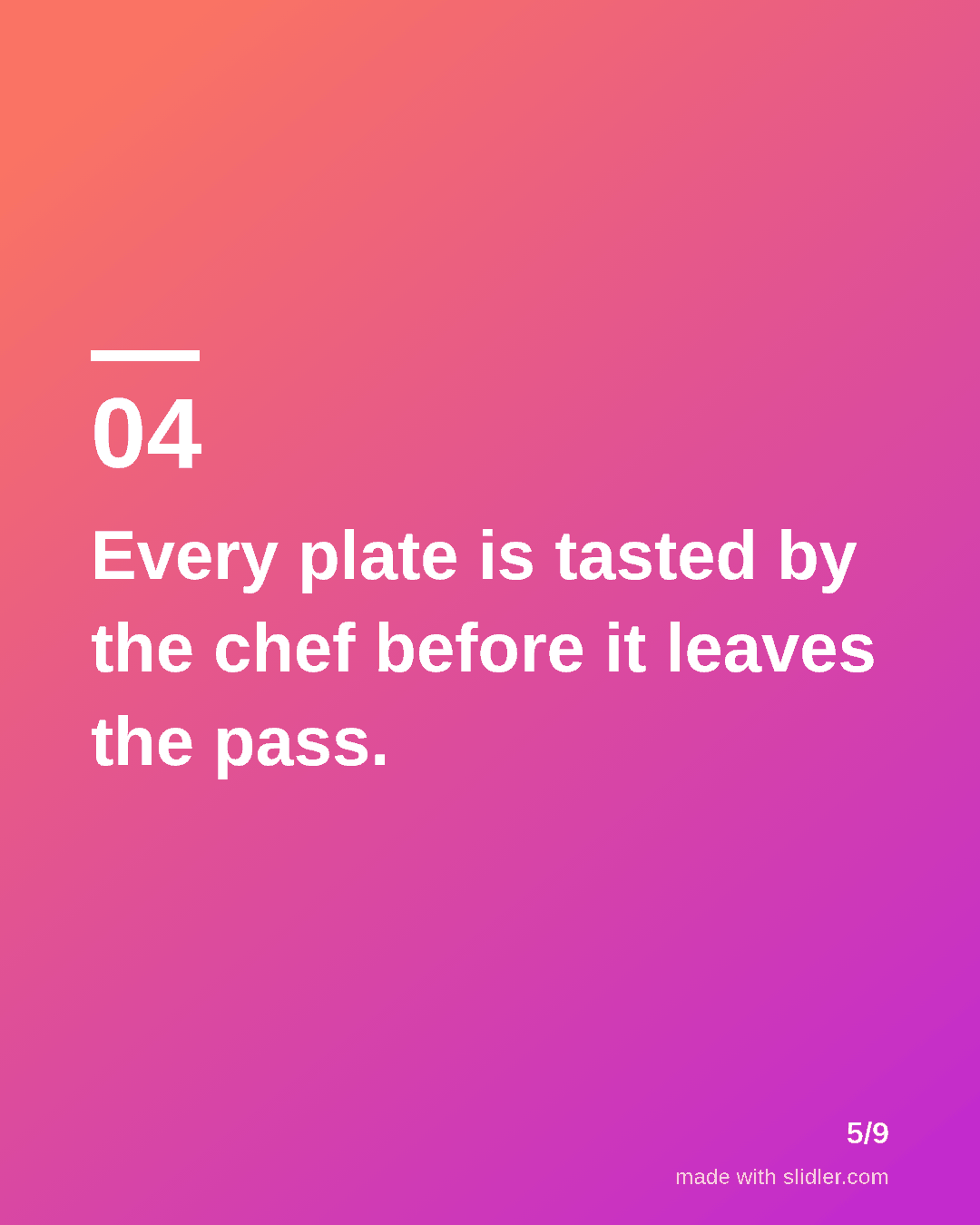
Sample carousel (5 of 9 slides)
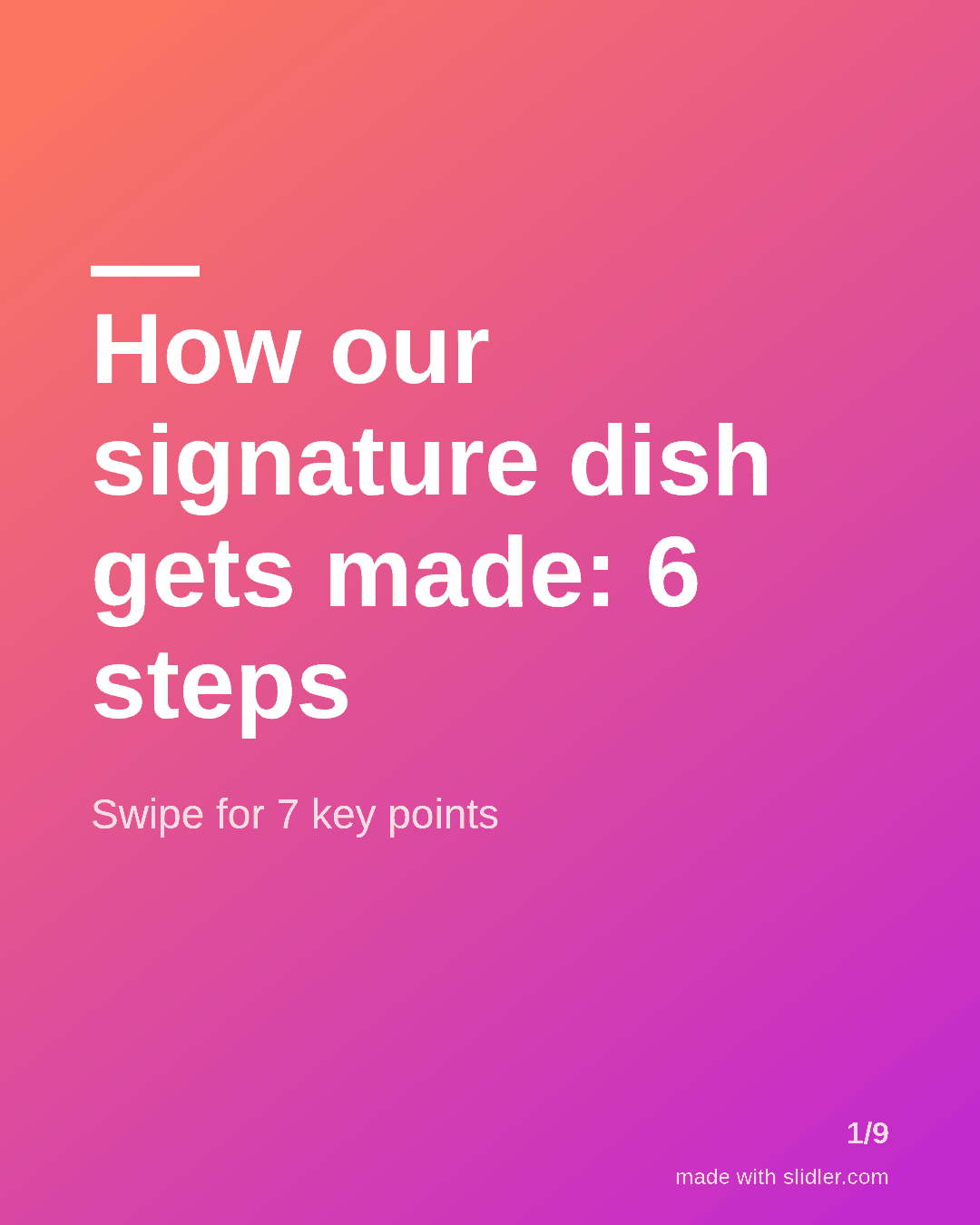
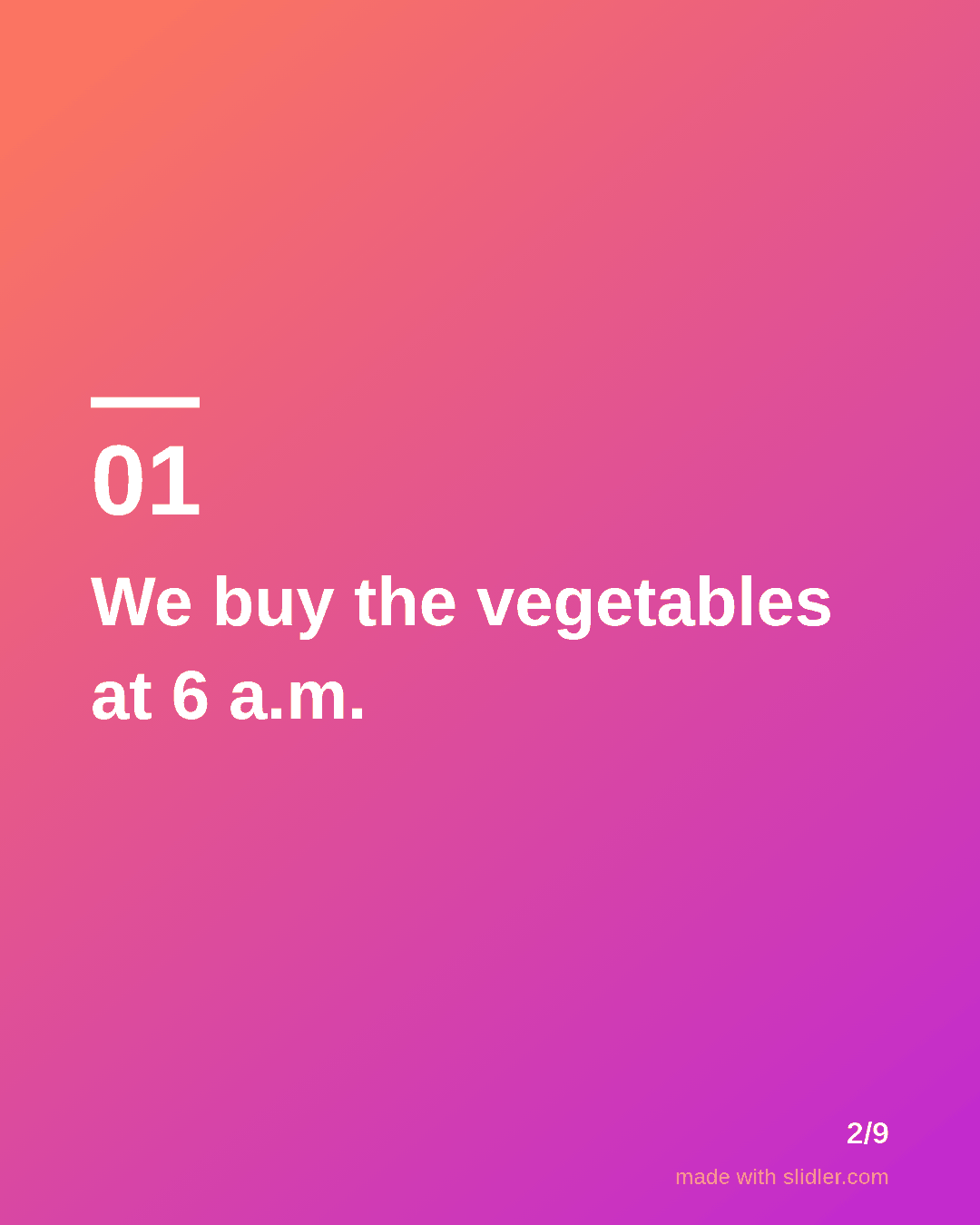
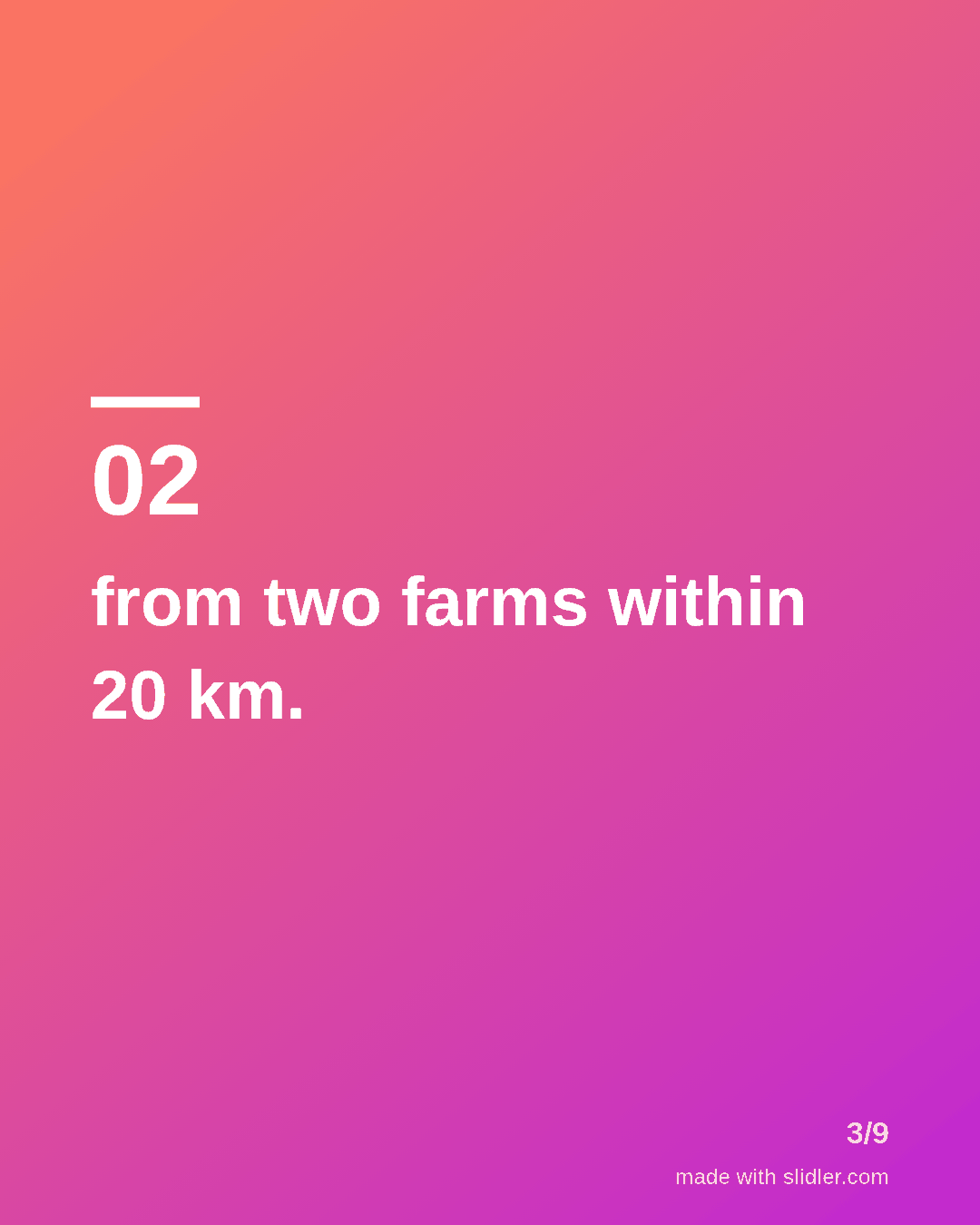
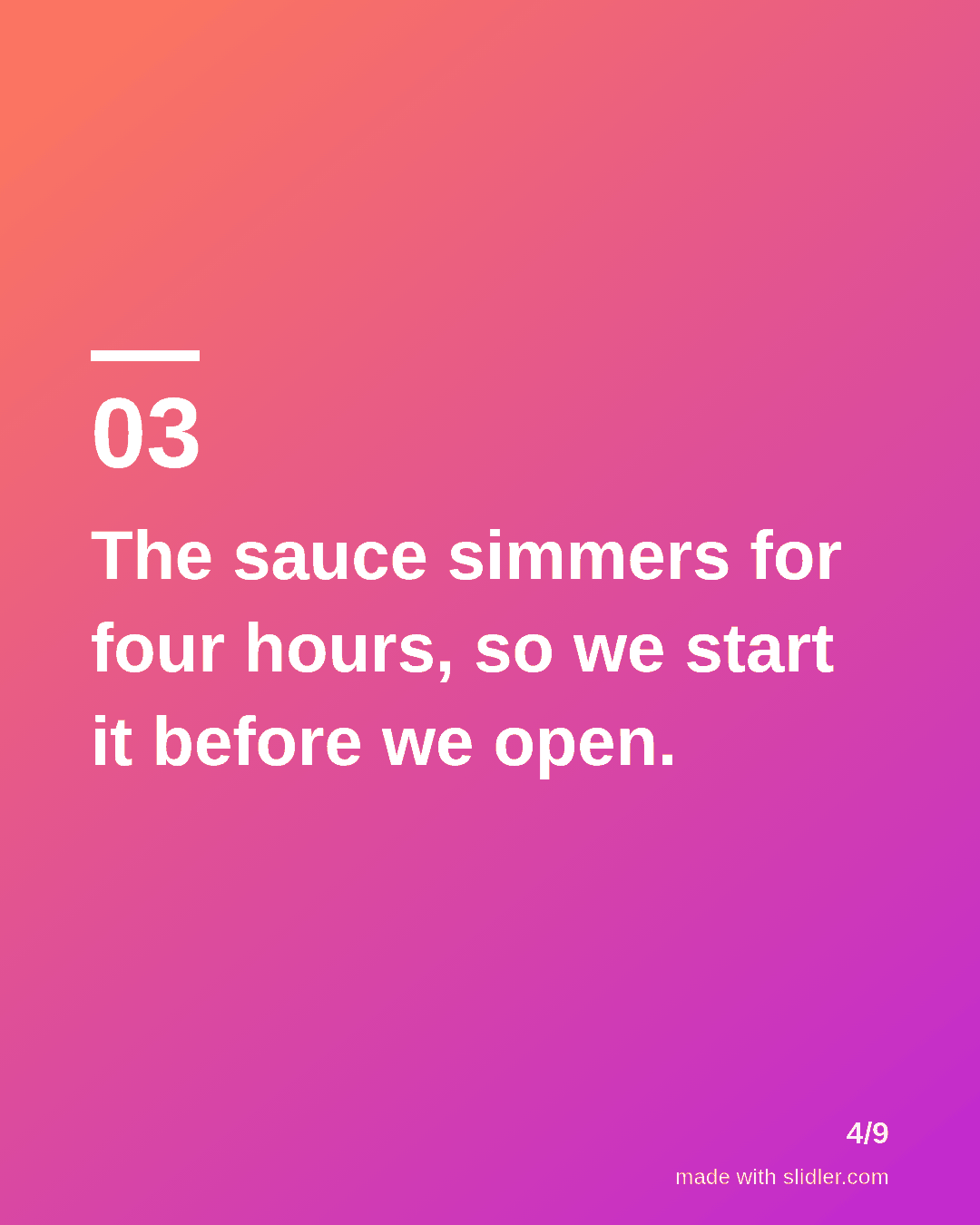
How to use this template
- Cover: the dish and a number of steps.
- One step of the process per slide, with a concrete time or place.
- Put the surprising detail (a guest complaint, a failed recipe) in the middle.
- End with a clear next step: book, order or visit.
Tip: Use your own photos on Instagram and keep the text carousel for LinkedIn and Facebook, where owners and event planners read.
Edit the sample and make your carousel (free, no sign-up)
The first line becomes the cover; each sentence becomes a slide. Replace the sample with your own words.
FAQ
What should a restaurant post as a carousel?
Behind-the-scenes of a dish, your suppliers, a seasonal menu or the story of the team.
How often should a restaurant post carousels?
Once a week is enough; tie posts to menu changes, events and holidays.
Is this template free?
Yes. Slidler is free and needs no account. Free exports carry a small “made with slidler.com” mark.
What size are the slides?
1080×1350 pixels (4:5 portrait), the size LinkedIn and Instagram show largest in the feed. LinkedIn gets a PDF; Instagram gets a zip of PNGs.
Related templates
- LinkedIn carousel template for small businesses
- Behind the scenes LinkedIn carousel template
- LinkedIn carousel template for ecommerce brands
- LinkedIn carousel template for founders
- LinkedIn carousel template for recruiters
Start from your own content instead: Turn any URL into a carousel · Instagram carousel maker · All carousel templates