Behind the scenes LinkedIn carousel template
Behind-the-scenes posts make a company feel human. This template turns how your team really works into a carousel people trust. Below is a sample carousel Slidler made from the text in the editor; change the text to yours and make your own in under a minute.
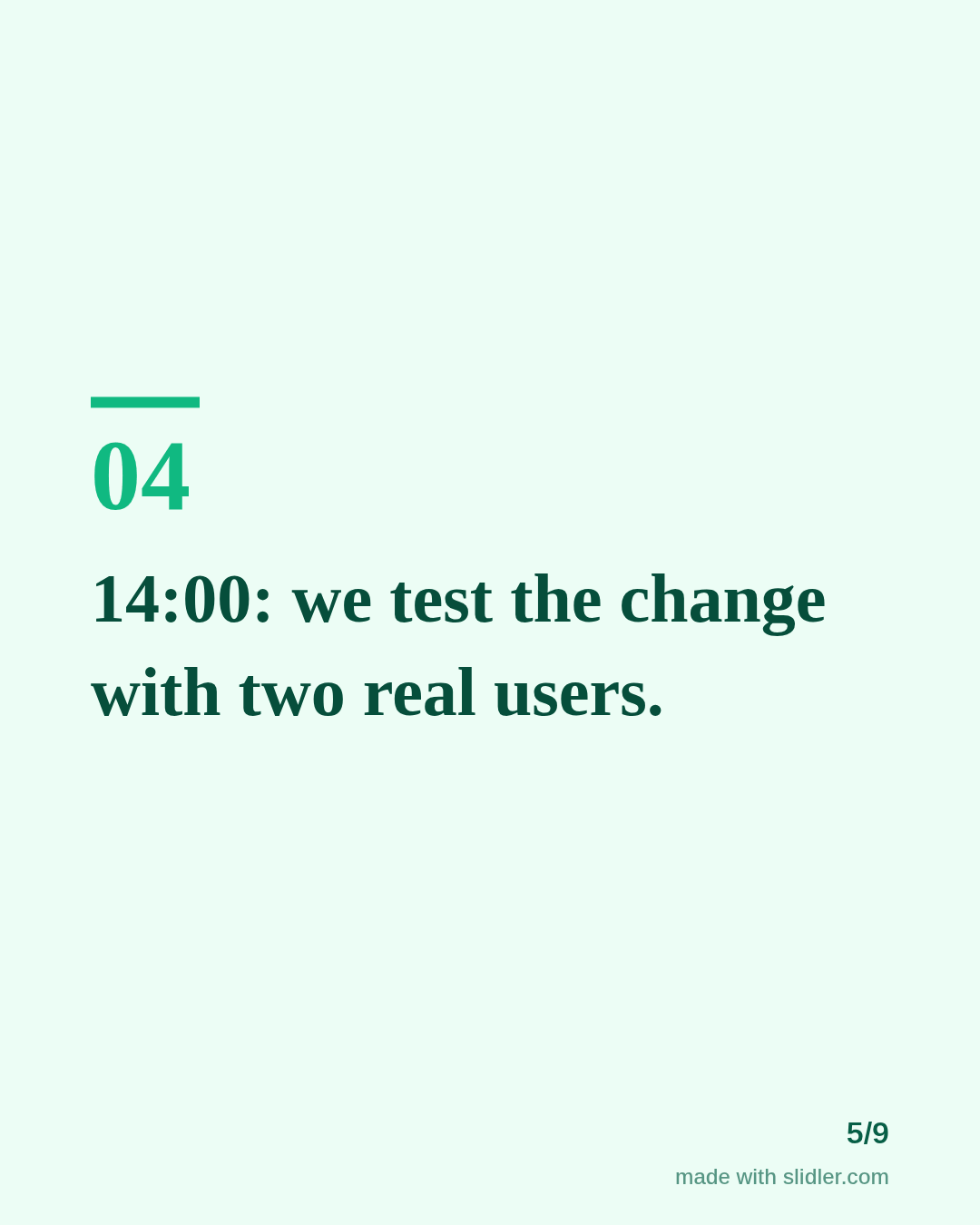
Sample carousel (5 of 9 slides)
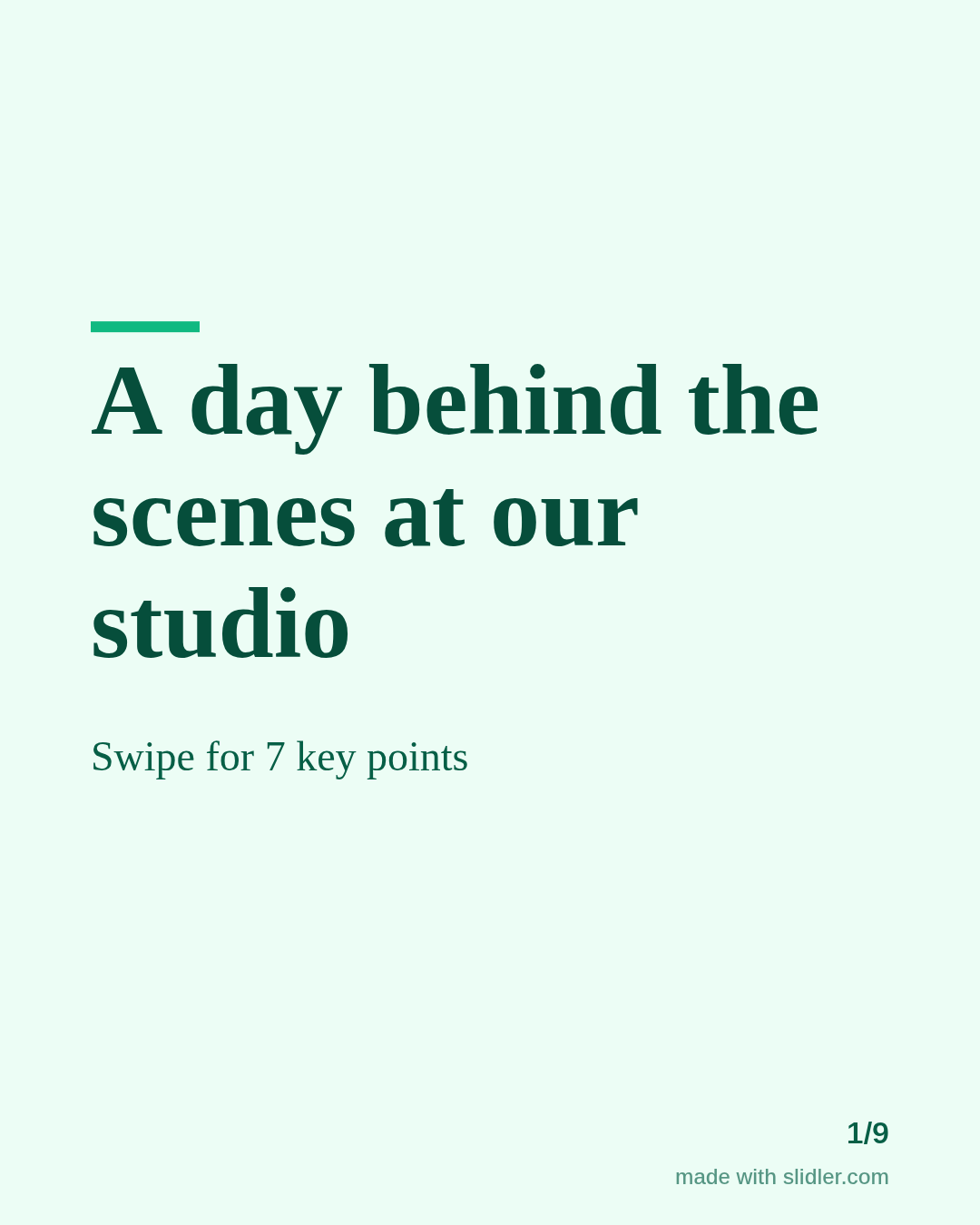
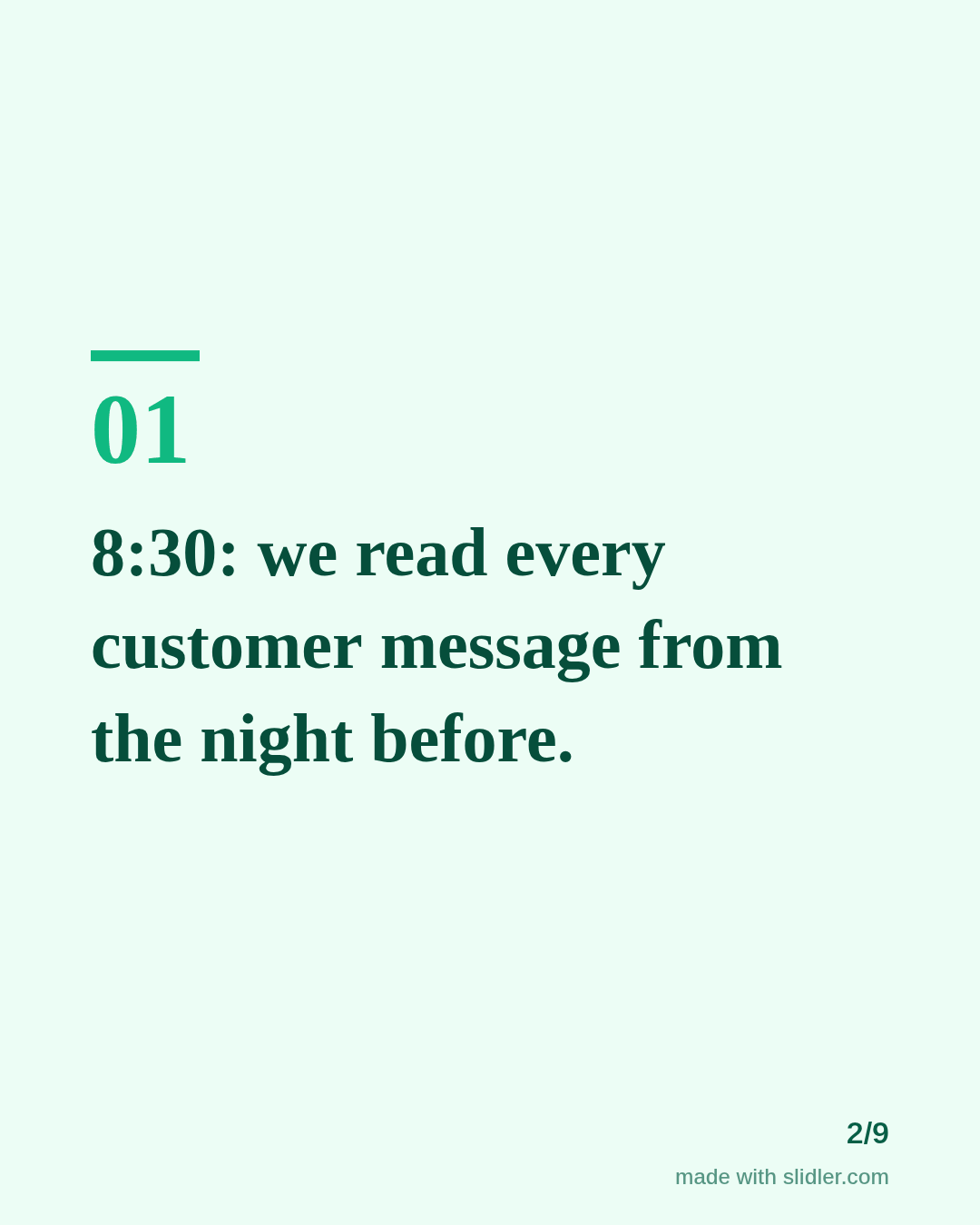
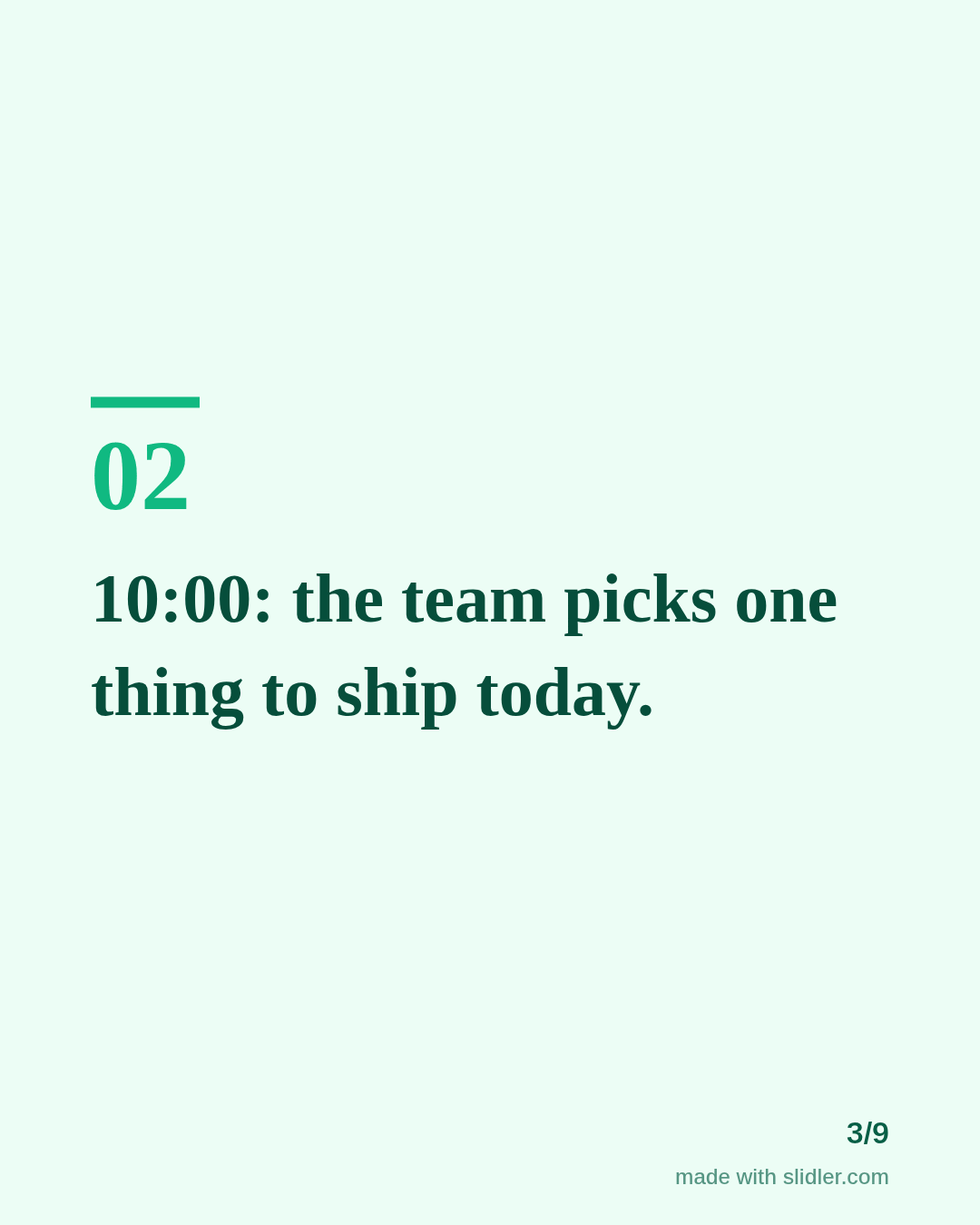
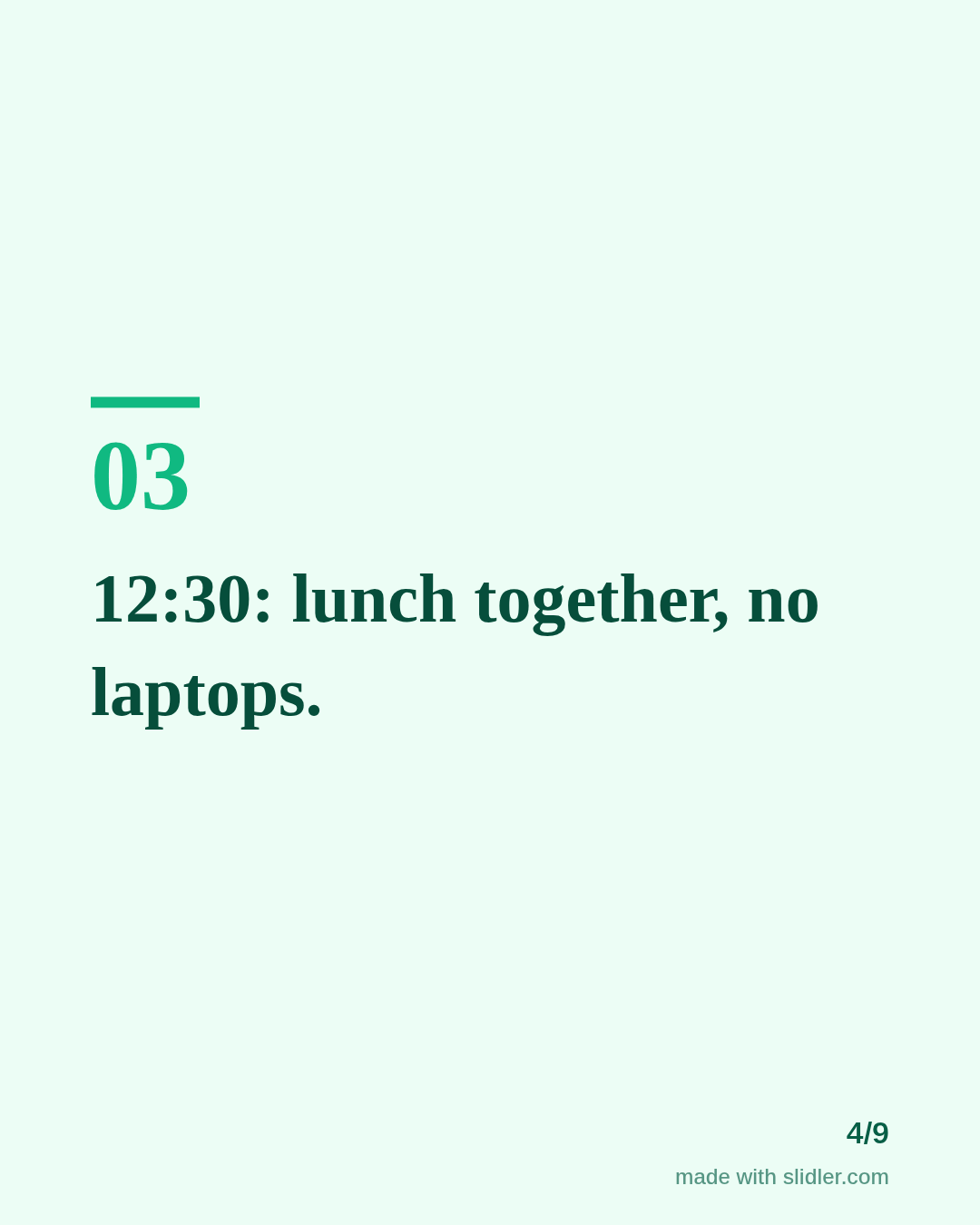
How to use this template
- Cover: the place and the time frame.
- One moment per slide, with a time stamp.
- Show one thing that went wrong, not only the polished parts.
- End by inviting questions.
Tip: Time stamps make the post feel real; keep them, even when the day was ordinary.
Edit the sample and make your carousel (free, no sign-up)
The first line becomes the cover; each sentence becomes a slide. Replace the sample with your own words.
FAQ
What is a behind-the-scenes post?
A look at how your work really happens: the process, the team and the mess.
Do behind-the-scenes carousels work for small businesses?
Yes, they are often the most engaging posts for local and small brands.
Is this template free?
Yes. Slidler is free and needs no account. Free exports carry a small “made with slidler.com” mark.
What size are the slides?
1080×1350 pixels (4:5 portrait), the size LinkedIn and Instagram show largest in the feed. LinkedIn gets a PDF; Instagram gets a zip of PNGs.
Related templates
- LinkedIn carousel template for small businesses
- LinkedIn carousel template for restaurants
- Personal story LinkedIn carousel template
- Product launch LinkedIn carousel template
- Case study LinkedIn carousel template
Start from your own content instead: Text to carousel · Instagram carousel maker · All carousel templates