LinkedIn carousel template for ecommerce brands
Online shops sell more when posts teach instead of advertise. This template turns product know-how into a carousel shoppers save. Below is a sample carousel Slidler made from the text in the editor; change the text to yours and make your own in under a minute.
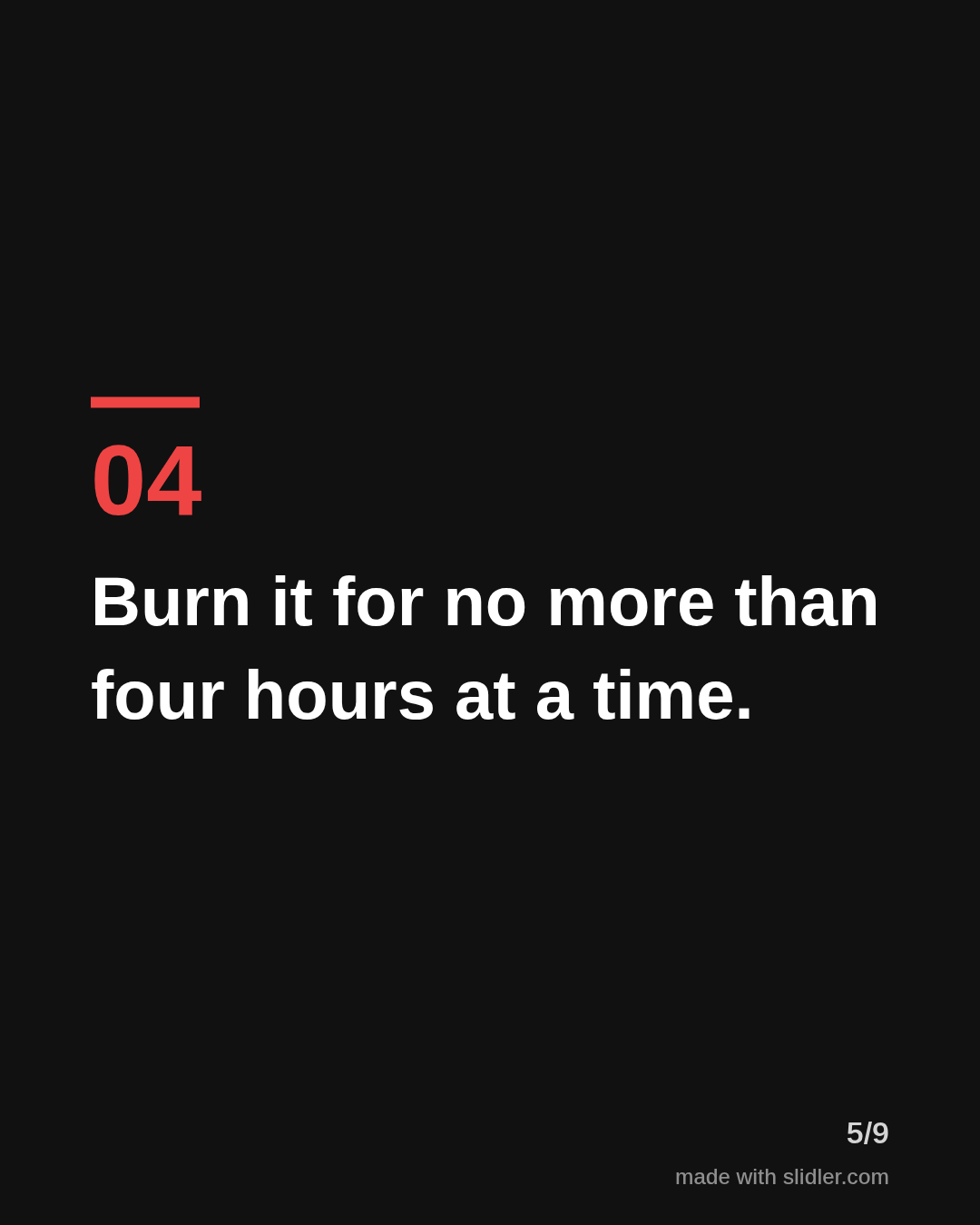
Sample carousel (5 of 9 slides)
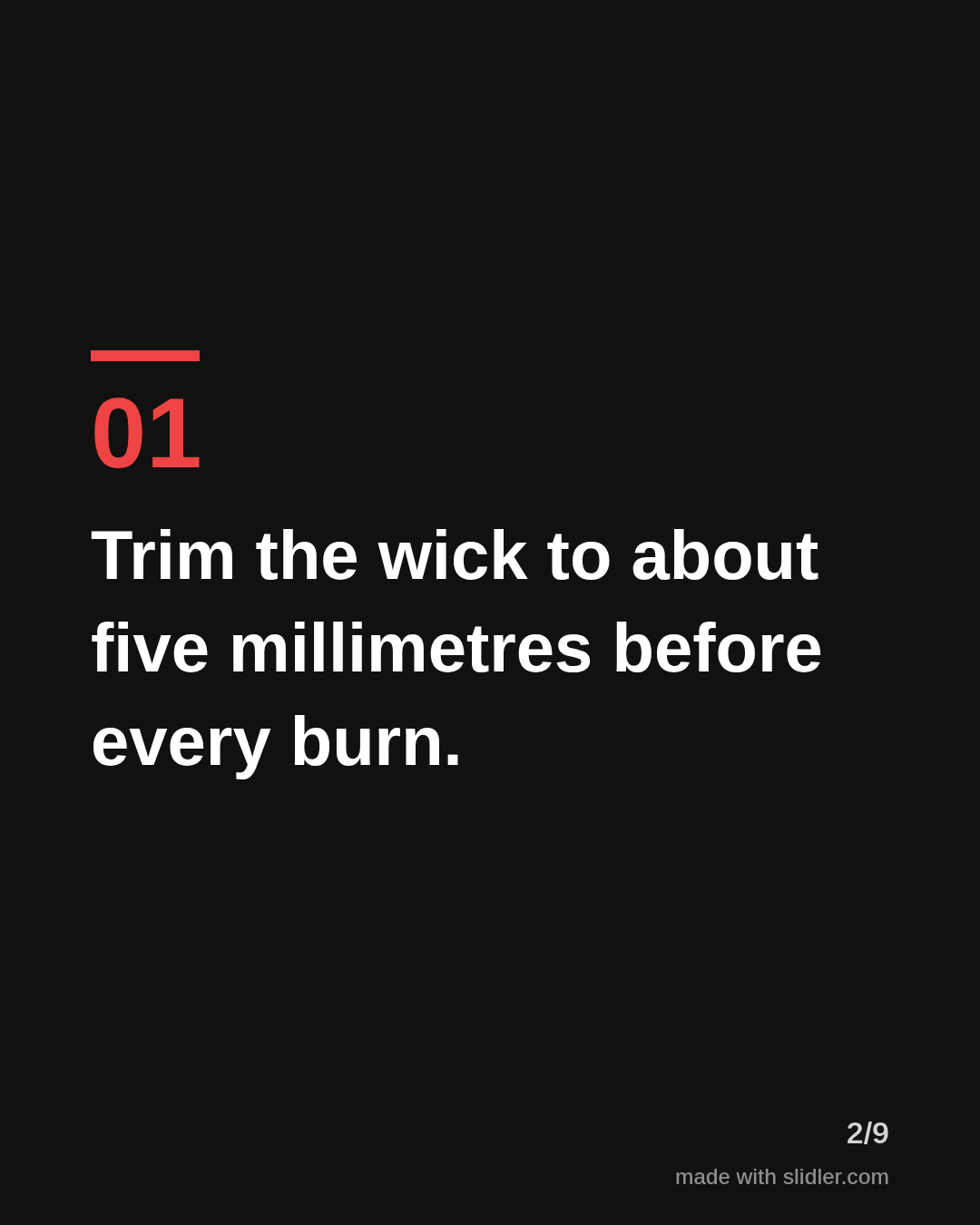
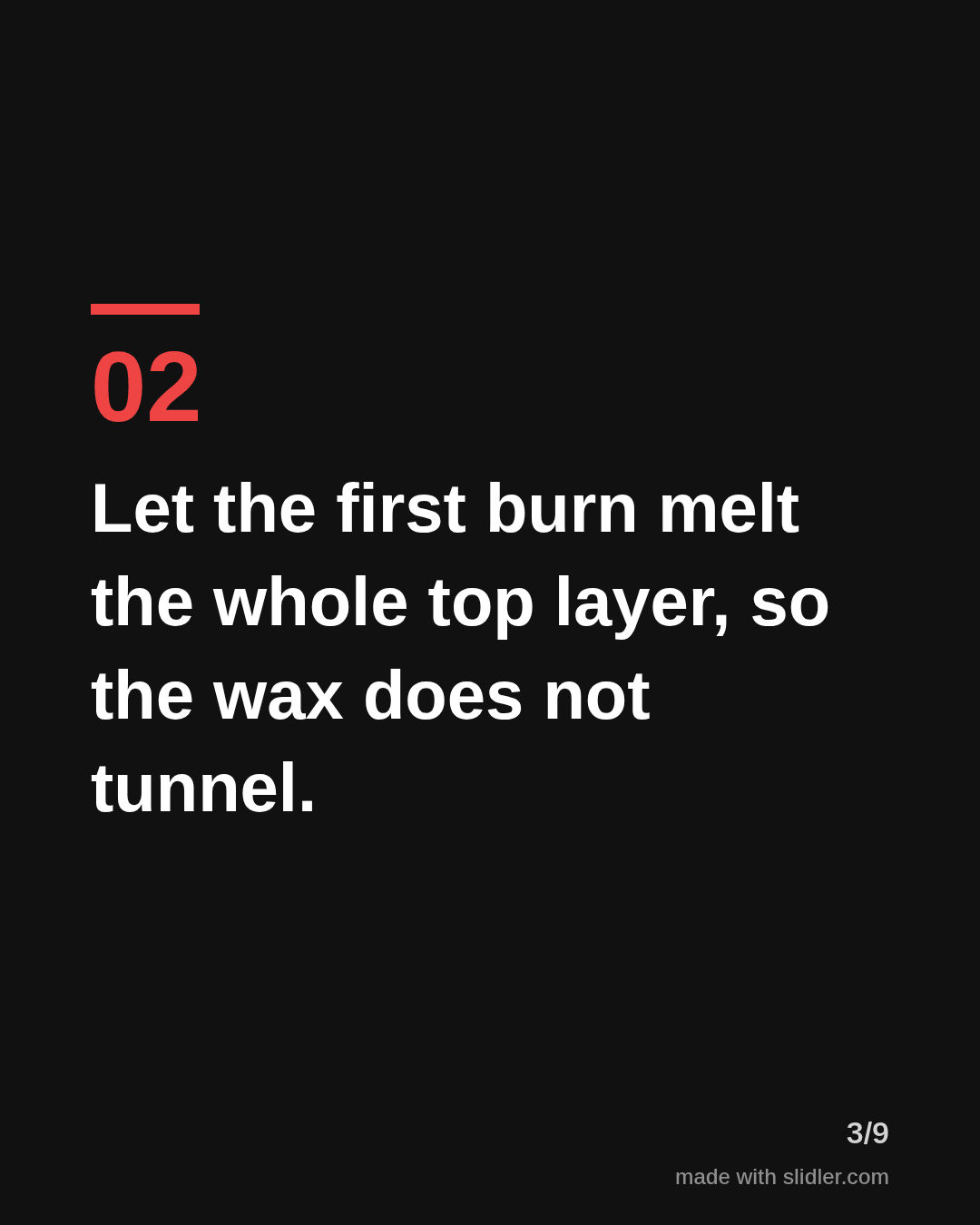
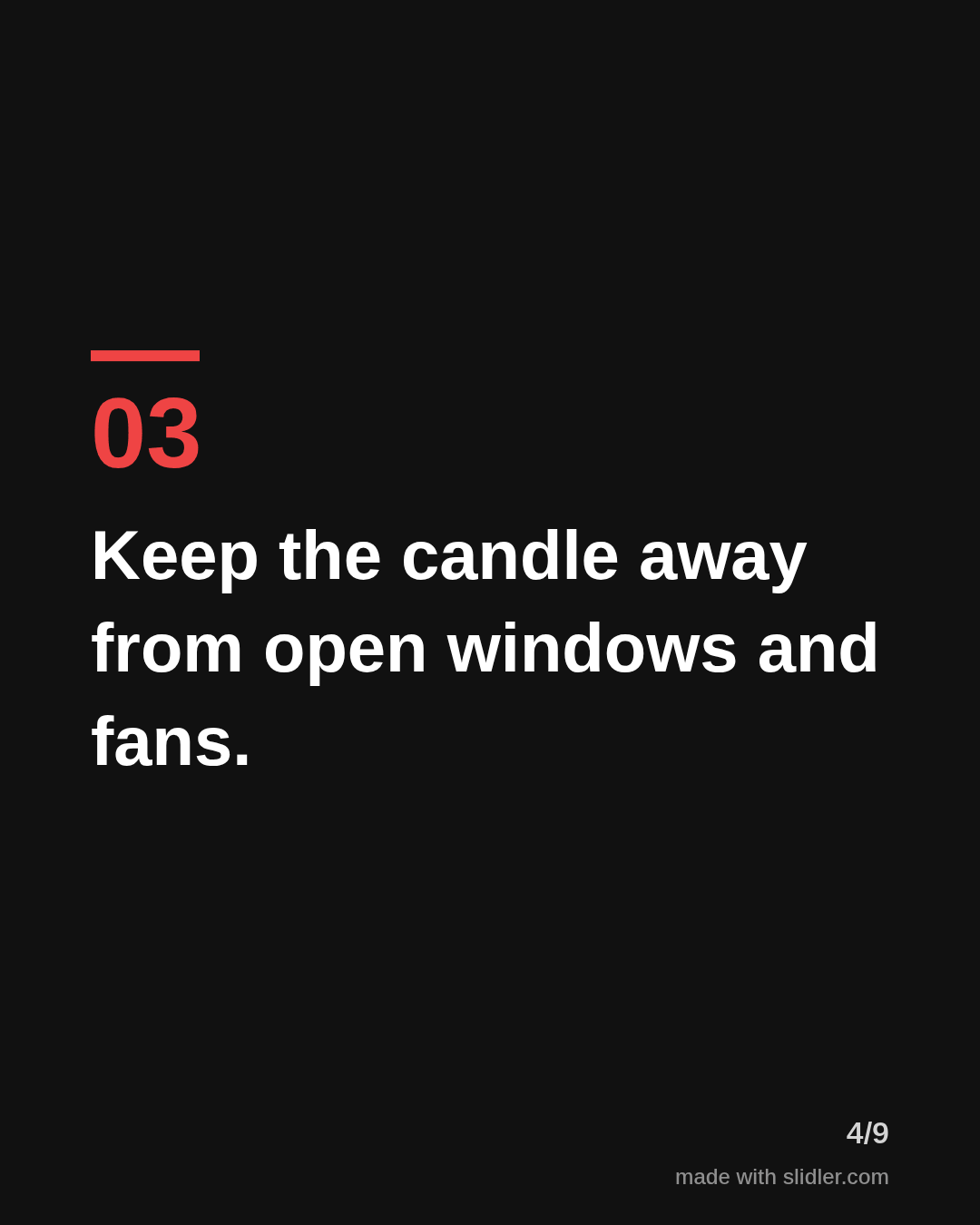
How to use this template
- Cover: a number and a benefit the buyer wants.
- One practical tip per slide about using the product.
- Mention your product only on the last slide.
- Ask readers to save the post for later.
Tip: Teach first, sell last; a carousel that is useful without your product gets shared more.
Edit the sample and make your carousel (free, no sign-up)
The first line becomes the cover; each sentence becomes a slide. Replace the sample with your own words.
FAQ
What carousels work for ecommerce brands?
Care guides, how-to-use tips, gift guides, comparisons and behind-the-scenes posts about how products are made.
Can I make Instagram carousels for my shop?
Yes, Slidler exports 1080x1350 PNG slides that fit Instagram, plus a PDF for LinkedIn.
Is this template free?
Yes. Slidler is free and needs no account. Free exports carry a small “made with slidler.com” mark.
What size are the slides?
1080×1350 pixels (4:5 portrait), the size LinkedIn and Instagram show largest in the feed. LinkedIn gets a PDF; Instagram gets a zip of PNGs.
Related templates
- LinkedIn carousel template for small businesses
- Tips list LinkedIn carousel template
- Product launch LinkedIn carousel template
- LinkedIn carousel template for founders
- LinkedIn carousel template for recruiters
Start from your own content instead: Instagram carousel maker · Turn any URL into a carousel · All carousel templates