LinkedIn carousel template for real estate agents
Buyers and sellers search for answers long before they call an agent. A carousel that walks them through one step of the process shows you know it, without a hard sell. Below is a sample carousel Slidler made from the text in the editor; change the text to yours and make your own in under a minute.
Sample carousel (5 of 8 slides)
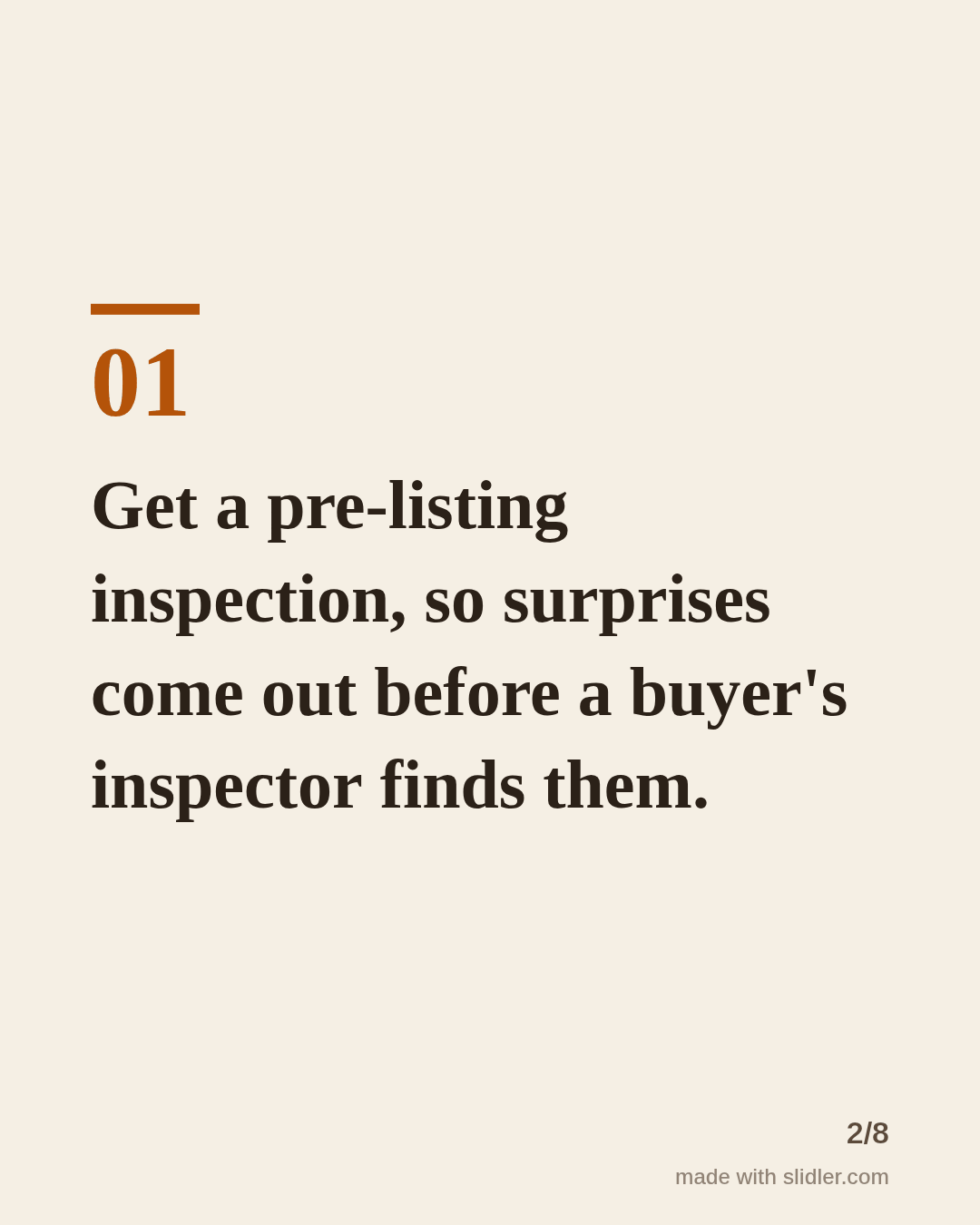
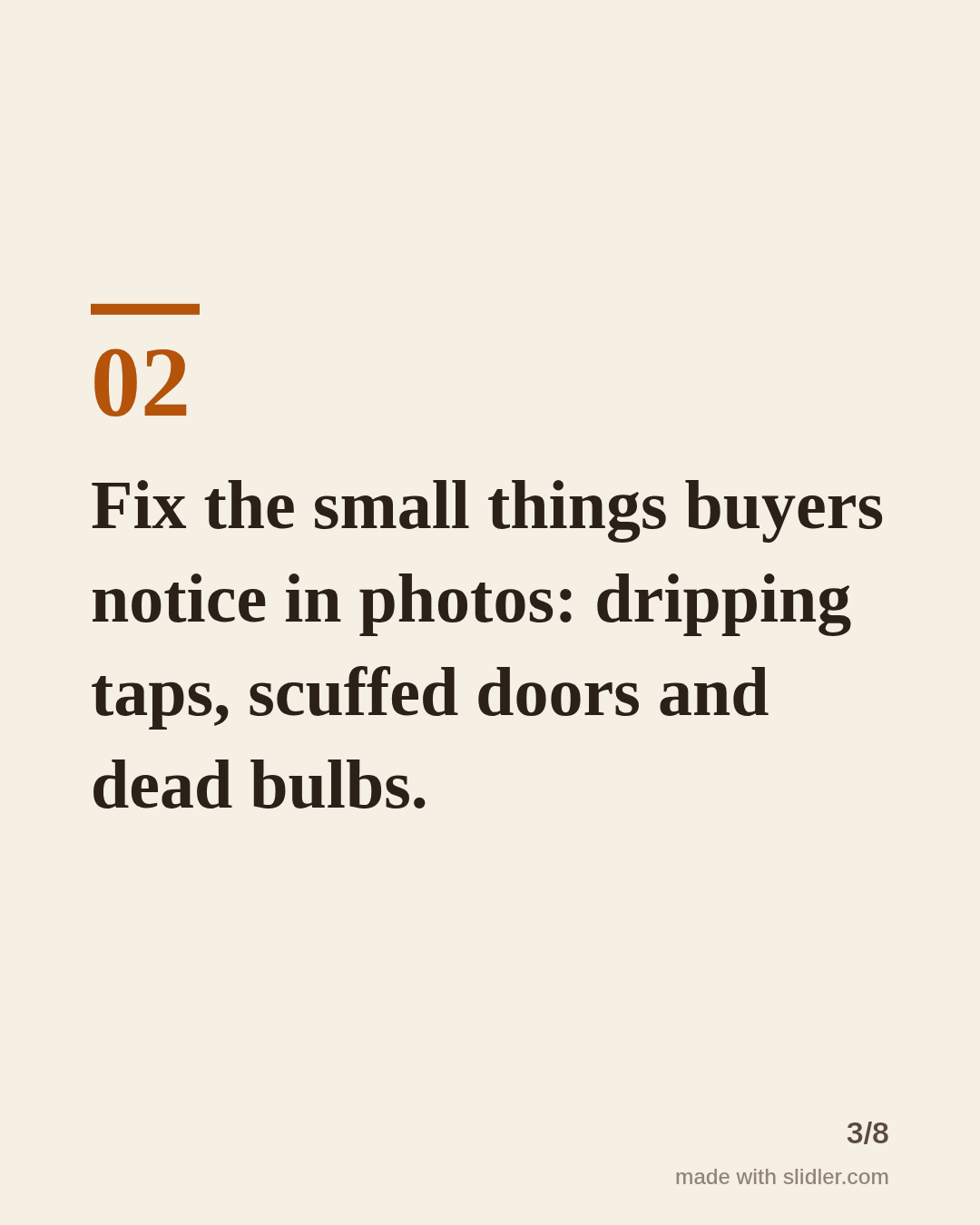
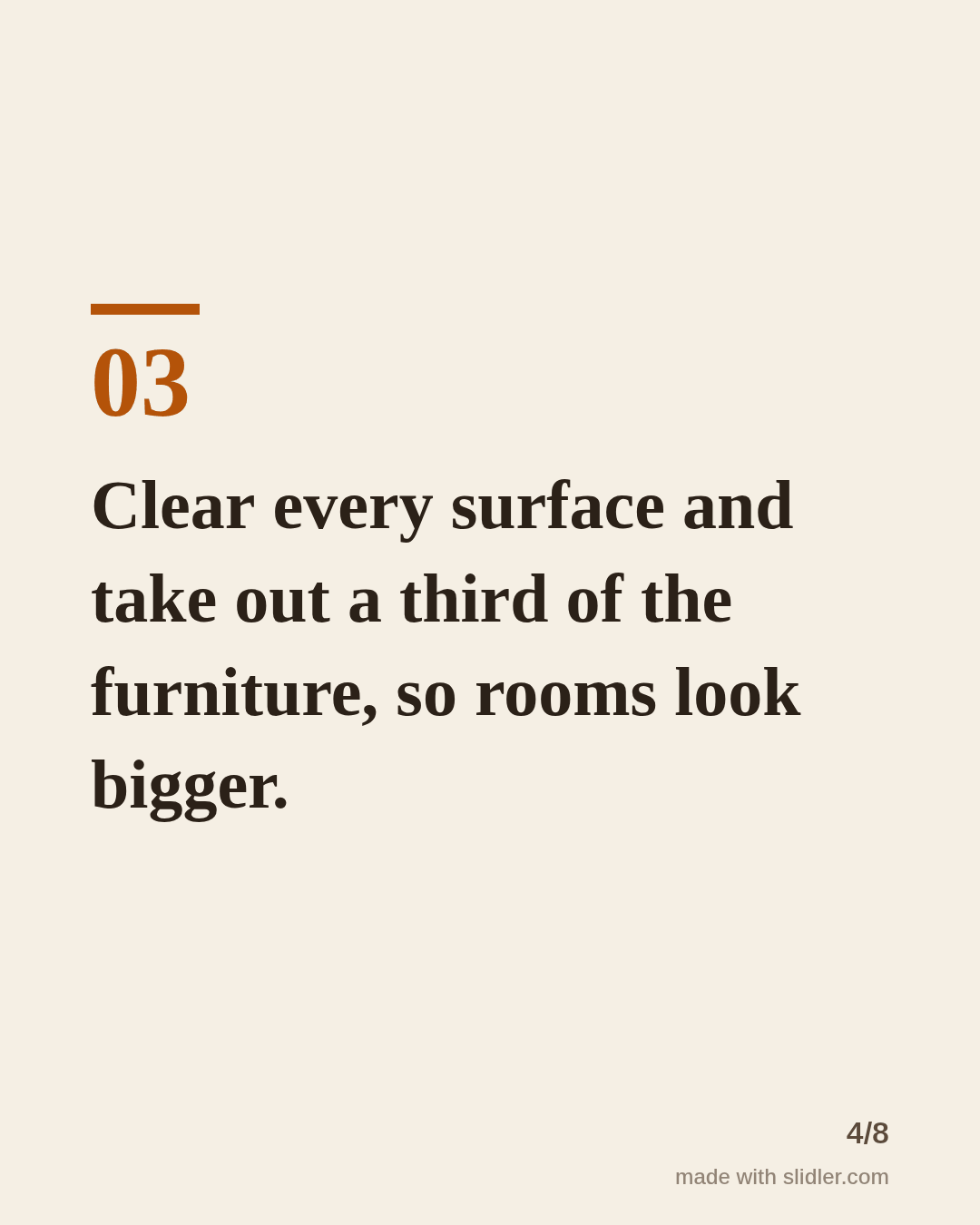
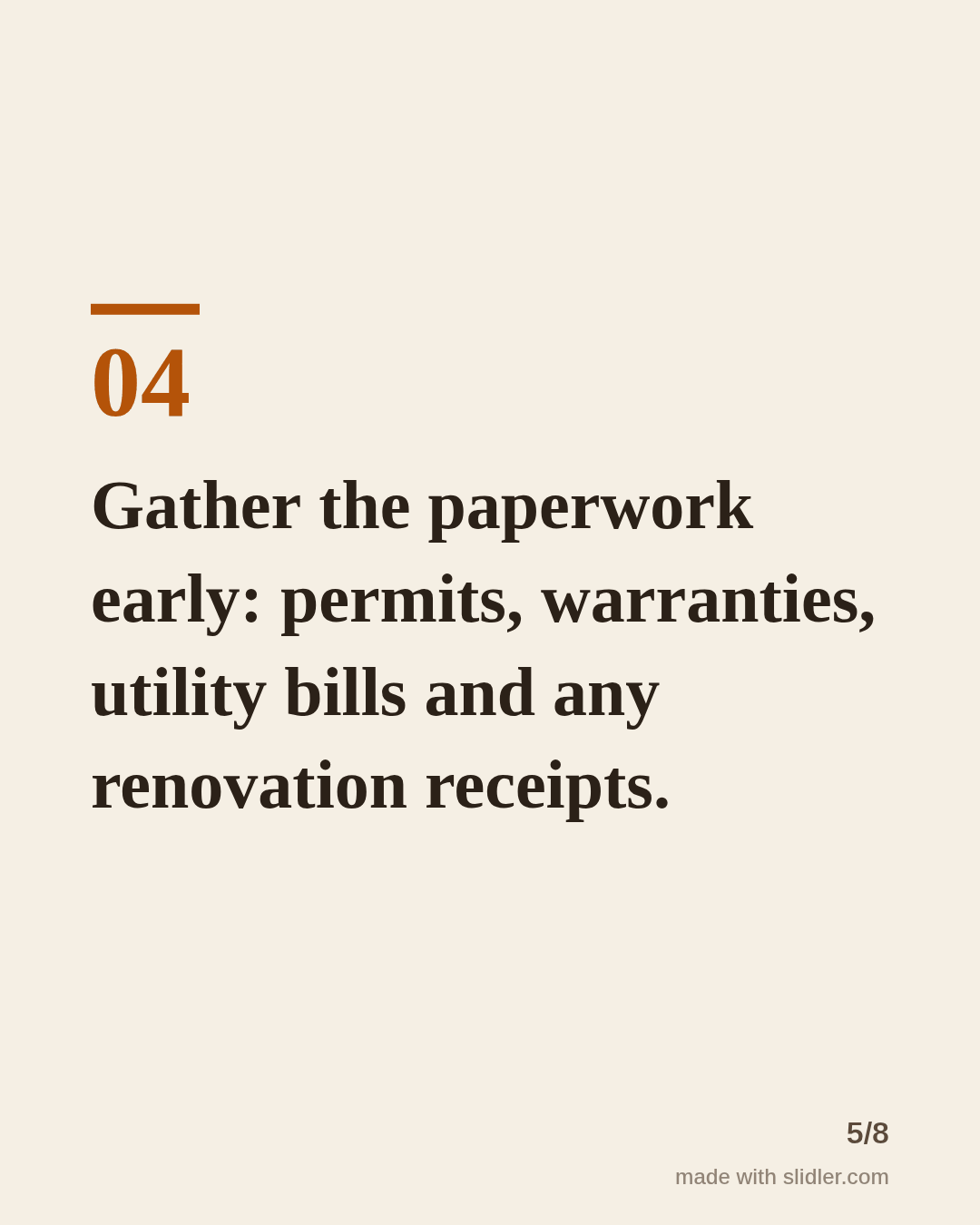
How to use this template
- Cover: one stage of the process ("before you list", "your first viewing").
- One concrete action per slide that a homeowner can do this weekend.
- Keep local rules out of the slides, or say they vary by area.
- End with an offer that fits: a free valuation, a checklist or "DM me your questions".
Tip: Real estate rules and costs vary by country and state; keep the slides general and put local specifics in the post text.
Edit the sample and make your carousel (free, no sign-up)
The first line becomes the cover; each sentence becomes a slide. Replace the sample with your own words.
FAQ
What carousel posts work for real estate agents?
Step-by-step guides for buyers and sellers, neighbourhood guides, market updates with sources, and myths vs facts about the process.
Can I add listing photos?
Slidler makes text slides. For property photos, try our before/after slider for renovations, or add photos in your design tool after exporting.
Is this template free?
Yes. Slidler is free and needs no account. Free exports carry a small “made with slidler.com” mark.
What size are the slides?
1080×1350 pixels (4:5 portrait), the size LinkedIn and Instagram show largest in the feed. LinkedIn gets a PDF; Instagram gets a zip of PNGs.
Related templates
- Checklist LinkedIn carousel template
- Myths vs facts LinkedIn carousel template
- LinkedIn carousel template for small businesses
- LinkedIn carousel template for founders
- LinkedIn carousel template for recruiters
Start from your own content instead: Text to carousel · Real Estate Before & After Slider · All carousel templates