LinkedIn carousel template for photographers
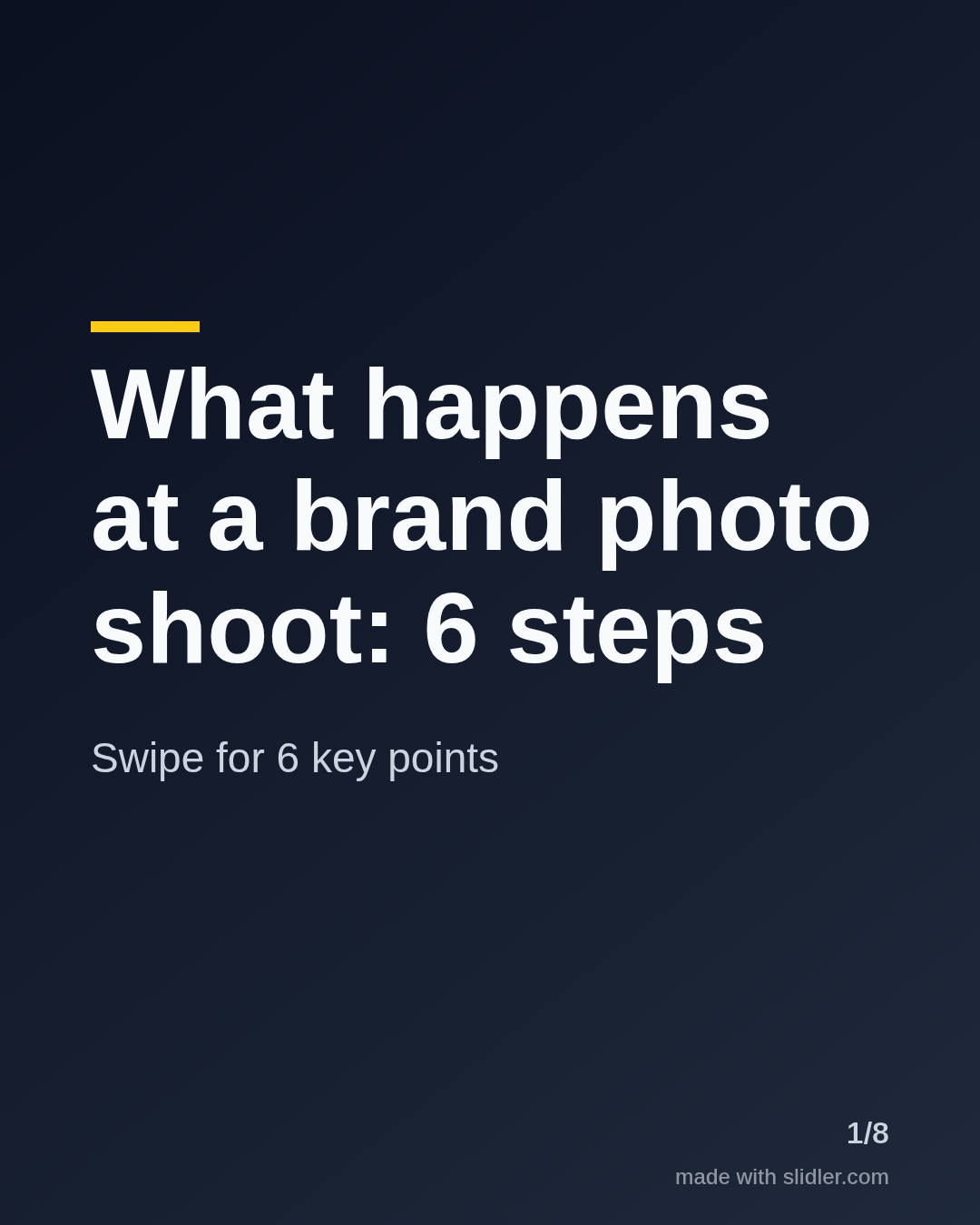
Photographers get booked when clients understand how a shoot works and what it costs. This template turns your process into a carousel that answers questions before the first call. Below is a sample carousel Slidler made from the text in the editor; change the text to yours and make your own in under a minute.
Sample carousel (5 of 8 slides)

How to use this template
- Cover: the type of shoot and the number of steps.
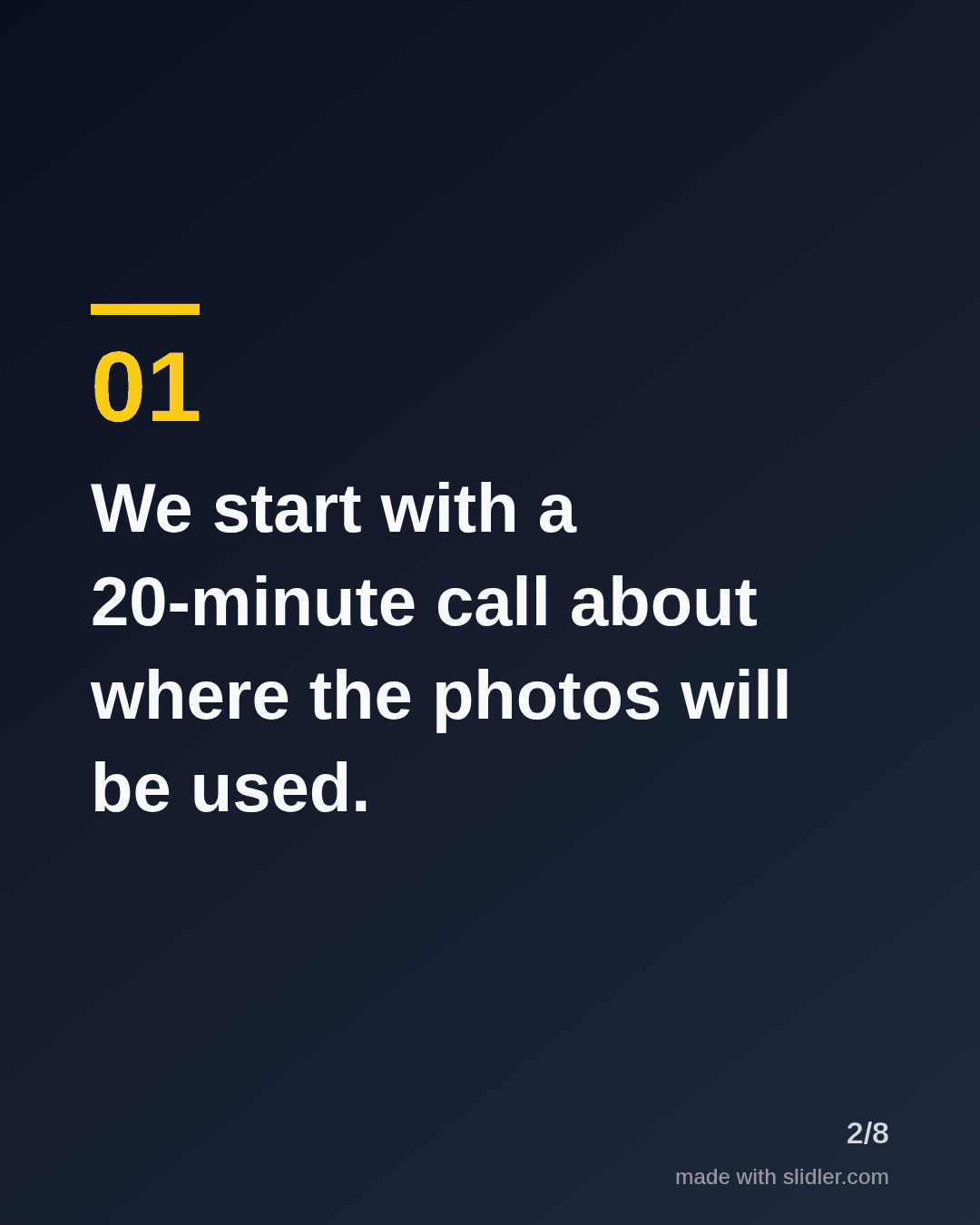
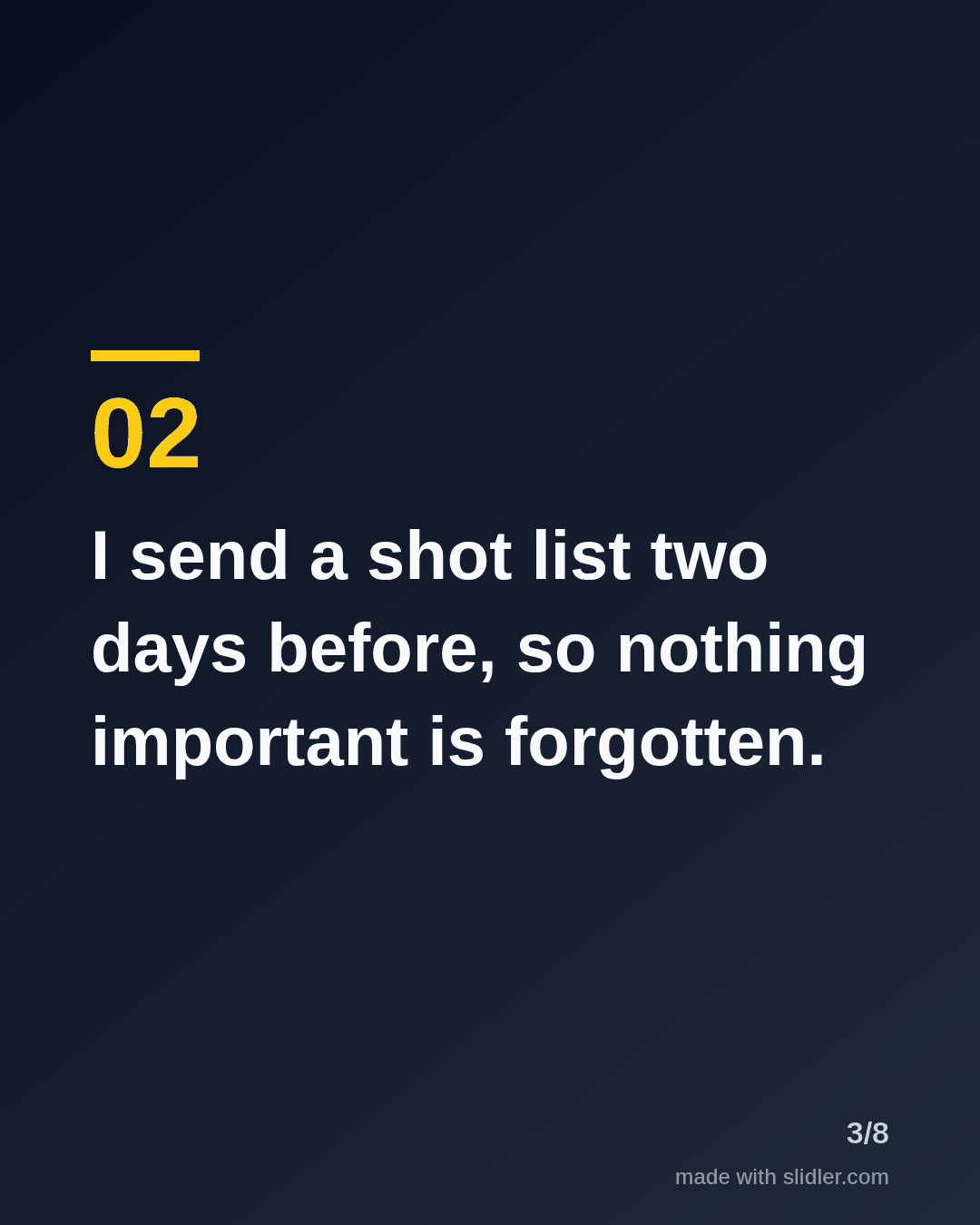
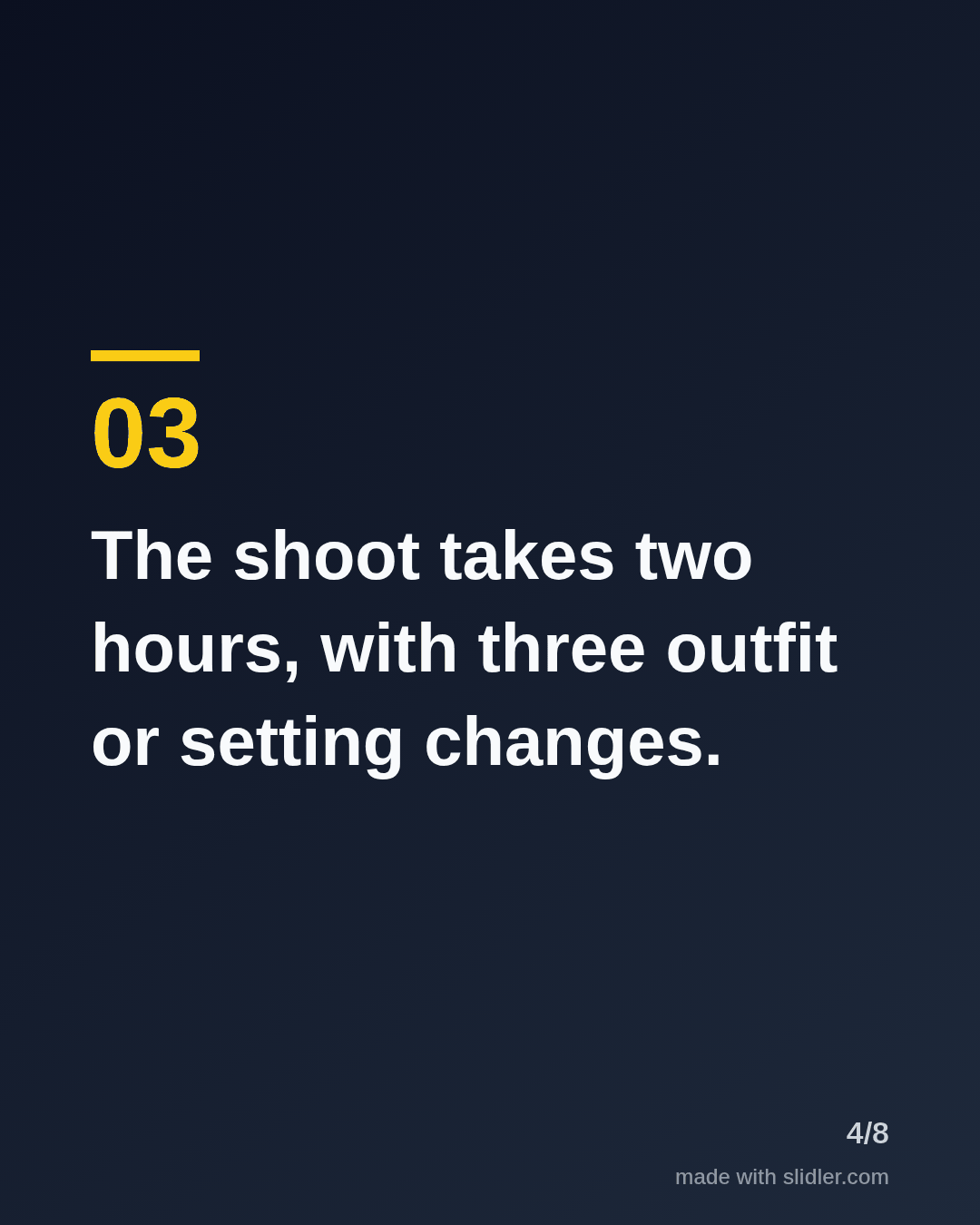
- One step per slide, with a time frame clients can plan around.
- Answer the most common worry (price, posing, delivery time) in the middle.
- End with an offer that costs the reader nothing, like a checklist.
Tip: Pair the text carousel with one strong photo in the comments; the carousel explains, the photo convinces.
Edit the sample and make your carousel (free, no sign-up)
The first line becomes the cover; each sentence becomes a slide. Replace the sample with your own words.
FAQ
What should photographers post on LinkedIn?
Your process, client stories, pricing explained and tips for looking good on camera.
Do carousels work for photographers?
Yes, for explaining a process; use image posts for the portfolio itself.
Is this template free?
Yes. Slidler is free and needs no account. Free exports carry a small “made with slidler.com” mark.
What size are the slides?
1080×1350 pixels (4:5 portrait), the size LinkedIn and Instagram show largest in the feed. LinkedIn gets a PDF; Instagram gets a zip of PNGs.
Related templates
- How-to guide LinkedIn carousel template
- Customer testimonial LinkedIn carousel template
- LinkedIn carousel template for graphic designers
- LinkedIn carousel template for founders
- LinkedIn carousel template for recruiters
Start from your own content instead: Instagram carousel maker · Text to carousel · All carousel templates