Customer testimonial LinkedIn carousel template
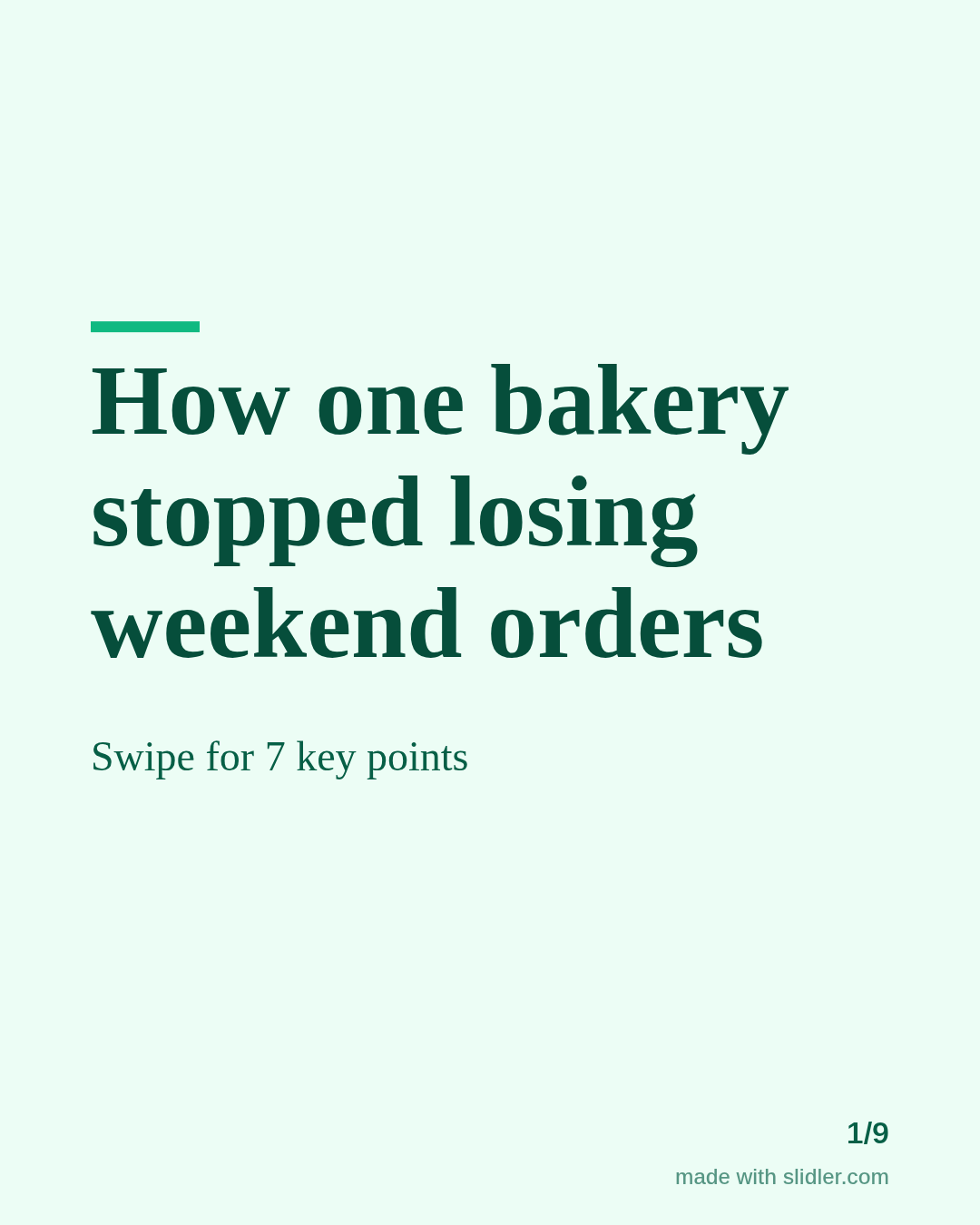
A testimonial carousel tells one customer's story instead of stacking star ratings. This template frames it as before, change and after, in the customer's words. Below is a sample carousel Slidler made from the text in the editor; change the text to yours and make your own in under a minute.
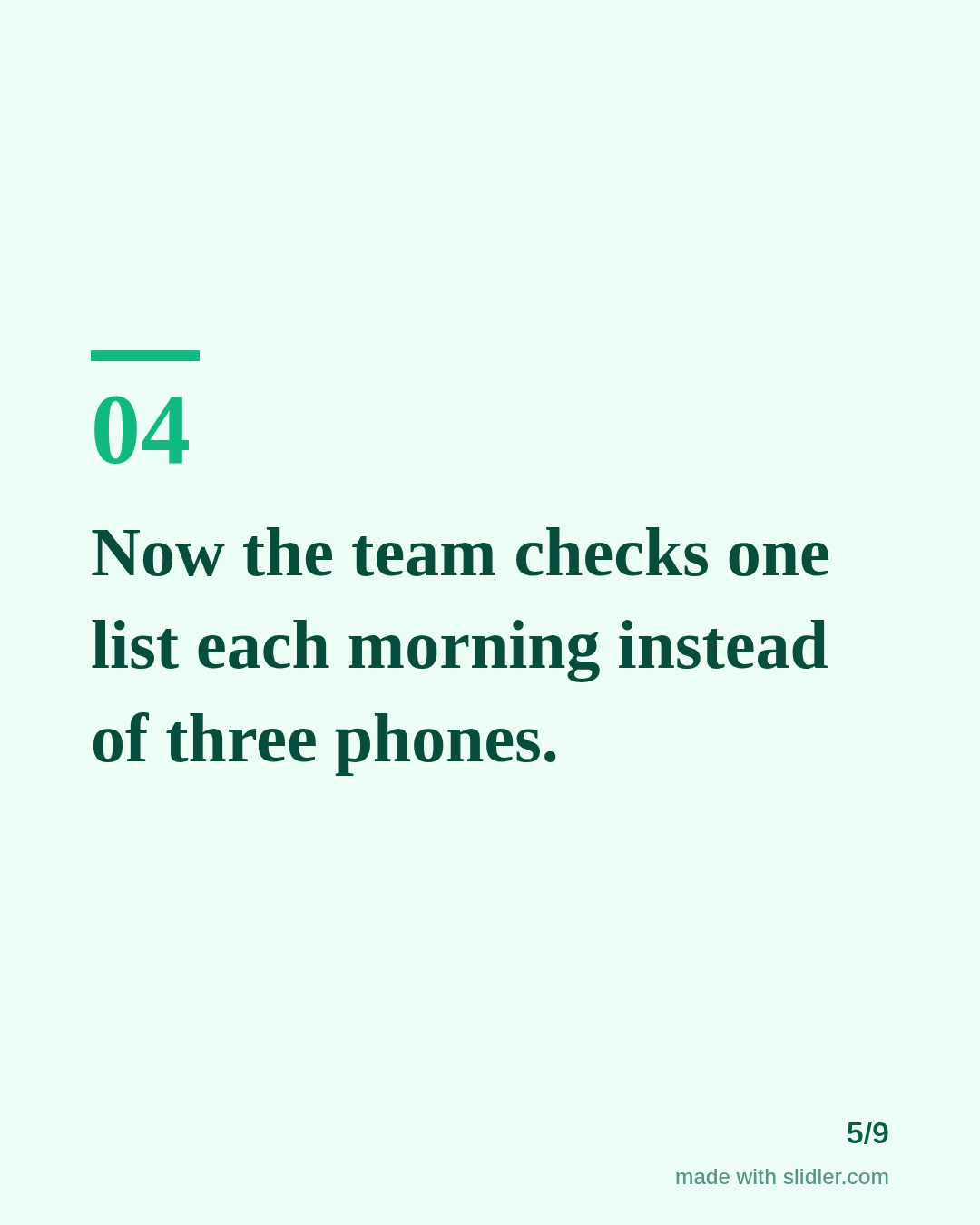
Sample carousel (5 of 9 slides)
How to use this template
- Cover: the customer type and the problem solved.
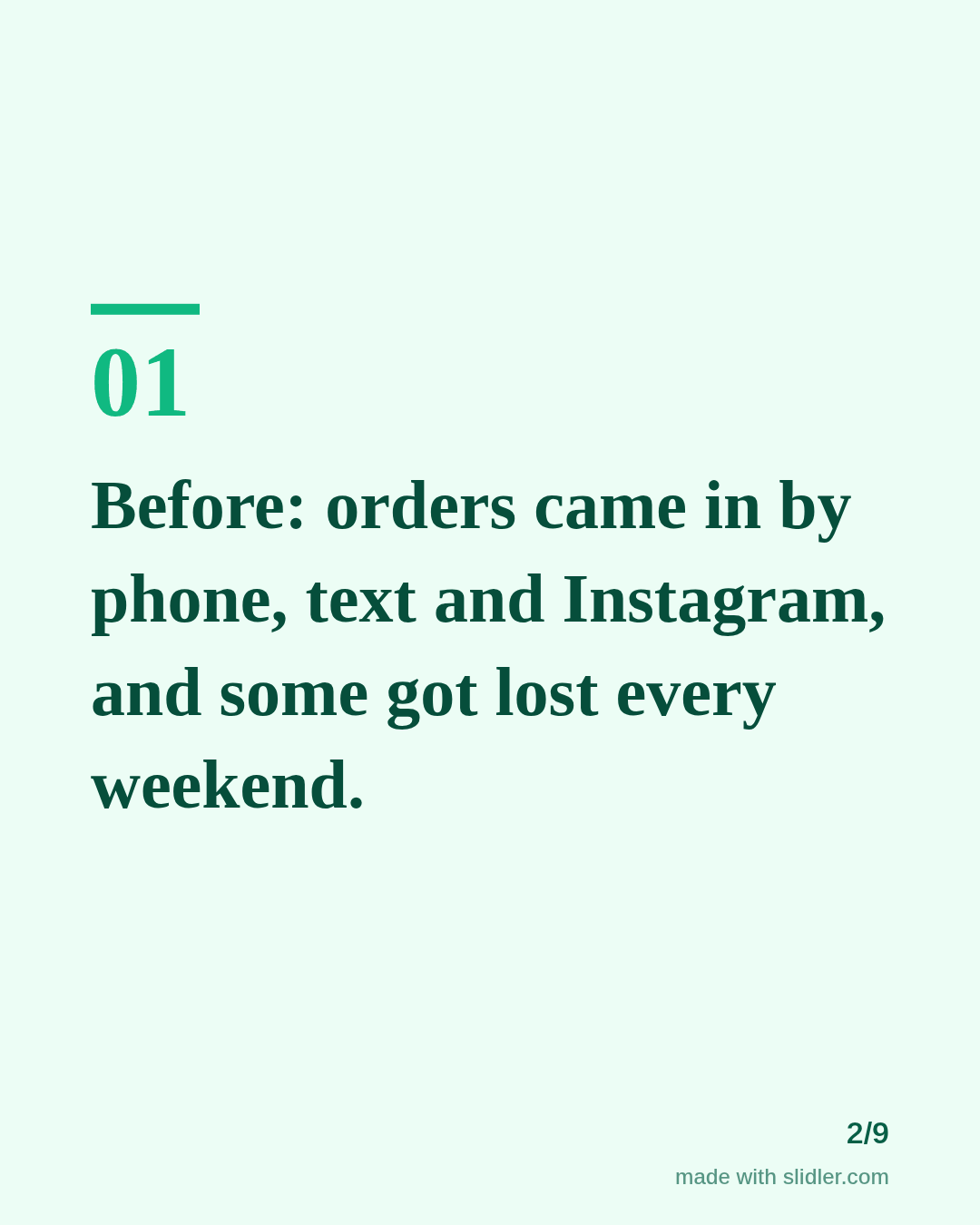
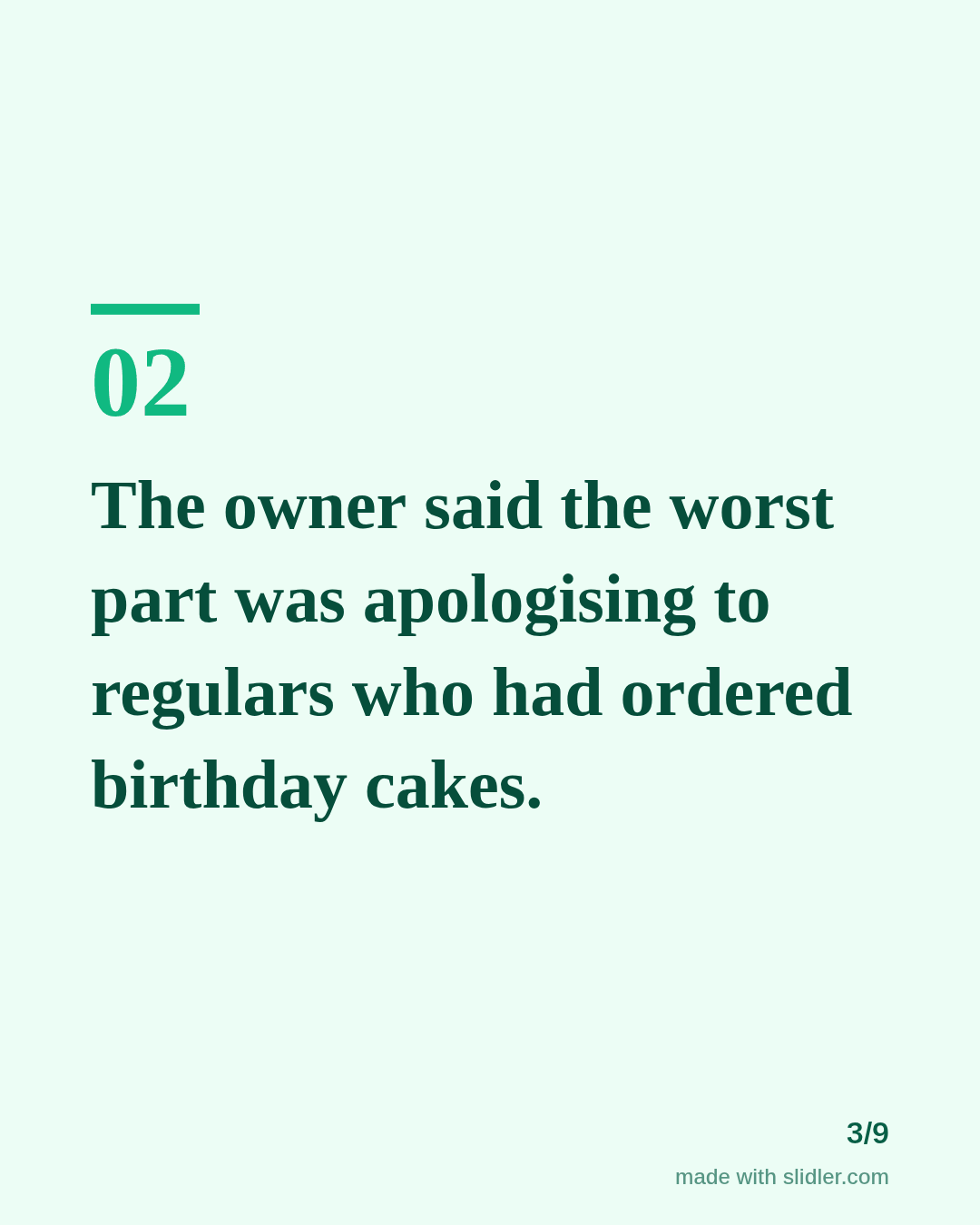
- Before, in specifics.
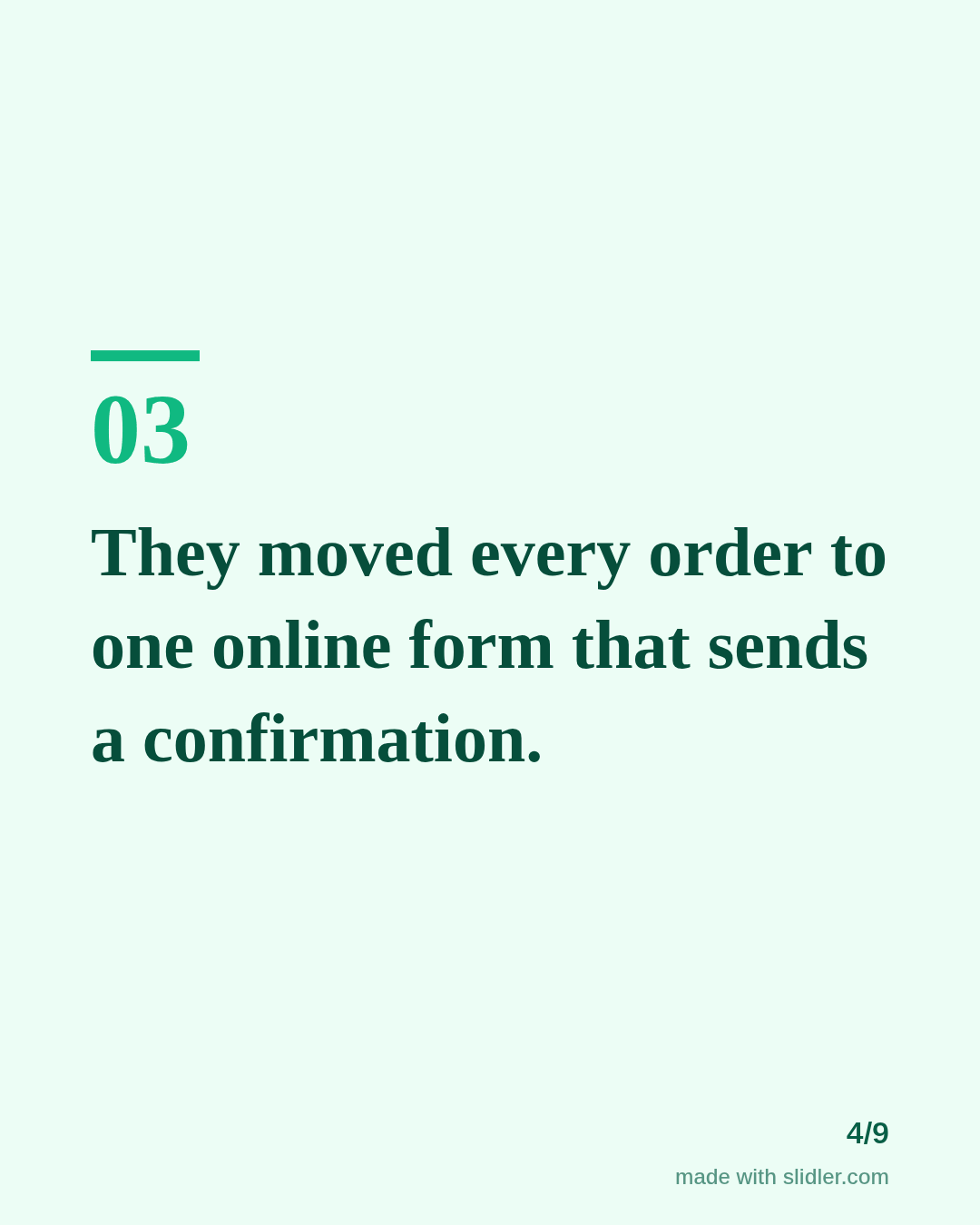
- The change, then after, in the customer's words.
- End with the offer.
Tip: The bakery is a sample; use a real customer's words, with their permission, and don't polish their quote into marketing copy.
Edit the sample and make your carousel (free, no sign-up)
The first line becomes the cover; each sentence becomes a slide. Replace the sample with your own words.
FAQ
How do I post a customer testimonial on LinkedIn?
Tell a short before/after story, quote the customer, tag them if they agree, and end with how others can get the same.
Should I name the customer?
Only with permission. An anonymous but specific description also works.
Is this template free?
Yes. Slidler is free and needs no account. Free exports carry a small “made with slidler.com” mark.
What size are the slides?
1080×1350 pixels (4:5 portrait), the size LinkedIn and Instagram show largest in the feed. LinkedIn gets a PDF; Instagram gets a zip of PNGs.
Related templates
- Case study LinkedIn carousel template
- LinkedIn carousel template for small businesses
- LinkedIn carousel template for agencies
- Product launch LinkedIn carousel template
- Tips list LinkedIn carousel template
Start from your own content instead: Turn a case study into a LinkedIn carousel · Text to carousel · All carousel templates