LinkedIn carousel template for marketers
Marketers are judged by their own content, so a carousel is a chance to show your thinking on one channel or one campaign. This template is a teardown format: what worked, what didn't, what to copy. Below is a sample carousel Slidler made from the text in the editor; change the text to yours and make your own in under a minute.
Sample carousel (5 of 8 slides)

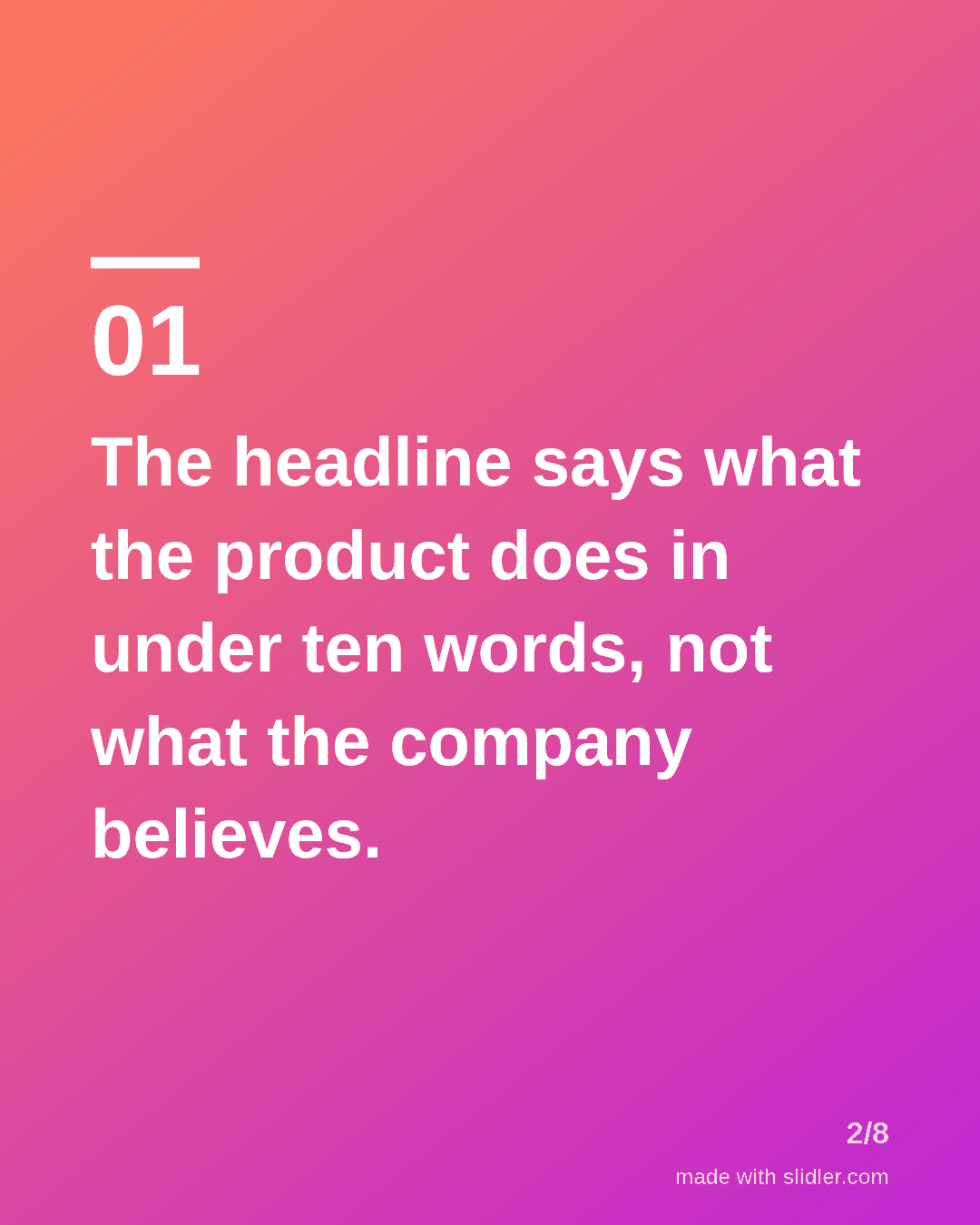
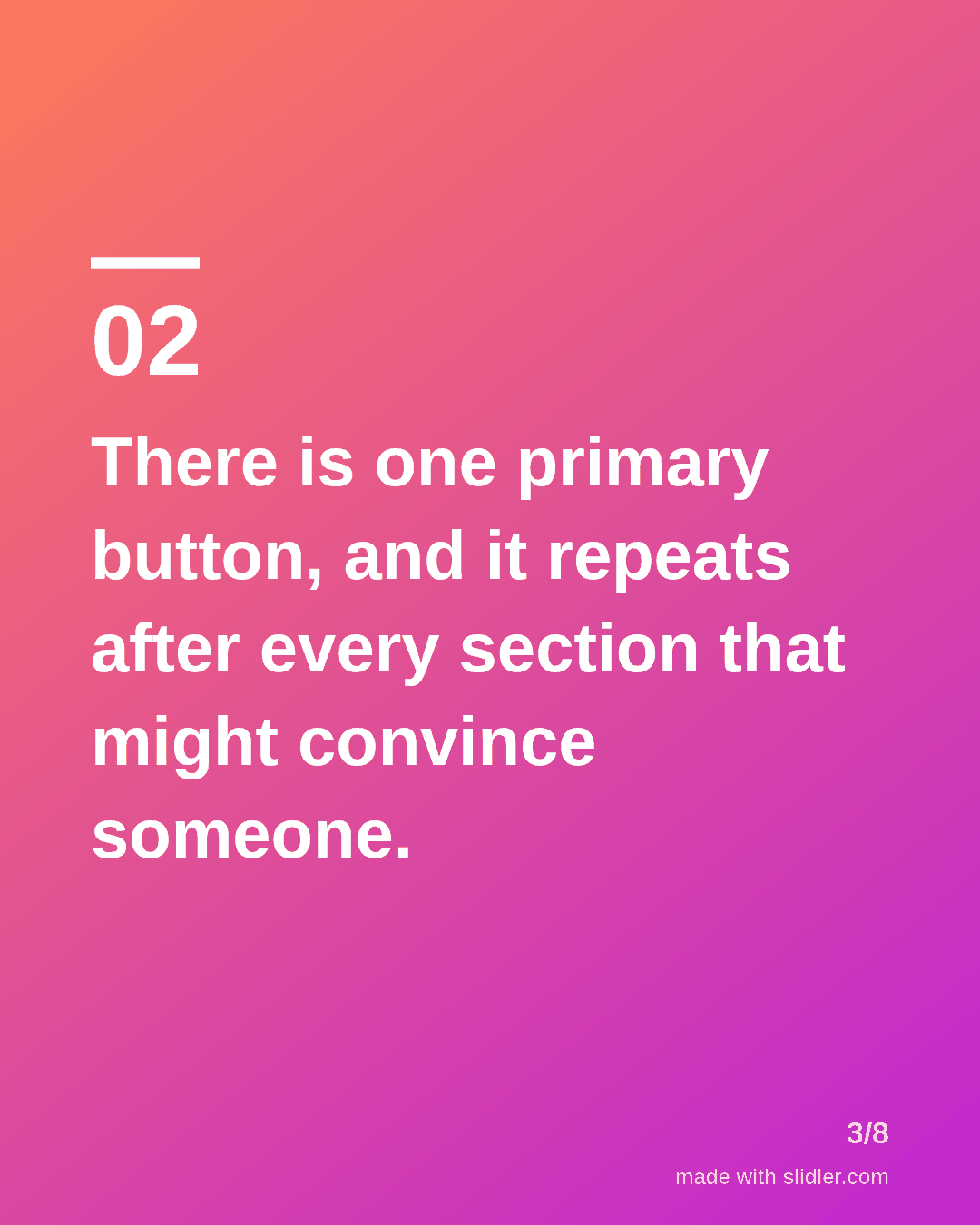
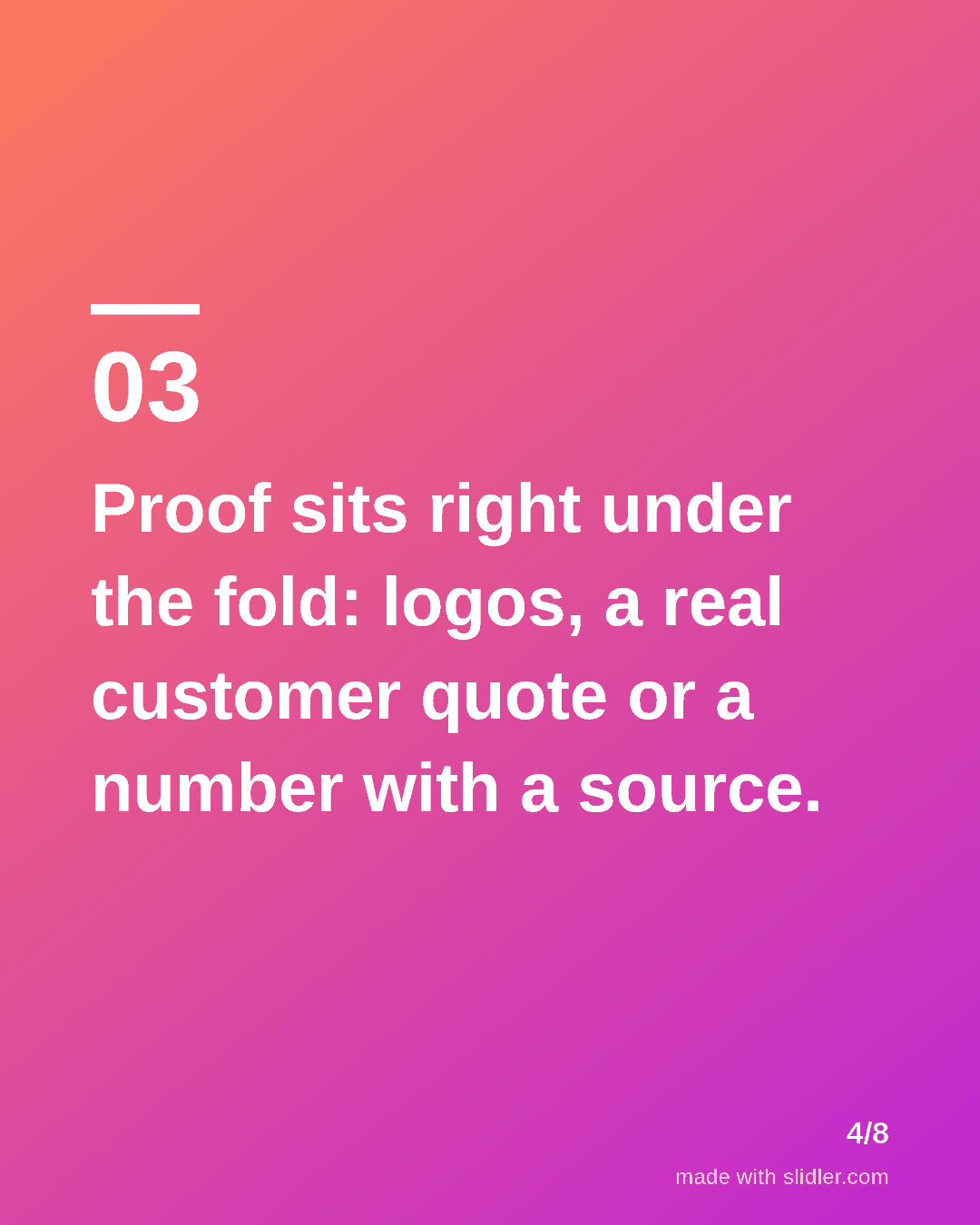
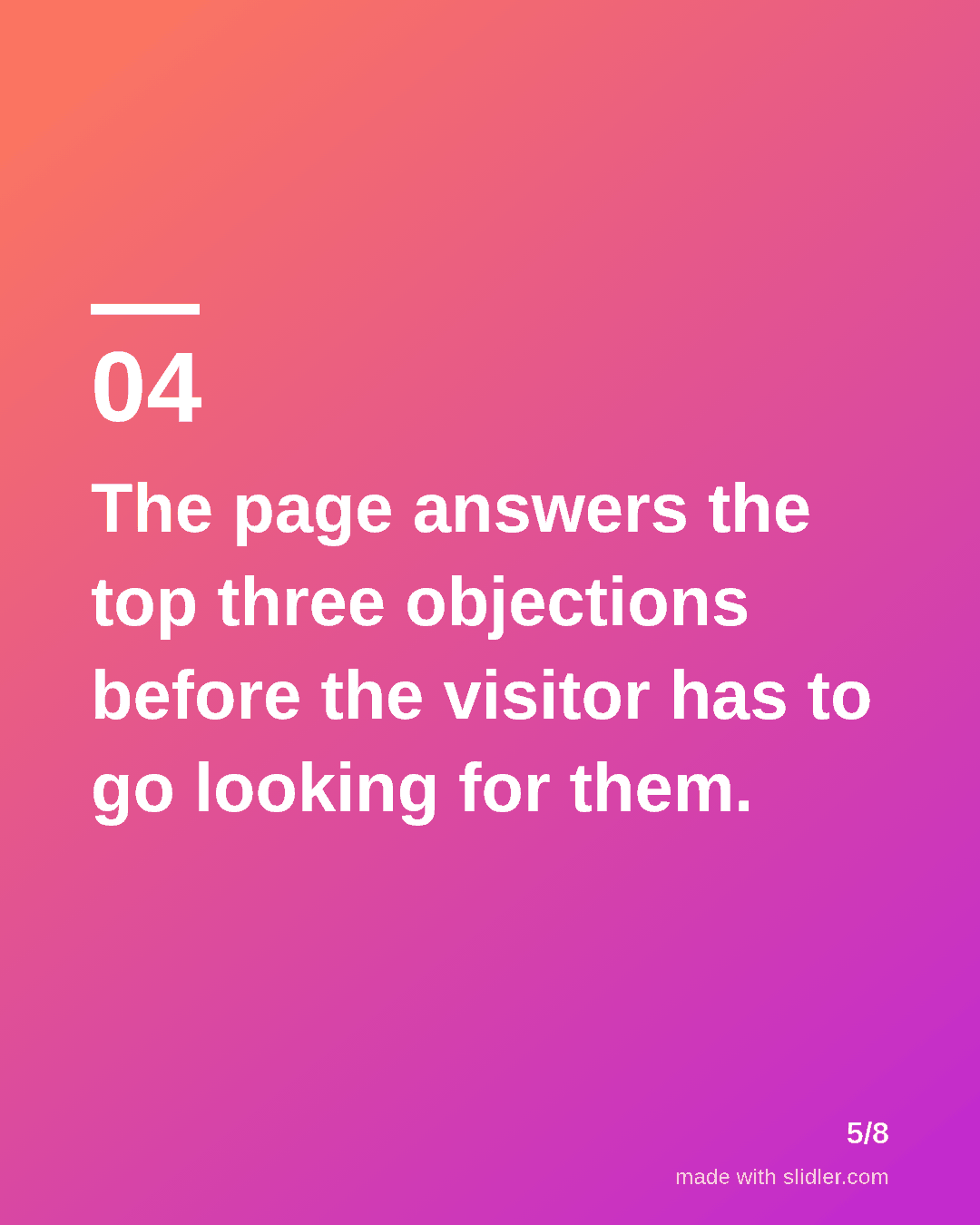
How to use this template
- Cover: "Teardown:" plus the thing you are taking apart.
- One principle per slide, each one testable on the reader's own page.
- If you have screenshots, add them in your design tool after exporting; keep slides one idea each.
- Close with a question about the reader's own funnel to drive comments.
Tip: Teardowns of a well-known brand's page or ad get shared more than generic advice; name it in the cover if you can.
Edit the sample and make your carousel (free, no sign-up)
The first line becomes the cover; each sentence becomes a slide. Replace the sample with your own words.
FAQ
What carousel ideas work for digital marketing?
Teardowns of ads or landing pages, campaign results with what you would change, channel checklists, and before/after copy rewrites.
Can I reuse this carousel on Instagram?
Yes. Slidler exports the same 1080×1350 slides as PNGs for Instagram and as a PDF for LinkedIn.
Is this template free?
Yes. Slidler is free and needs no account. Free exports carry a small “made with slidler.com” mark.
What size are the slides?
1080×1350 pixels (4:5 portrait), the size LinkedIn and Instagram show largest in the feed. LinkedIn gets a PDF; Instagram gets a zip of PNGs.
Related templates
- Case study LinkedIn carousel template
- Tips list LinkedIn carousel template
- Comparison LinkedIn carousel template
- LinkedIn carousel template for founders
- LinkedIn carousel template for recruiters
Start from your own content instead: Turn a blog post into an Instagram carousel · Article to carousel · All carousel templates