Case study LinkedIn carousel template
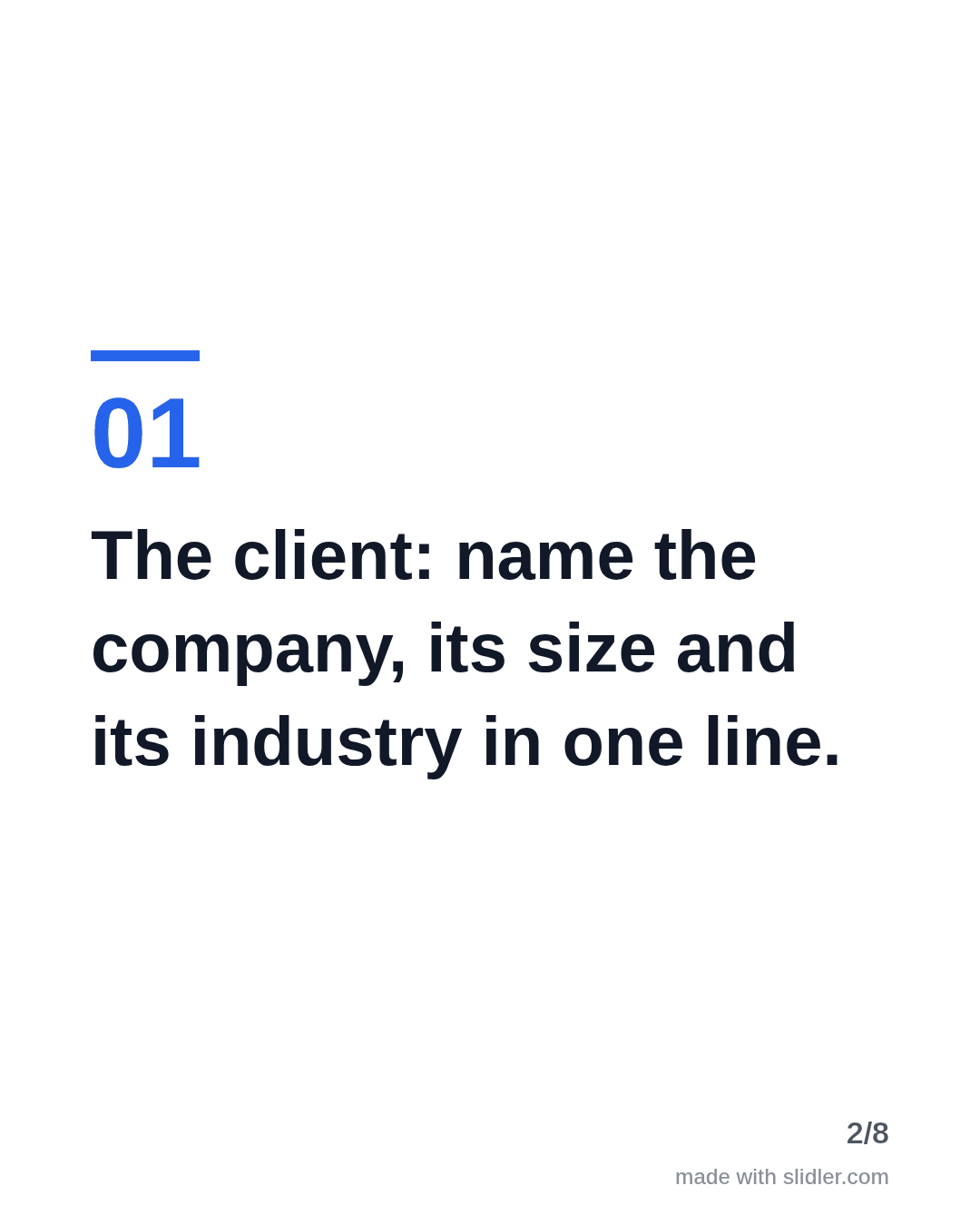
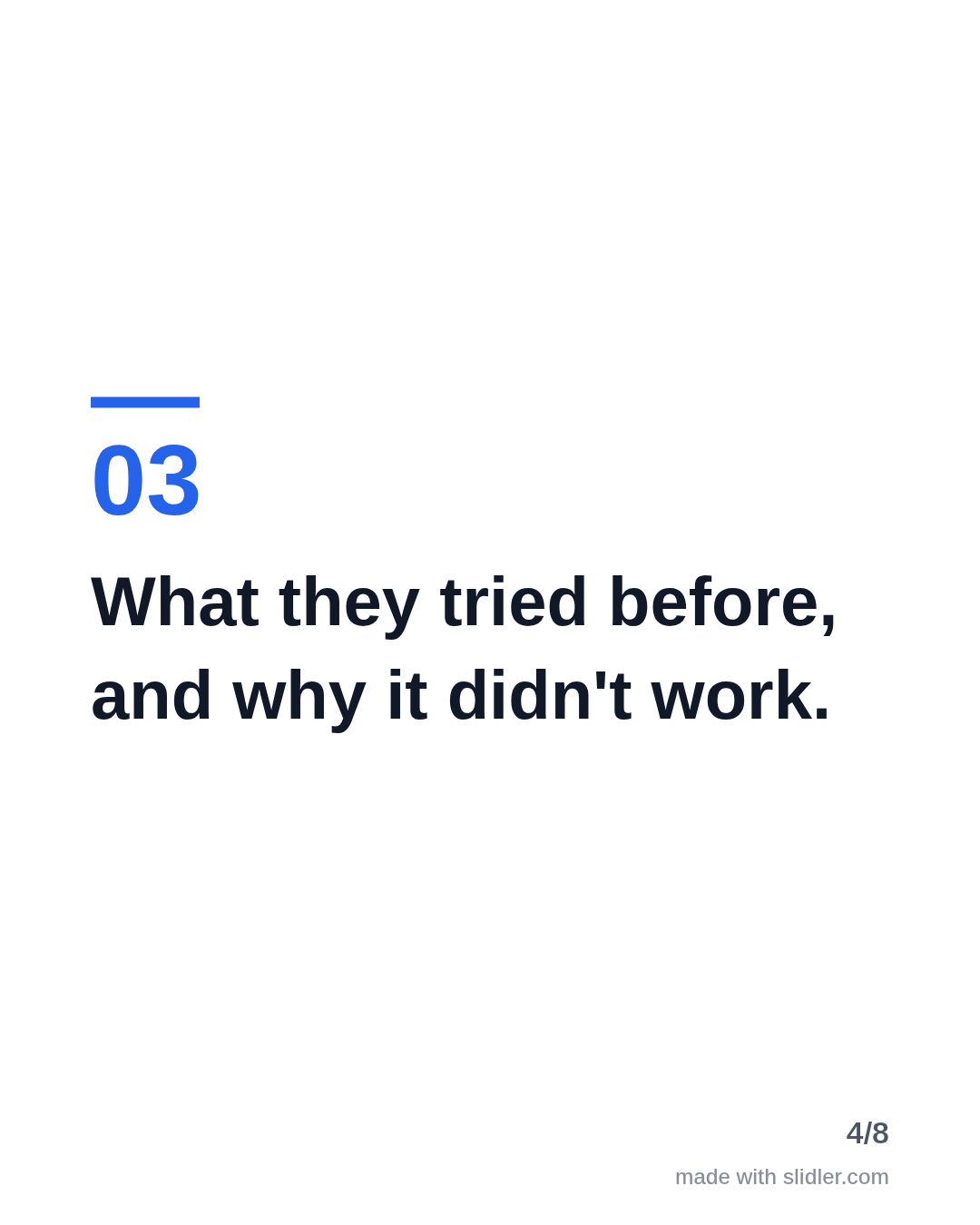
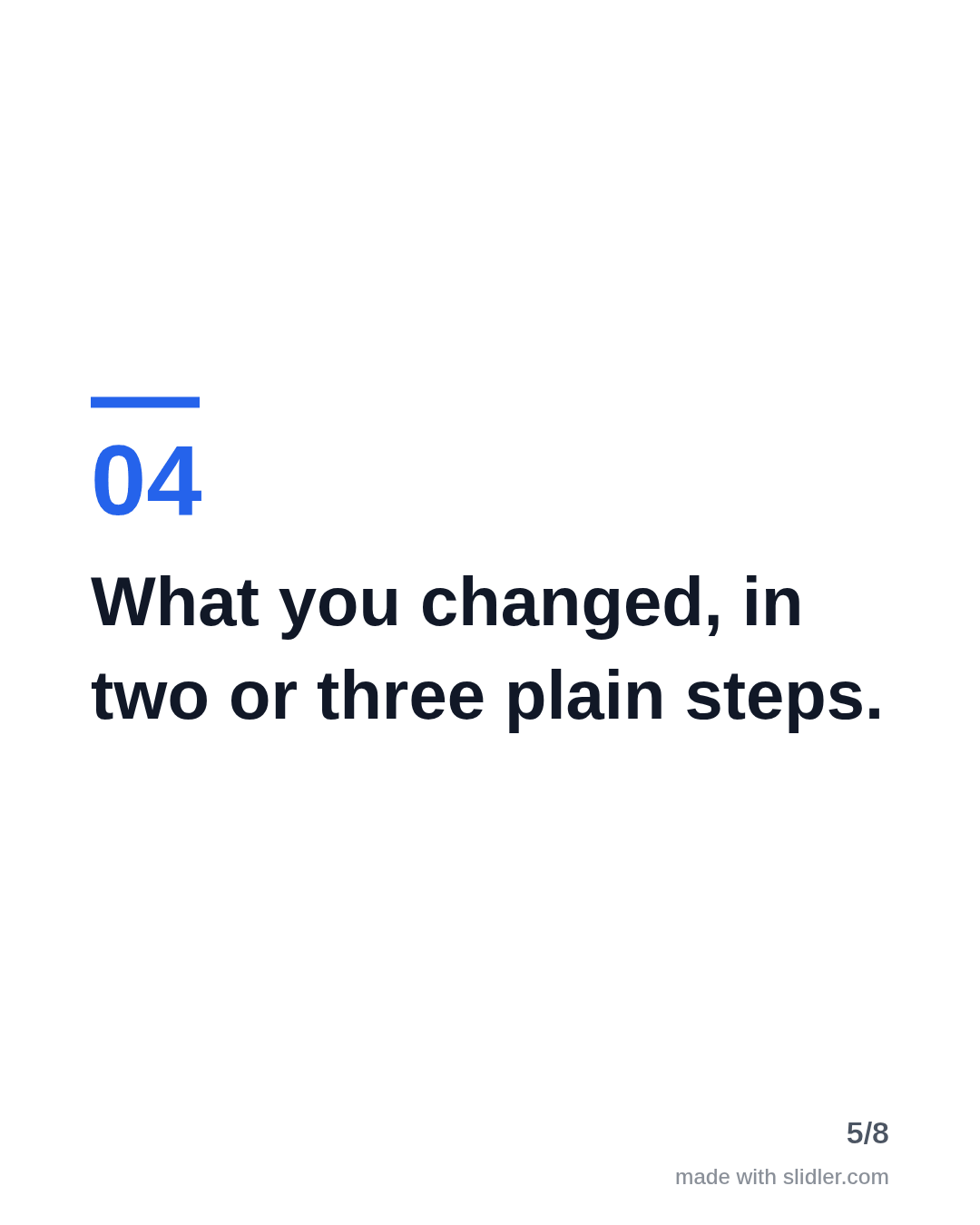
Case studies sell because they show a result for someone like the reader. This template gives you the slide-by-slide structure; fill in your own client and numbers. Below is a sample carousel Slidler made from the text in the editor; change the text to yours and make your own in under a minute.
Sample carousel (5 of 8 slides)


How to use this template
- Cover: client type plus result ("How a 12-person agency halved onboarding time").
- Problem with a number.
- Approach in steps.
- Result in the same unit as the problem, then the reusable lesson.
Tip: Get the client's written OK before naming them or sharing numbers; anonymise ("a 50-person logistics company") if not.
Edit the sample and make your carousel (free, no sign-up)
The first line becomes the cover; each sentence becomes a slide. Replace the sample with your own words.
FAQ
How long should a case study carousel be?
Six to eight slides: cover, client, problem, approach, result and lesson. Longer case studies can link to the full write-up.
Can I turn a published case study into a carousel?
Yes. Paste its URL on the case study page and Slidler pulls the key points.
Is this template free?
Yes. Slidler is free and needs no account. Free exports carry a small “made with slidler.com” mark.
What size are the slides?
1080×1350 pixels (4:5 portrait), the size LinkedIn and Instagram show largest in the feed. LinkedIn gets a PDF; Instagram gets a zip of PNGs.
Related templates
- Customer testimonial LinkedIn carousel template
- LinkedIn carousel template for agencies
- LinkedIn carousel template for B2B companies
- Product launch LinkedIn carousel template
- Tips list LinkedIn carousel template
Start from your own content instead: Turn a case study into a LinkedIn carousel · Turn any URL into a carousel · All carousel templates