LinkedIn carousel template for lawyers
Lawyers build a following by explaining legal topics in plain words. This template turns a legal explainer into a carousel clients understand. Below is a sample carousel Slidler made from the text in the editor; change the text to yours and make your own in under a minute.
Sample carousel (5 of 9 slides)



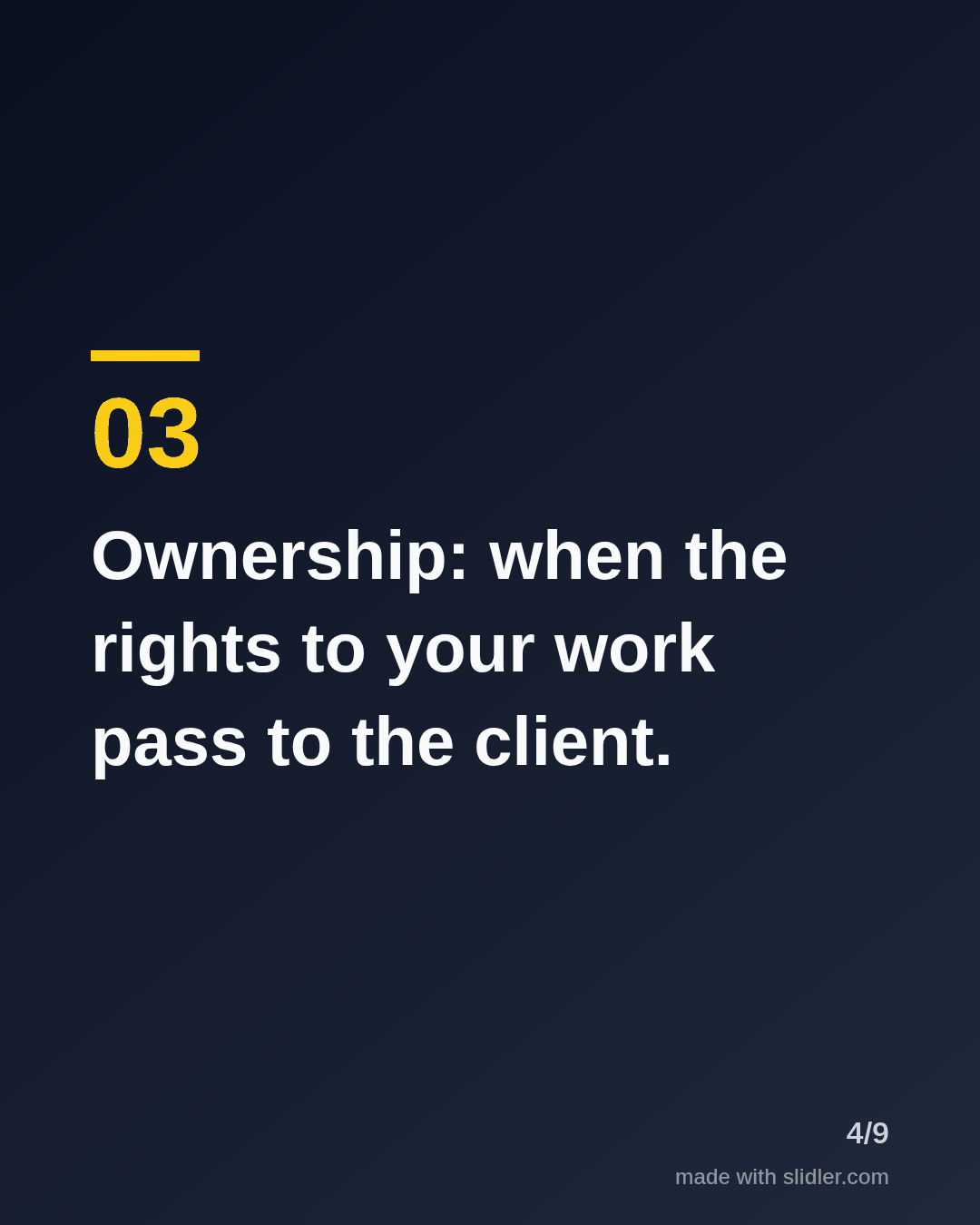

How to use this template
- Cover: a number and a moment the reader will face.
- One term per slide, explained in one plain sentence.
- Add a line that this is general information, not legal advice.
- Invite readers to save it for the next contract.
Tip: Write for the client, not for other lawyers; if a sentence needs a footnote, rewrite it.
Edit the sample and make your carousel (free, no sign-up)
The first line becomes the cover; each sentence becomes a slide. Replace the sample with your own words.
FAQ
What should lawyers post on LinkedIn?
Plain-language explainers, common mistakes clients make, law changes and lessons from practice.
Is it risky for lawyers to post carousels?
Keep posts general, avoid client details and add a short note that the post is not legal advice.
Is this template free?
Yes. Slidler is free and needs no account. Free exports carry a small “made with slidler.com” mark.
What size are the slides?
1080×1350 pixels (4:5 portrait), the size LinkedIn and Instagram show largest in the feed. LinkedIn gets a PDF; Instagram gets a zip of PNGs.
Related templates
- Checklist LinkedIn carousel template
- Myths vs facts LinkedIn carousel template
- LinkedIn carousel template for financial advisors
- LinkedIn carousel template for founders
- LinkedIn carousel template for recruiters
Start from your own content instead: Text to carousel · Article to carousel · All carousel templates