LinkedIn carousel template for job seekers
A carousel is an easy way to show recruiters how you think, not just that you are open to work. This template frames what you learned in your last role as useful advice. Below is a sample carousel Slidler made from the text in the editor; change the text to yours and make your own in under a minute.
Sample carousel (5 of 8 slides)

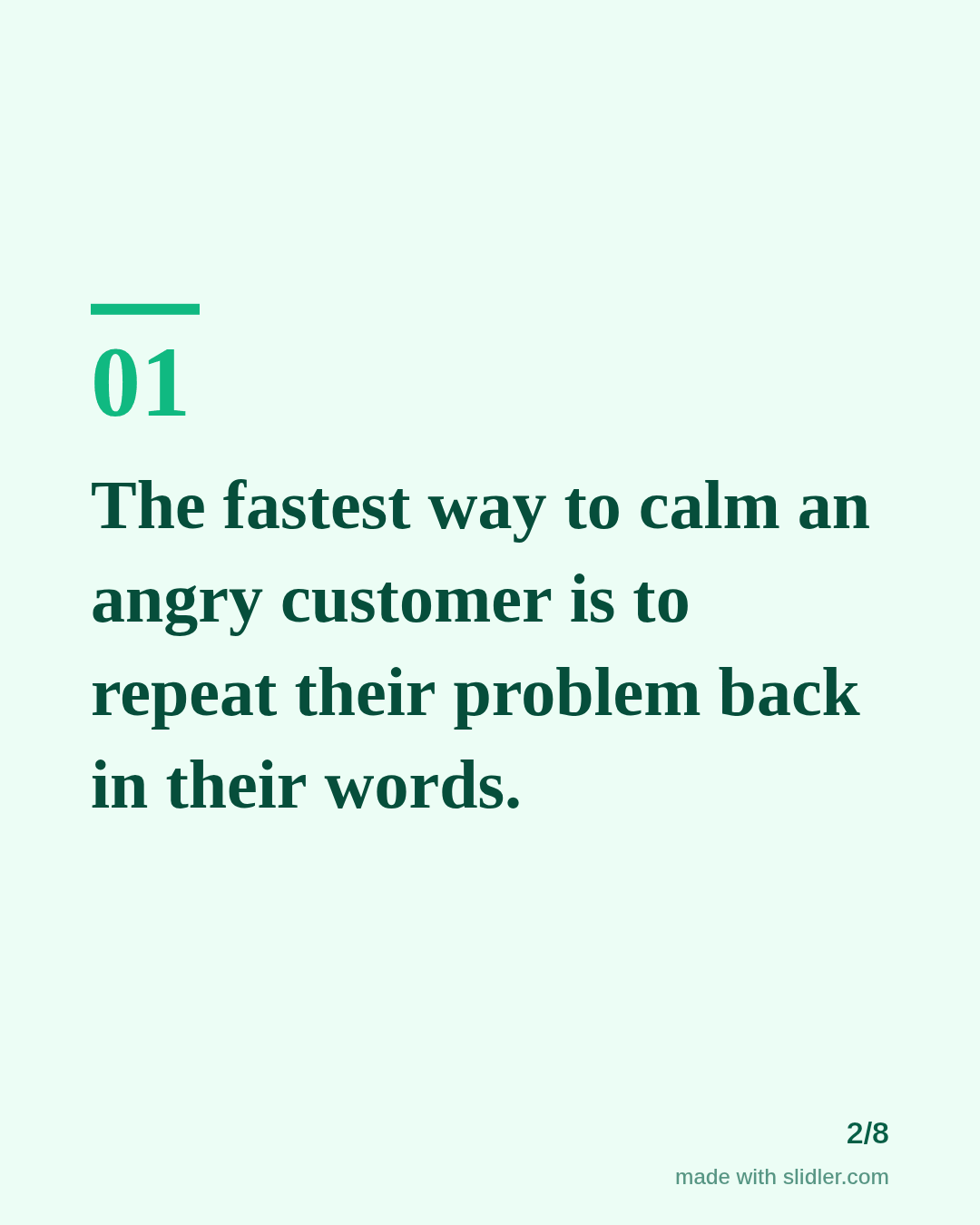
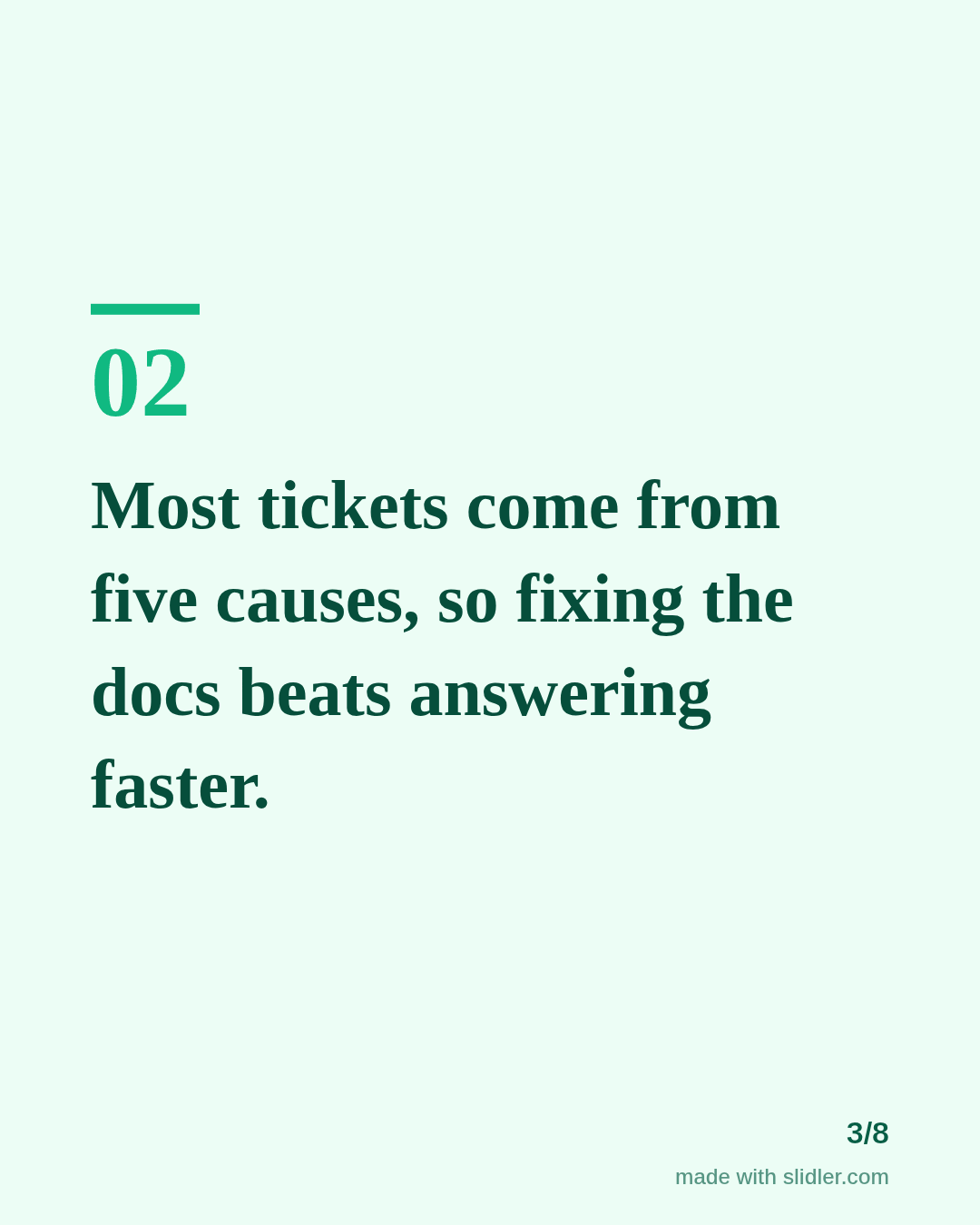
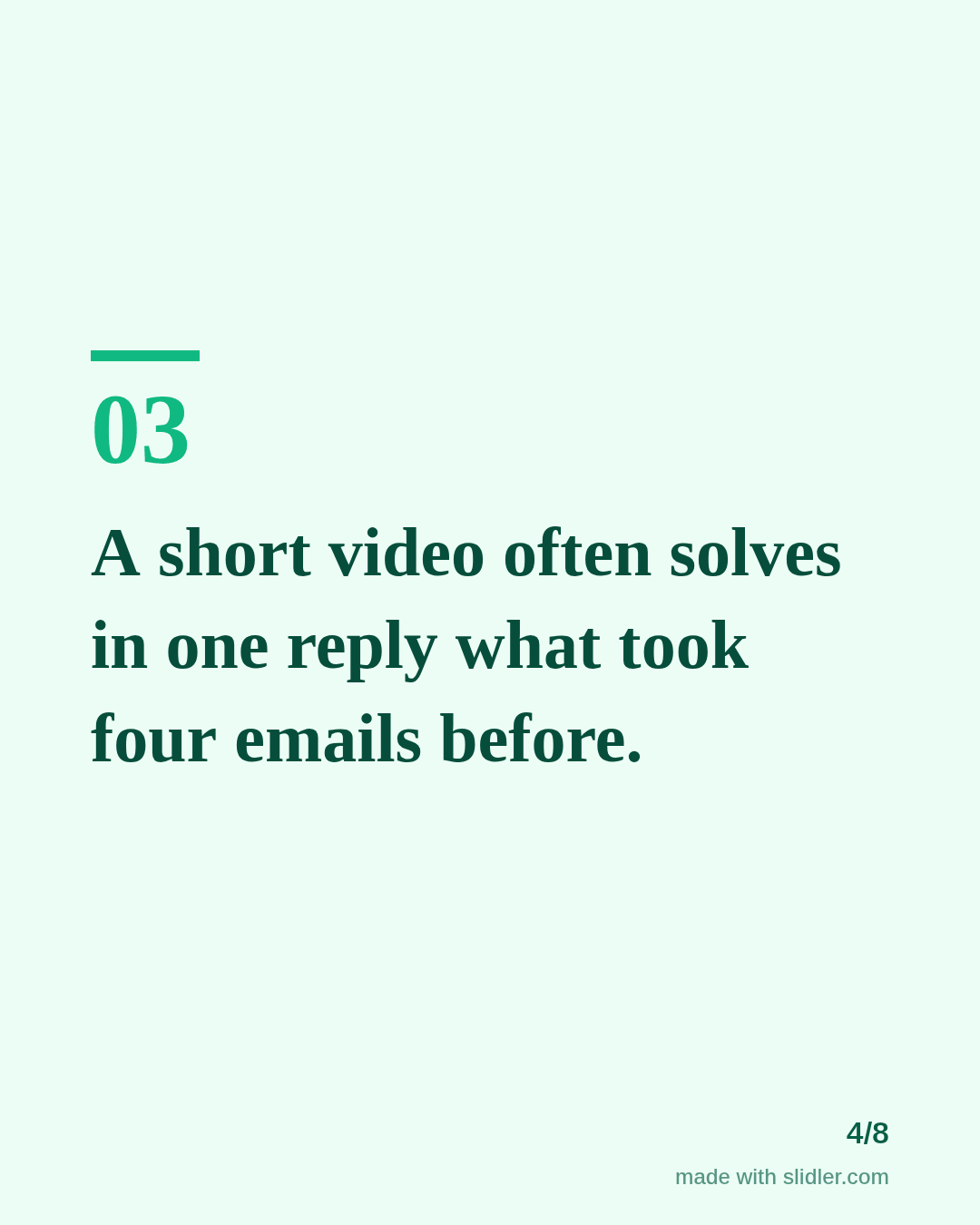
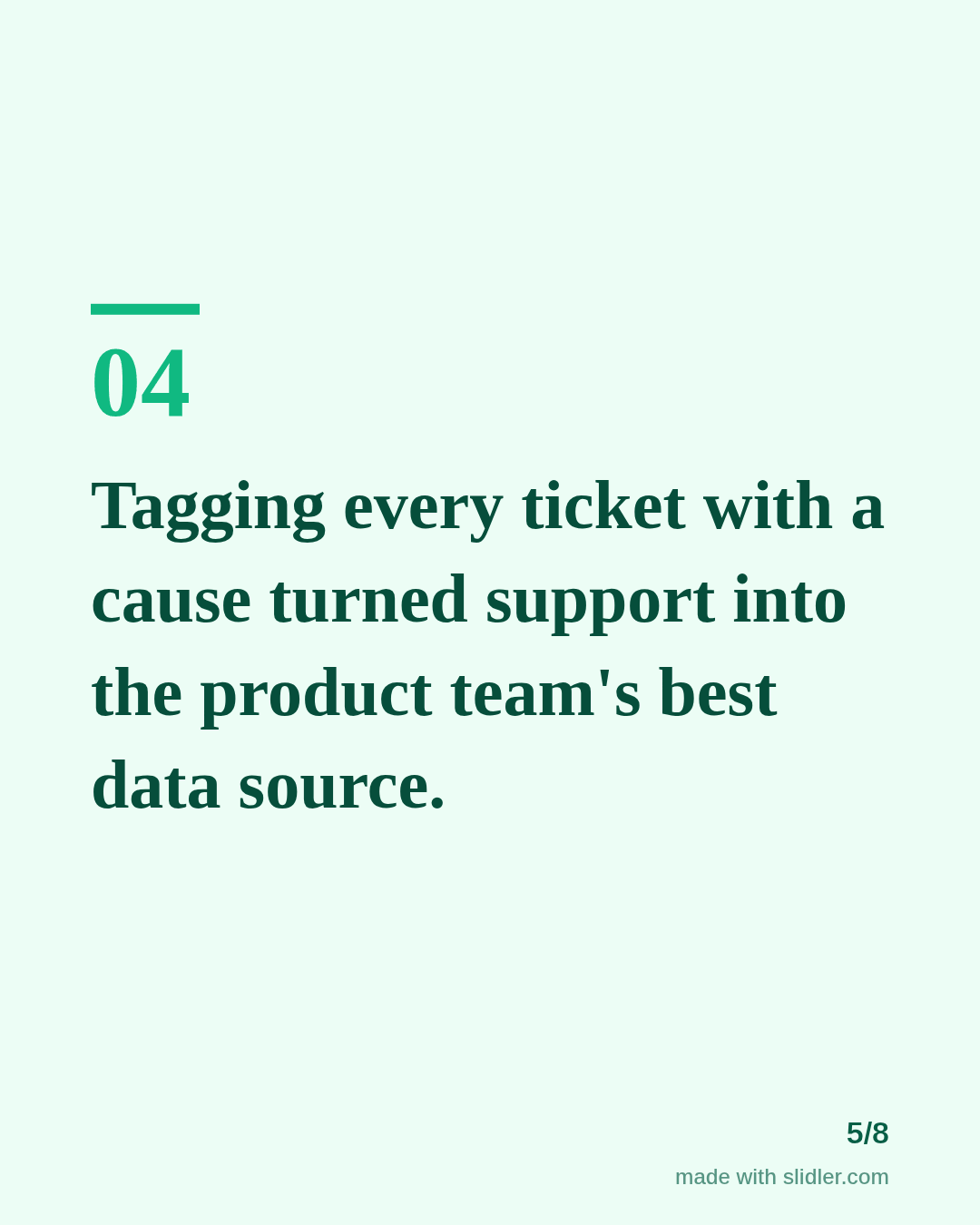
How to use this template
- Cover: your role and time in it, so recruiters see the experience at a glance.
- Four to six lessons that show judgement, not duties.
- One slide with a result or a process you changed.
- Last point: what role you want next, plainly stated.
Tip: Name the role you want on the last slide and in the first line of the post; recruiters search by job title.
Edit the sample and make your carousel (free, no sign-up)
The first line becomes the cover; each sentence becomes a slide. Replace the sample with your own words.
FAQ
Is it OK to post a carousel while job hunting?
Yes. Sharing what you learned shows skills more convincingly than a list of duties, and it gives recruiters a reason to look at your profile.
How long should the carousel be?
Six to eight slides is plenty. Keep each slide to one sentence or two.
Is this template free?
Yes. Slidler is free and needs no account. Free exports carry a small “made with slidler.com” mark.
What size are the slides?
1080×1350 pixels (4:5 portrait), the size LinkedIn and Instagram show largest in the feed. LinkedIn gets a PDF; Instagram gets a zip of PNGs.
Related templates
- New job announcement LinkedIn carousel template
- LinkedIn carousel template for students
- LinkedIn carousel template for recruiters
- LinkedIn carousel template for founders
- LinkedIn carousel template for marketers
Start from your own content instead: Text to carousel · Turn a LinkedIn text post into a carousel · All carousel templates