New job announcement LinkedIn carousel template
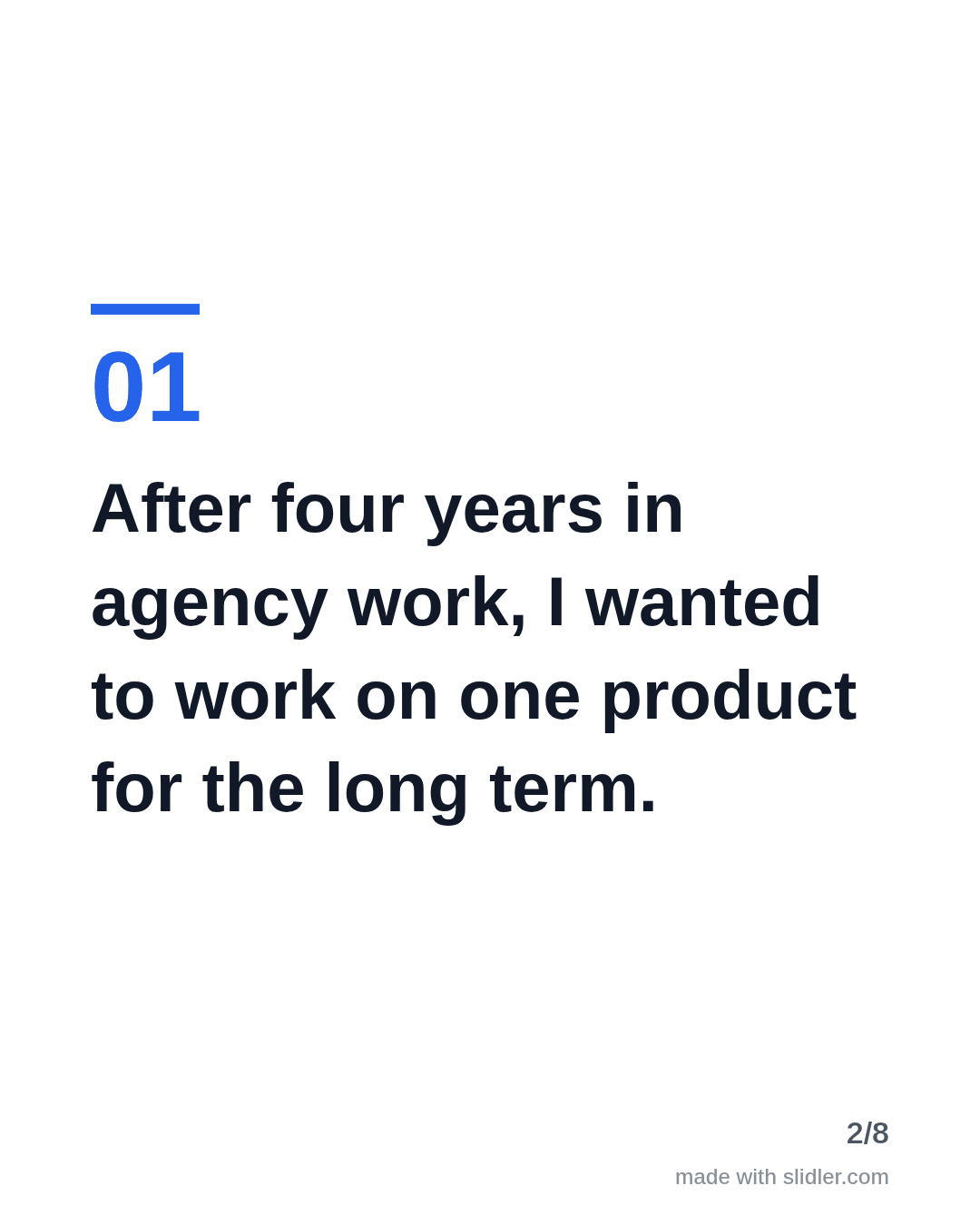
A new job post gets attention anyway; a carousel makes it more than congratulations. This template thanks people and shares what you learned on the way. Below is a sample carousel Slidler made from the text in the editor; change the text to yours and make your own in under a minute.
Sample carousel (5 of 8 slides)




How to use this template
- Cover: the new role in one line.
- Why you moved.
- One or two lessons from the search others can use.
- Thanks and what you will share next.
Tip: Tag the people you thank in the post text, not on the slides, so they get notified.
Edit the sample and make your carousel (free, no sign-up)
The first line becomes the cover; each sentence becomes a slide. Replace the sample with your own words.
FAQ
How do I announce a new job on LinkedIn?
Say the role and company, why you chose it, thank the people who helped and, if you like, share one lesson for others searching.
Is a carousel better than a text post for this?
Not always. Use a carousel if you have lessons to share; a short text post is fine for a simple announcement.
Is this template free?
Yes. Slidler is free and needs no account. Free exports carry a small “made with slidler.com” mark.
What size are the slides?
1080×1350 pixels (4:5 portrait), the size LinkedIn and Instagram show largest in the feed. LinkedIn gets a PDF; Instagram gets a zip of PNGs.
Related templates
- LinkedIn carousel template for job seekers
- Milestone LinkedIn carousel template
- Announcement LinkedIn carousel template
- Product launch LinkedIn carousel template
- Case study LinkedIn carousel template
Start from your own content instead: Turn a LinkedIn text post into a carousel · Text to carousel · All carousel templates