LinkedIn carousel template for healthcare professionals
Doctors, nurses and therapists earn trust online by explaining things clearly. This template turns a common patient question into a careful, readable carousel. Below is a sample carousel Slidler made from the text in the editor; change the text to yours and make your own in under a minute.
Sample carousel (5 of 8 slides)
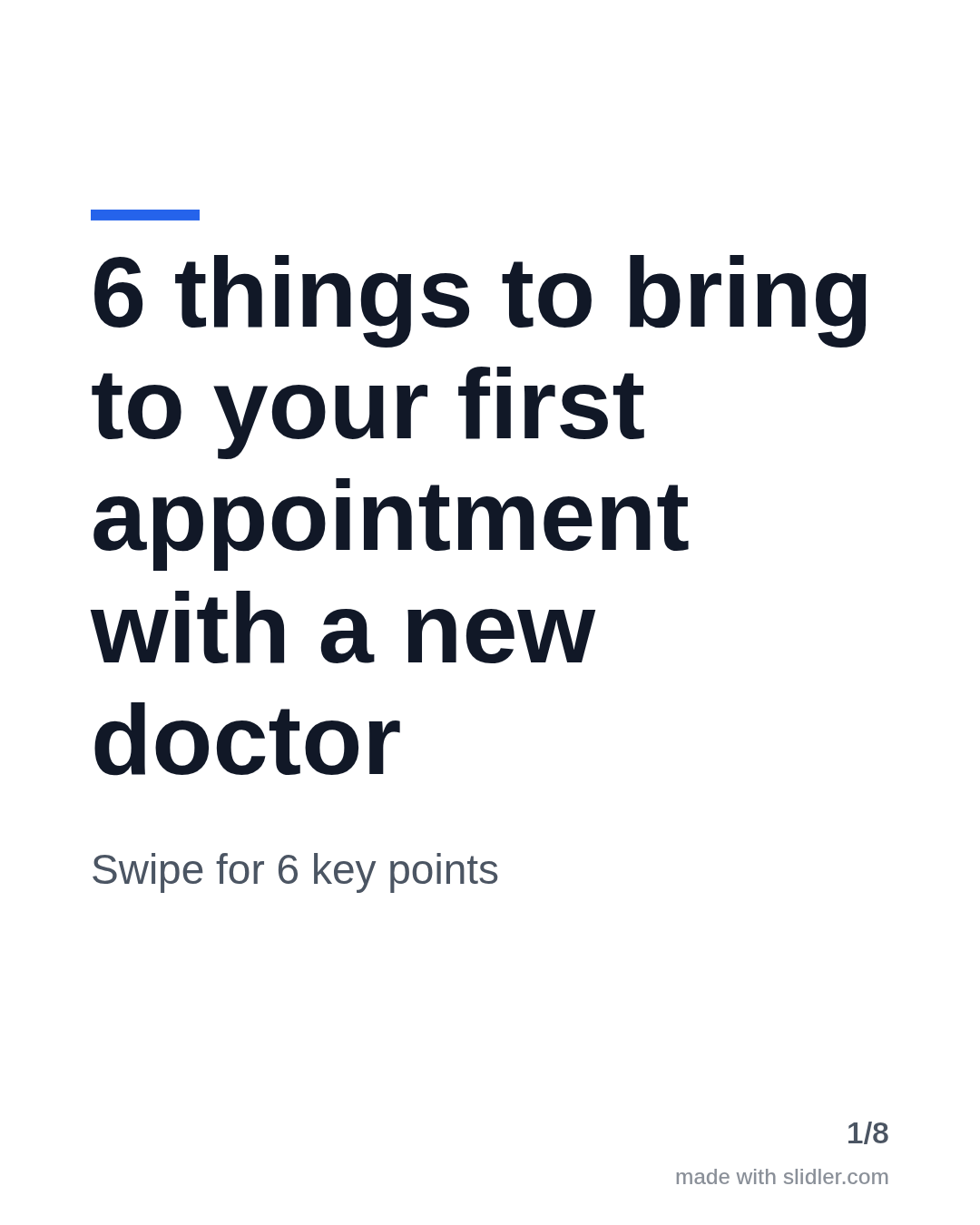
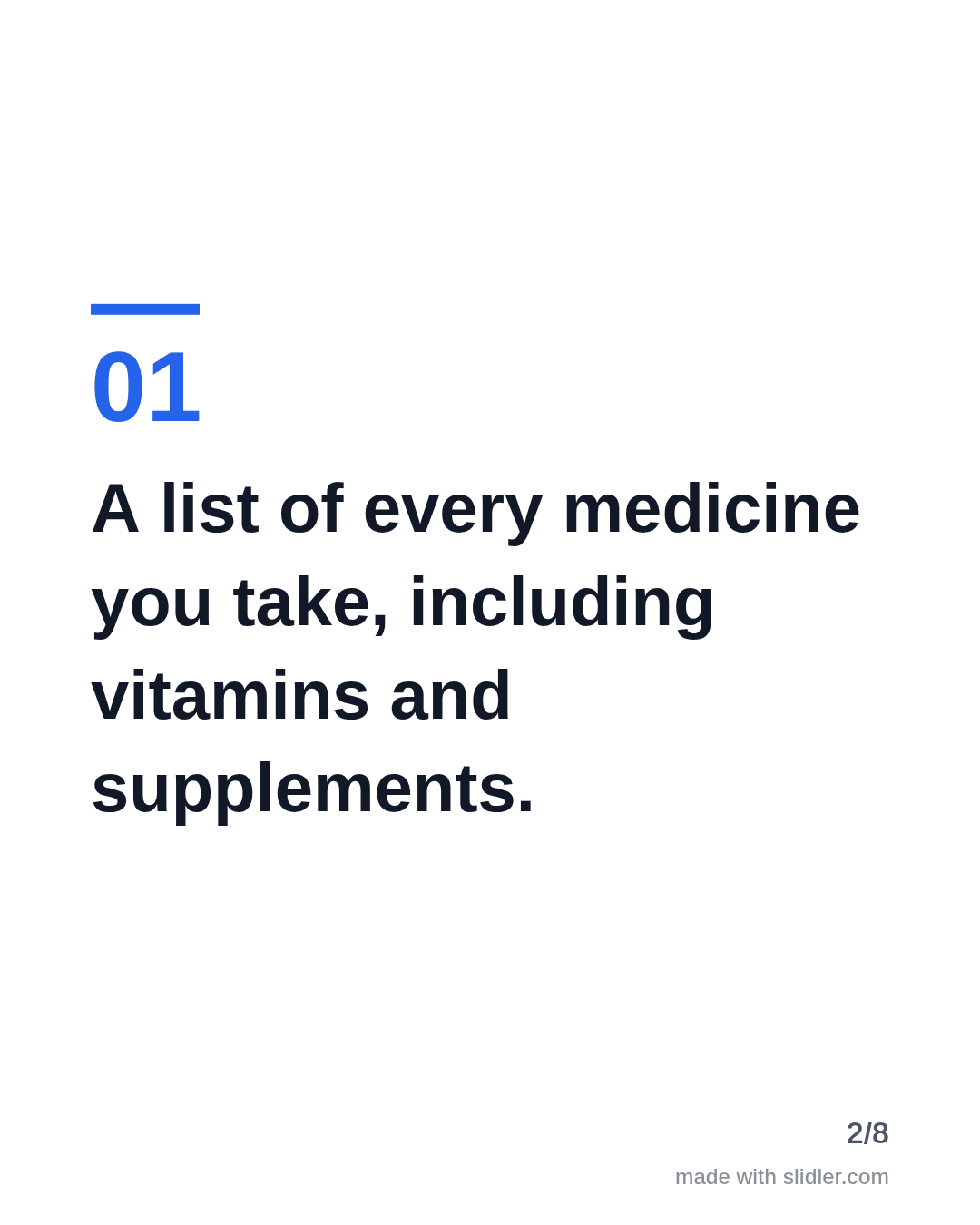
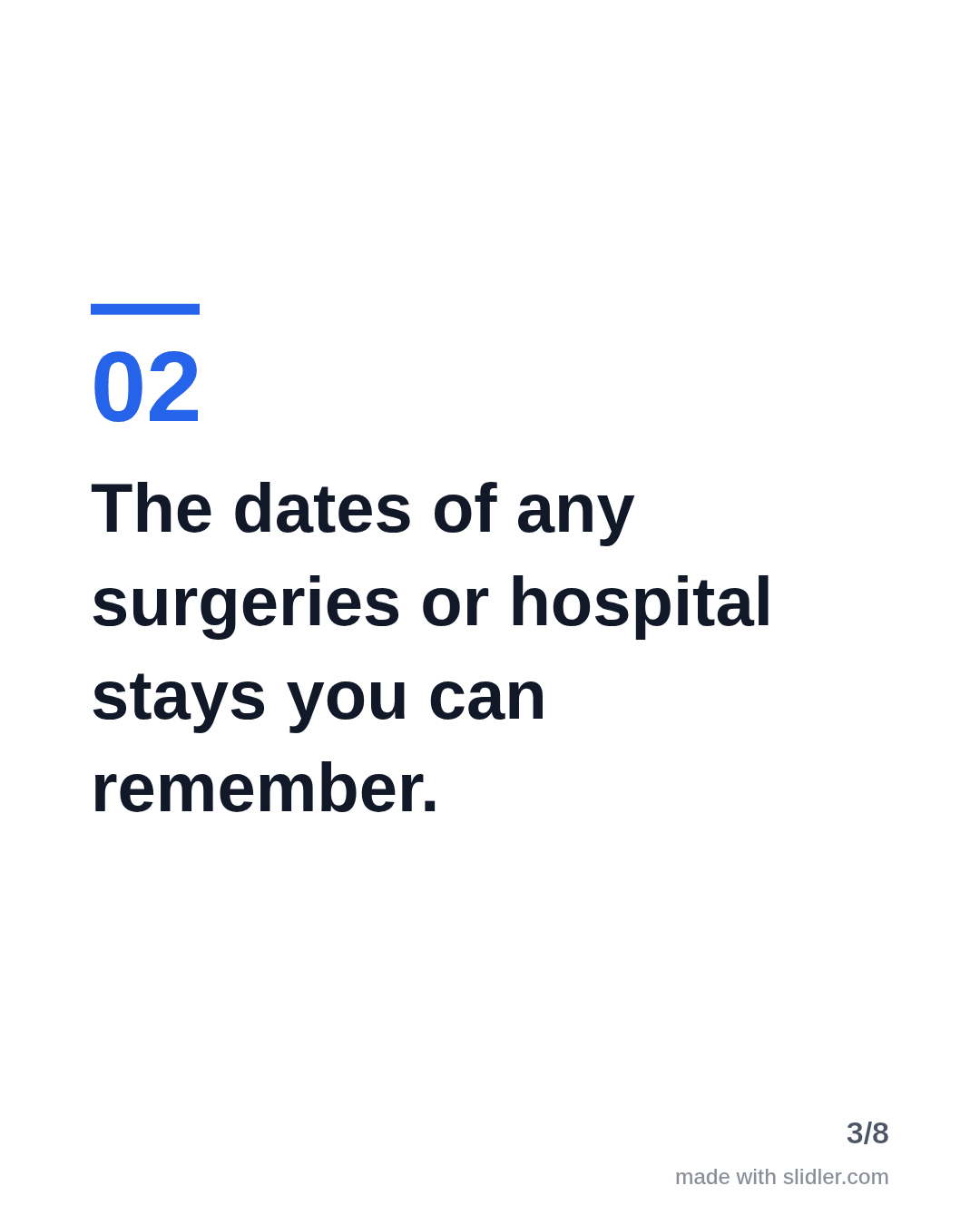


How to use this template
- Cover: a practical promise for patients.
- One clear point per slide, in plain language.
- Avoid personal medical advice; keep it general and factual.
- Close by inviting readers to save it before their next visit.
Tip: Keep patient details out entirely and add a line that the post is general information, not medical advice.
Edit the sample and make your carousel (free, no sign-up)
The first line becomes the cover; each sentence becomes a slide. Replace the sample with your own words.
FAQ
Can healthcare professionals post carousels on LinkedIn?
Yes, general patient education, career advice and lessons from practice work well, as long as no patient can be identified.
How do I keep a health carousel accurate?
Write the points yourself or from a source you trust, check every slide before exporting and avoid advice that depends on the individual.
Is this template free?
Yes. Slidler is free and needs no account. Free exports carry a small “made with slidler.com” mark.
What size are the slides?
1080×1350 pixels (4:5 portrait), the size LinkedIn and Instagram show largest in the feed. LinkedIn gets a PDF; Instagram gets a zip of PNGs.
Related templates
- Checklist LinkedIn carousel template
- Myths vs facts LinkedIn carousel template
- Tips list LinkedIn carousel template
- LinkedIn carousel template for founders
- LinkedIn carousel template for recruiters
Start from your own content instead: Text to carousel · Article to carousel · All carousel templates