LinkedIn carousel template for engineers
Engineers stand out on LinkedIn by explaining one real problem they solved. This template turns a project into a carousel recruiters and peers read. Below is a sample carousel Slidler made from the text in the editor; change the text to yours and make your own in under a minute.
Sample carousel (5 of 8 slides)

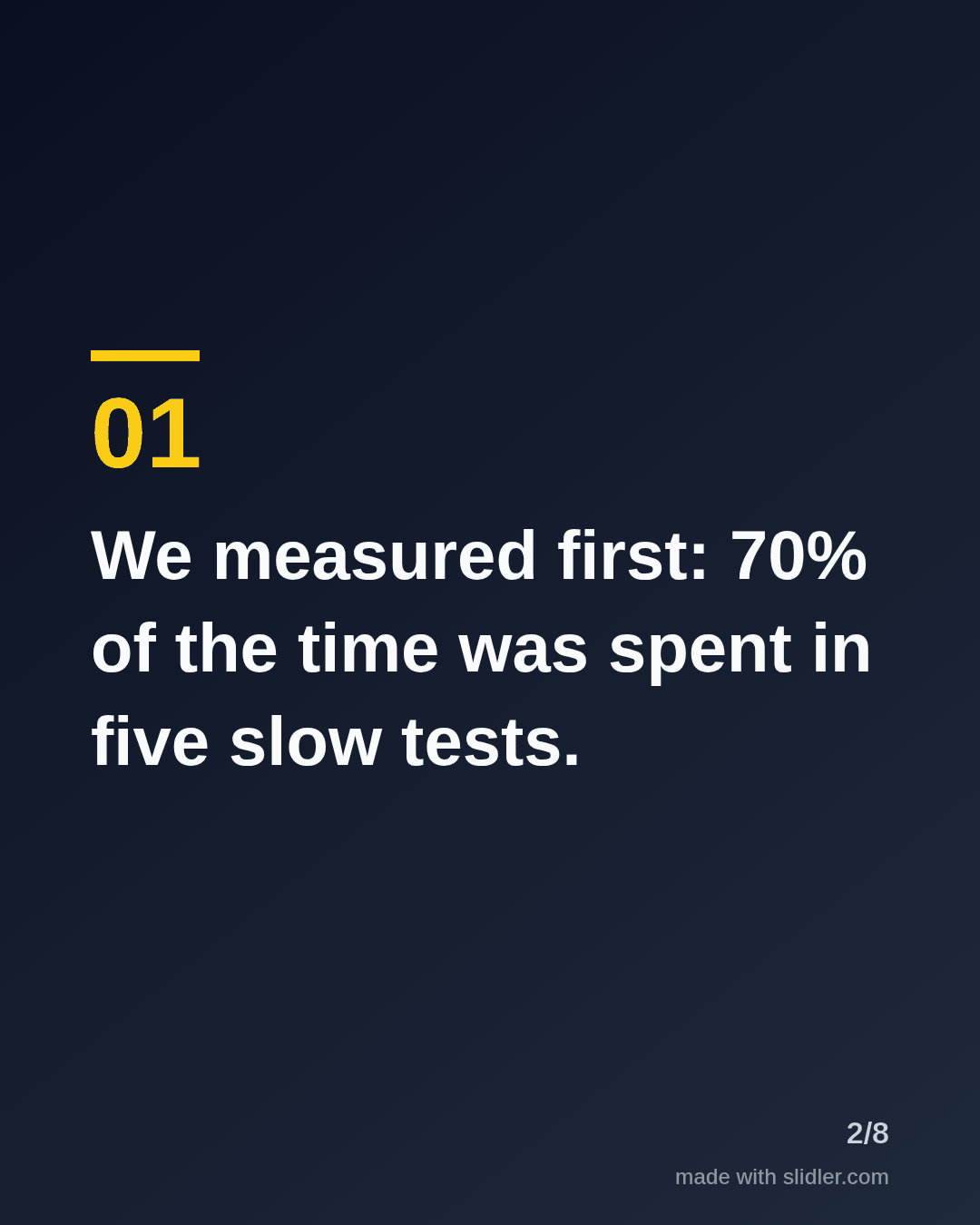


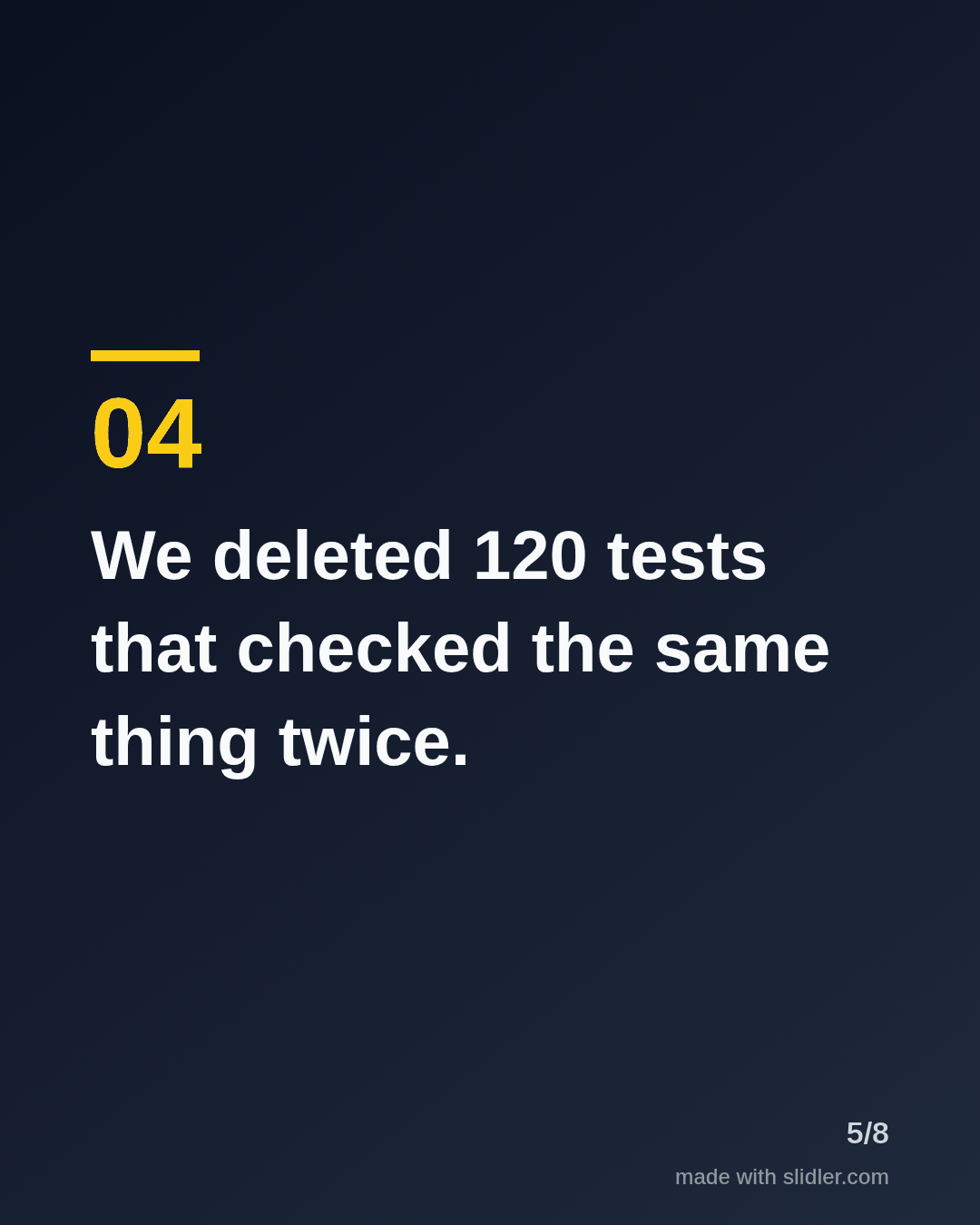
How to use this template
- Cover: the result with before and after numbers.
- One change per slide, with how much it helped.
- Put the change people will argue about in the middle.
- End with a question to peers.
Tip: Real numbers are the whole point; round them if they are confidential, but keep the ratio.
Edit the sample and make your carousel (free, no sign-up)
The first line becomes the cover; each sentence becomes a slide. Replace the sample with your own words.
FAQ
What should engineers post on LinkedIn?
Problems you solved with numbers, lessons from incidents, and tools you rely on.
Can I turn a GitHub README into a carousel?
Yes, paste the README link into Slidler.
Is this template free?
Yes. Slidler is free and needs no account. Free exports carry a small “made with slidler.com” mark.
What size are the slides?
1080×1350 pixels (4:5 portrait), the size LinkedIn and Instagram show largest in the feed. LinkedIn gets a PDF; Instagram gets a zip of PNGs.
Related templates
- LinkedIn carousel template for software developers
- Case study LinkedIn carousel template
- LinkedIn carousel template for data analysts
- LinkedIn carousel template for founders
- LinkedIn carousel template for recruiters
Start from your own content instead: Turn a GitHub README into a LinkedIn carousel · Turn release notes or a changelog into a LinkedIn carousel · All carousel templates