LinkedIn carousel template for data analysts
Analysts stand out when they show how a question became an answer. This template walks through one analysis from question to decision. Below is a sample carousel Slidler made from the text in the editor; change the text to yours and make your own in under a minute.
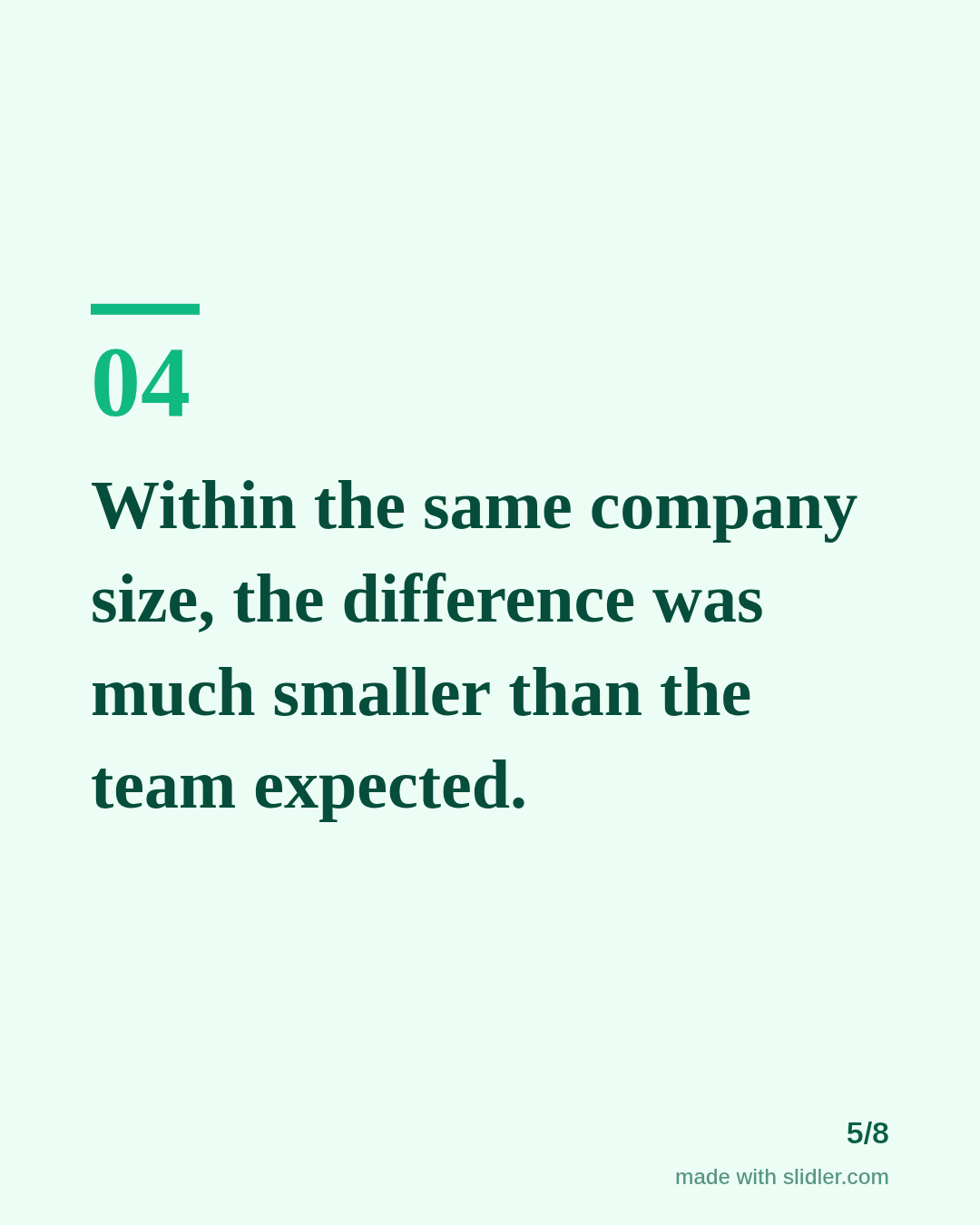
Sample carousel (5 of 8 slides)
How to use this template
- Cover: the decision the analysis changed.
- The question in one sentence.
- Method, finding and the twist, one slide each.
- The reusable lesson for other analysts.
Tip: Describe your method in words on the slides; if you want to show the chart, add it as an image in the post alongside the carousel.
Edit the sample and make your carousel (free, no sign-up)
The first line becomes the cover; each sentence becomes a slide. Replace the sample with your own words.
FAQ
What do data analysts post on LinkedIn?
Analysis walkthroughs, SQL or spreadsheet tips, mistakes to avoid with metrics, and portfolio projects explained step by step.
Is my text stored?
No. Pasted text becomes slides in your browser and is not uploaded.
Is this template free?
Yes. Slidler is free and needs no account. Free exports carry a small “made with slidler.com” mark.
What size are the slides?
1080×1350 pixels (4:5 portrait), the size LinkedIn and Instagram show largest in the feed. LinkedIn gets a PDF; Instagram gets a zip of PNGs.
Related templates
- Case study LinkedIn carousel template
- Comparison LinkedIn carousel template
- LinkedIn carousel template for software developers
- LinkedIn carousel template for founders
- LinkedIn carousel template for recruiters
Start from your own content instead: Text to carousel · Article to carousel · All carousel templates