LinkedIn carousel template for dentists
Dental practices earn patients by making visits less scary and advice easy to follow. This template turns patient questions into a carousel people send to family. Below is a sample carousel Slidler made from the text in the editor; change the text to yours and make your own in under a minute.
Sample carousel (5 of 9 slides)
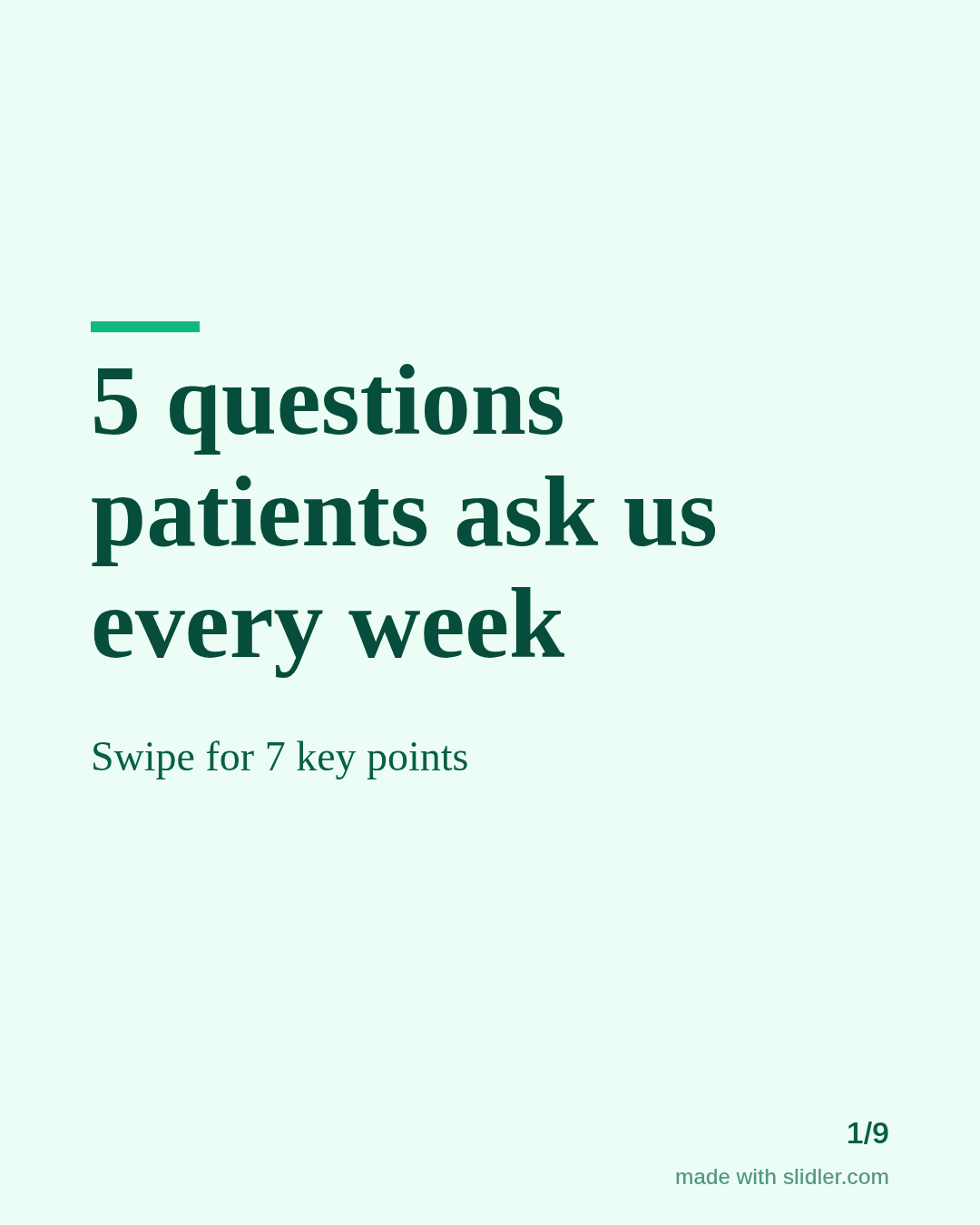
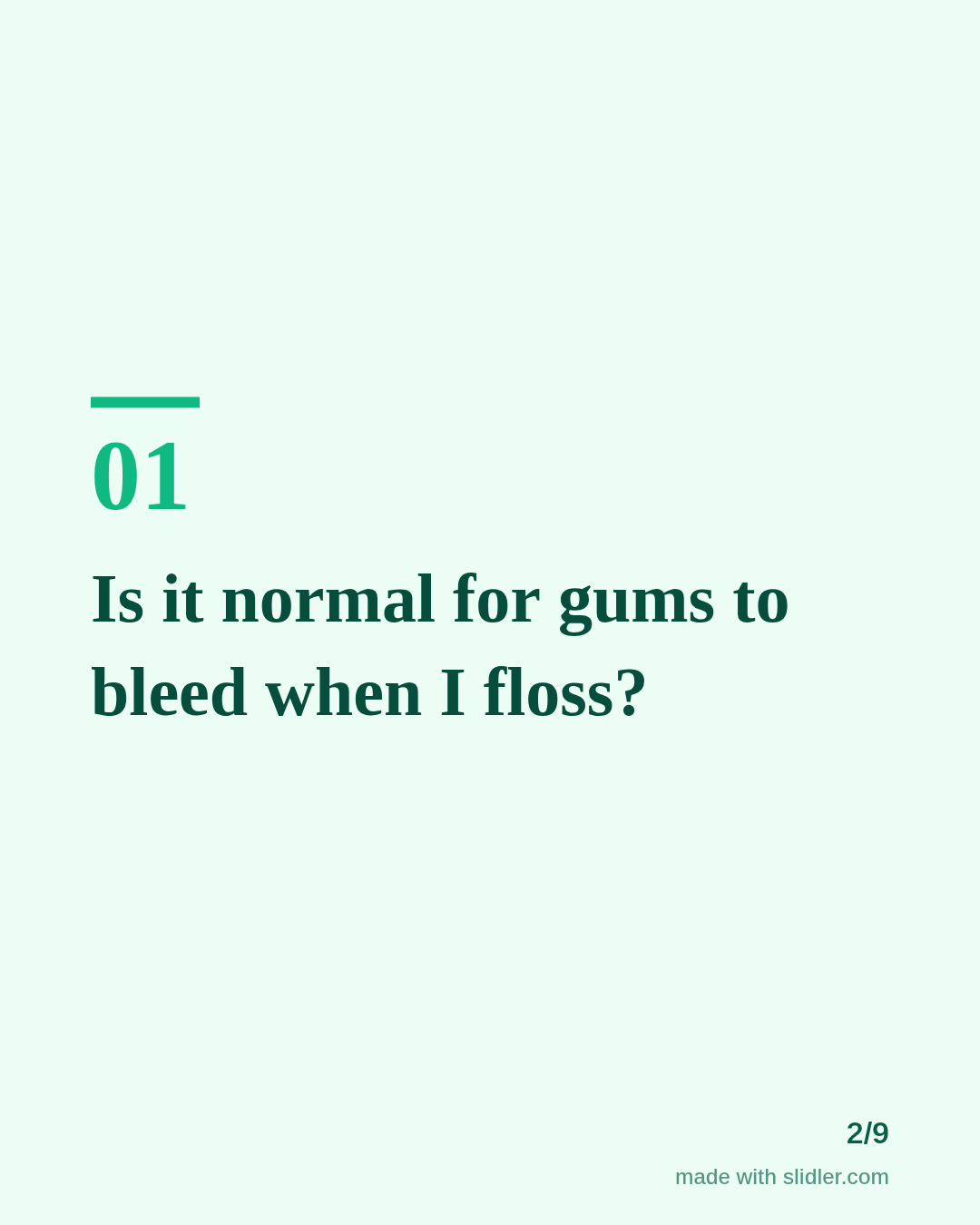
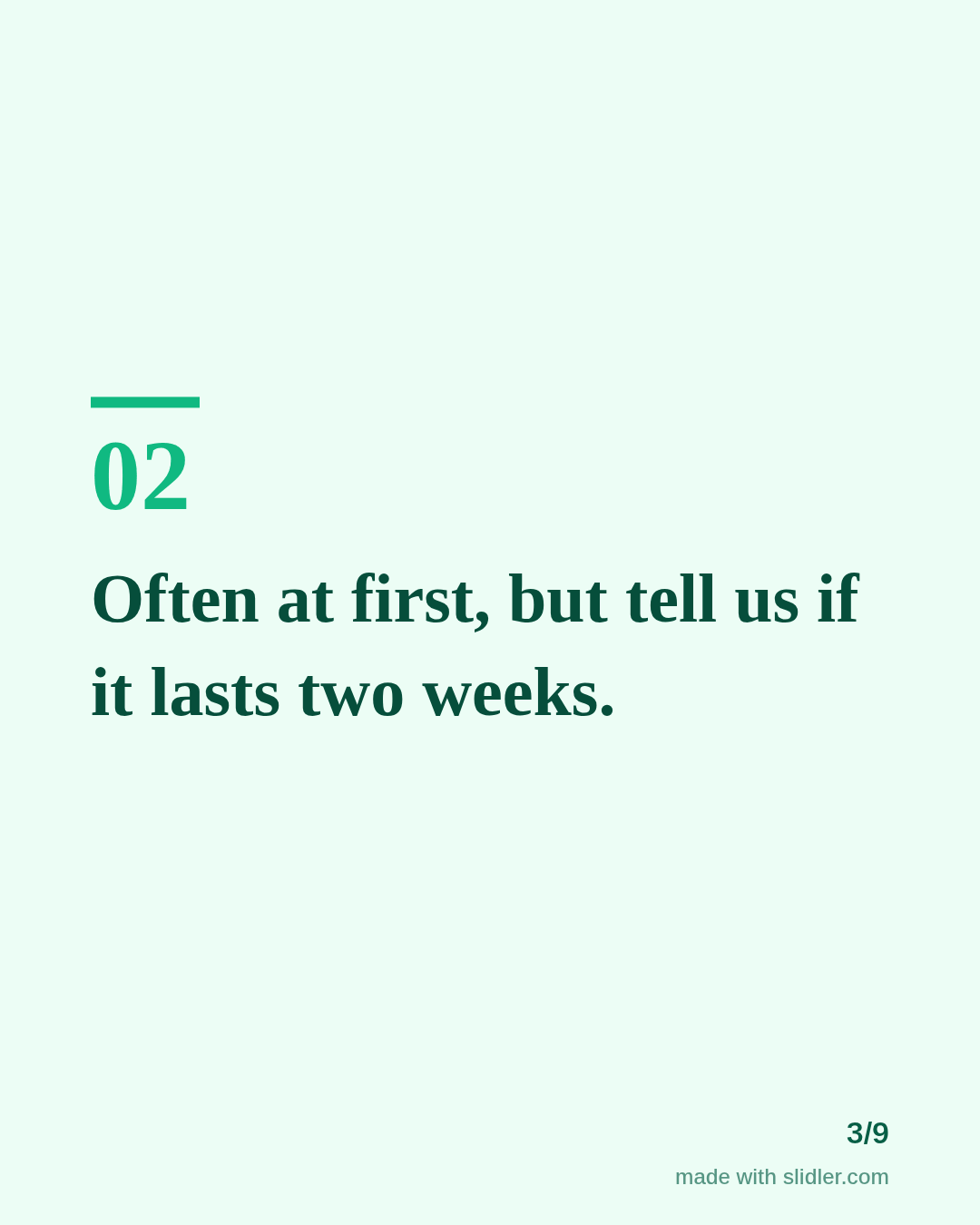
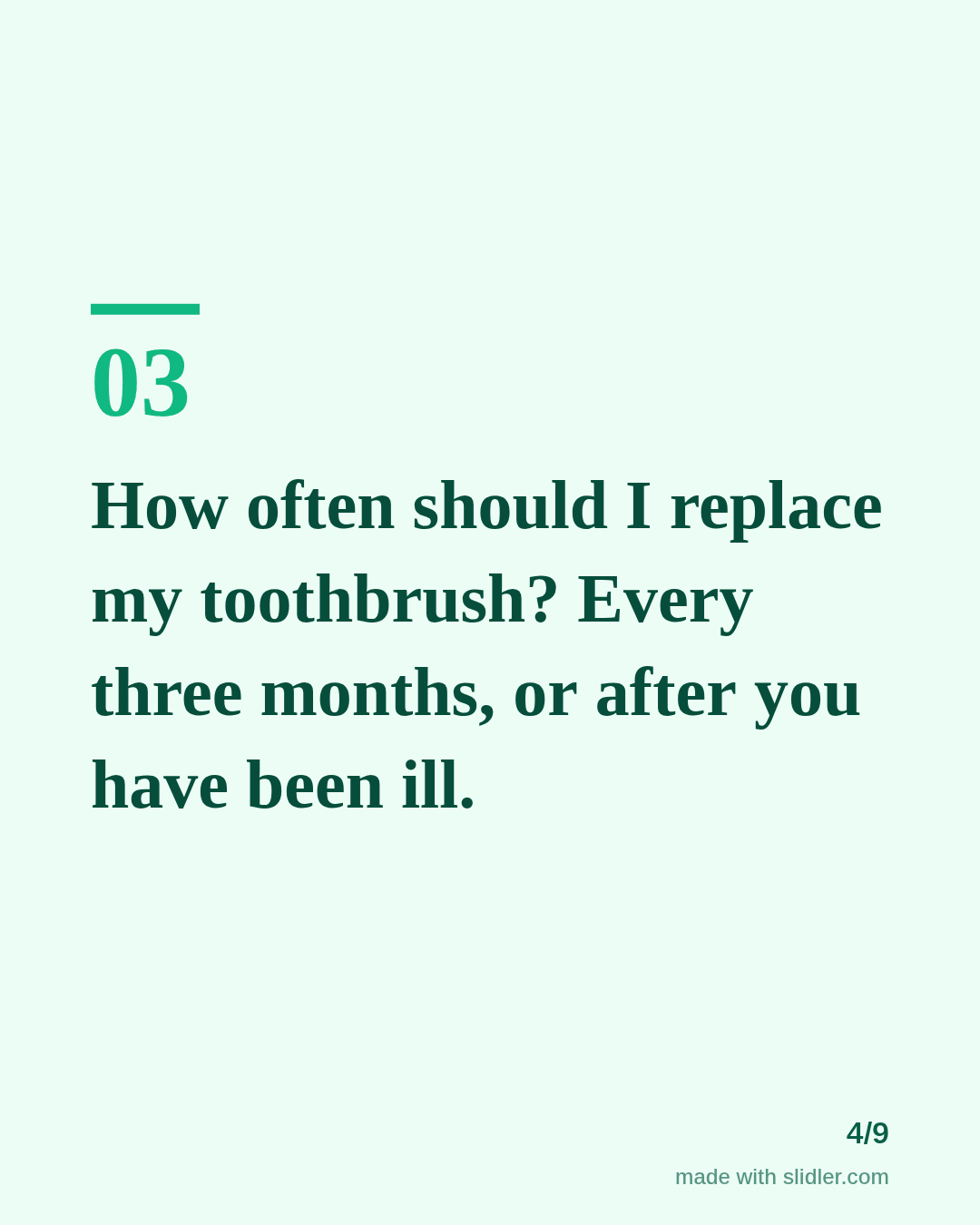
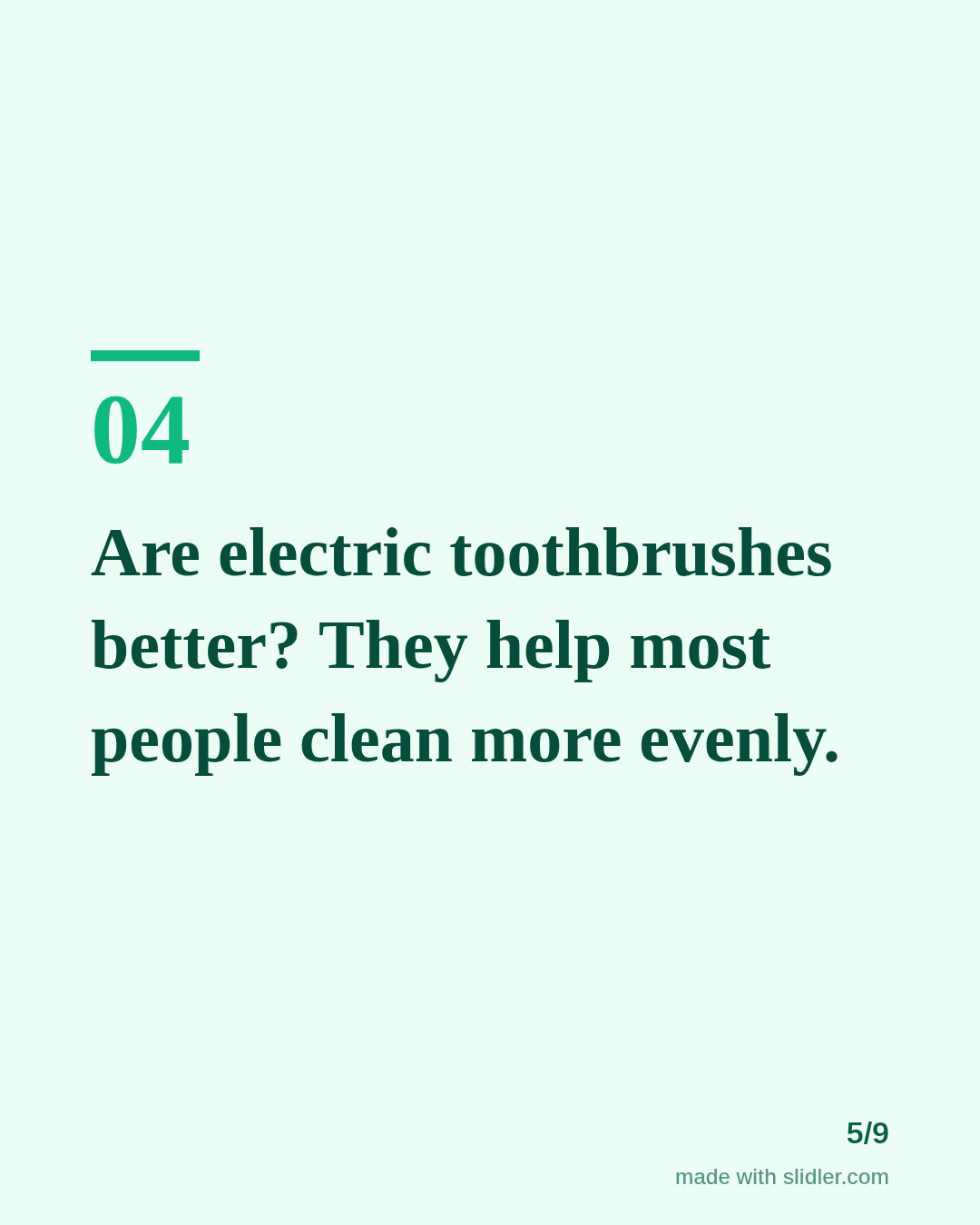
How to use this template
- Cover: a number of common questions.
- One question and a short, honest answer per slide.
- Keep medical claims simple and say when to see a dentist.
- End with a gentle call to book.
Tip: Use questions your reception actually hears; they match what people type into search.
Edit the sample and make your carousel (free, no sign-up)
The first line becomes the cover; each sentence becomes a slide. Replace the sample with your own words.
FAQ
What should a dental practice post?
Patient questions, what happens at a visit, team introductions and prevention tips.
Can dentists use carousels on Instagram and LinkedIn?
Yes; export PNGs for Instagram and a PDF for LinkedIn from the same text.
Is this template free?
Yes. Slidler is free and needs no account. Free exports carry a small “made with slidler.com” mark.
What size are the slides?
1080×1350 pixels (4:5 portrait), the size LinkedIn and Instagram show largest in the feed. LinkedIn gets a PDF; Instagram gets a zip of PNGs.
Related templates
- LinkedIn carousel template for healthcare professionals
- Myths vs facts LinkedIn carousel template
- LinkedIn carousel template for small businesses
- LinkedIn carousel template for founders
- LinkedIn carousel template for recruiters
Start from your own content instead: Text to carousel · Instagram carousel maker · All carousel templates