LinkedIn carousel template for cybersecurity professionals
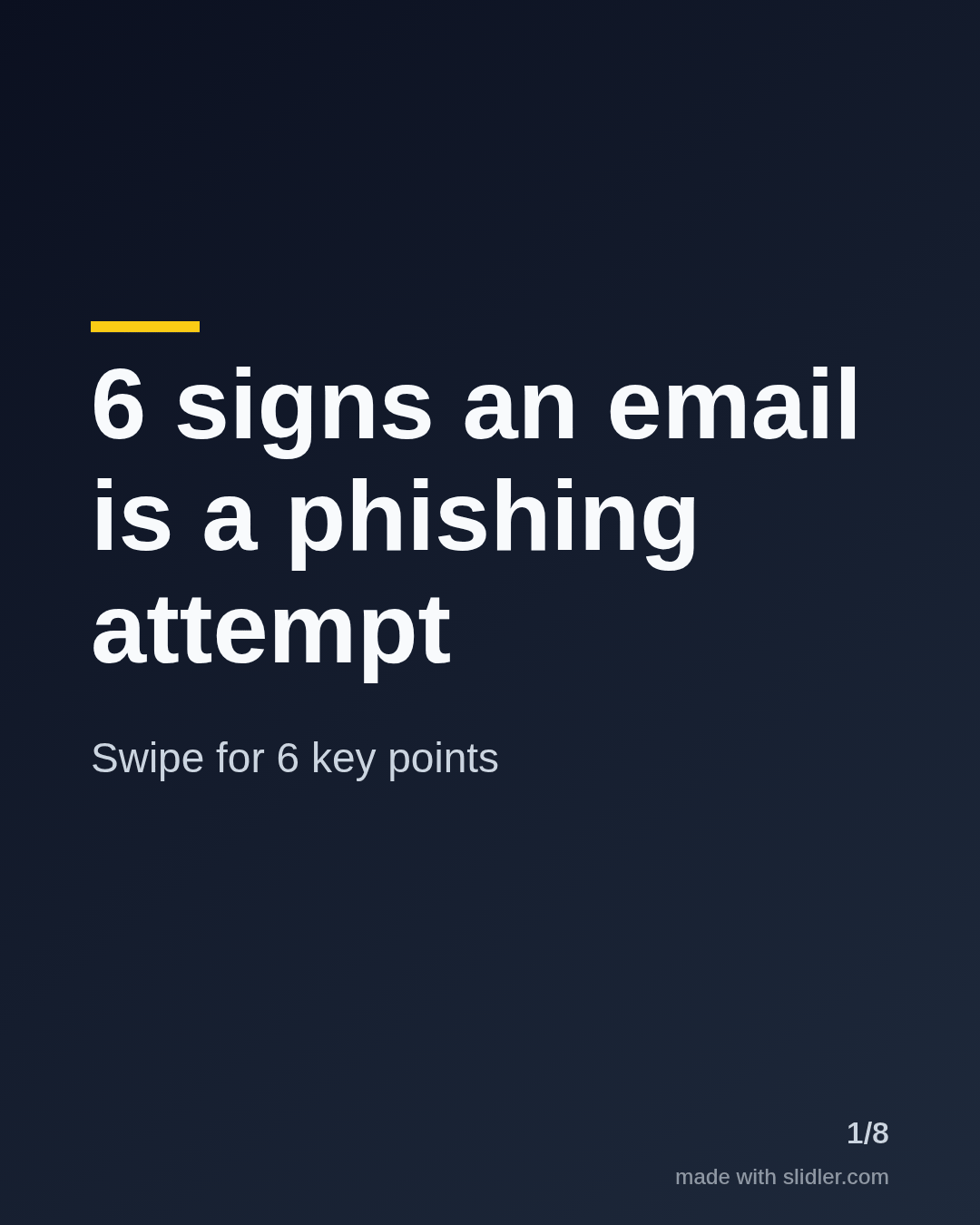
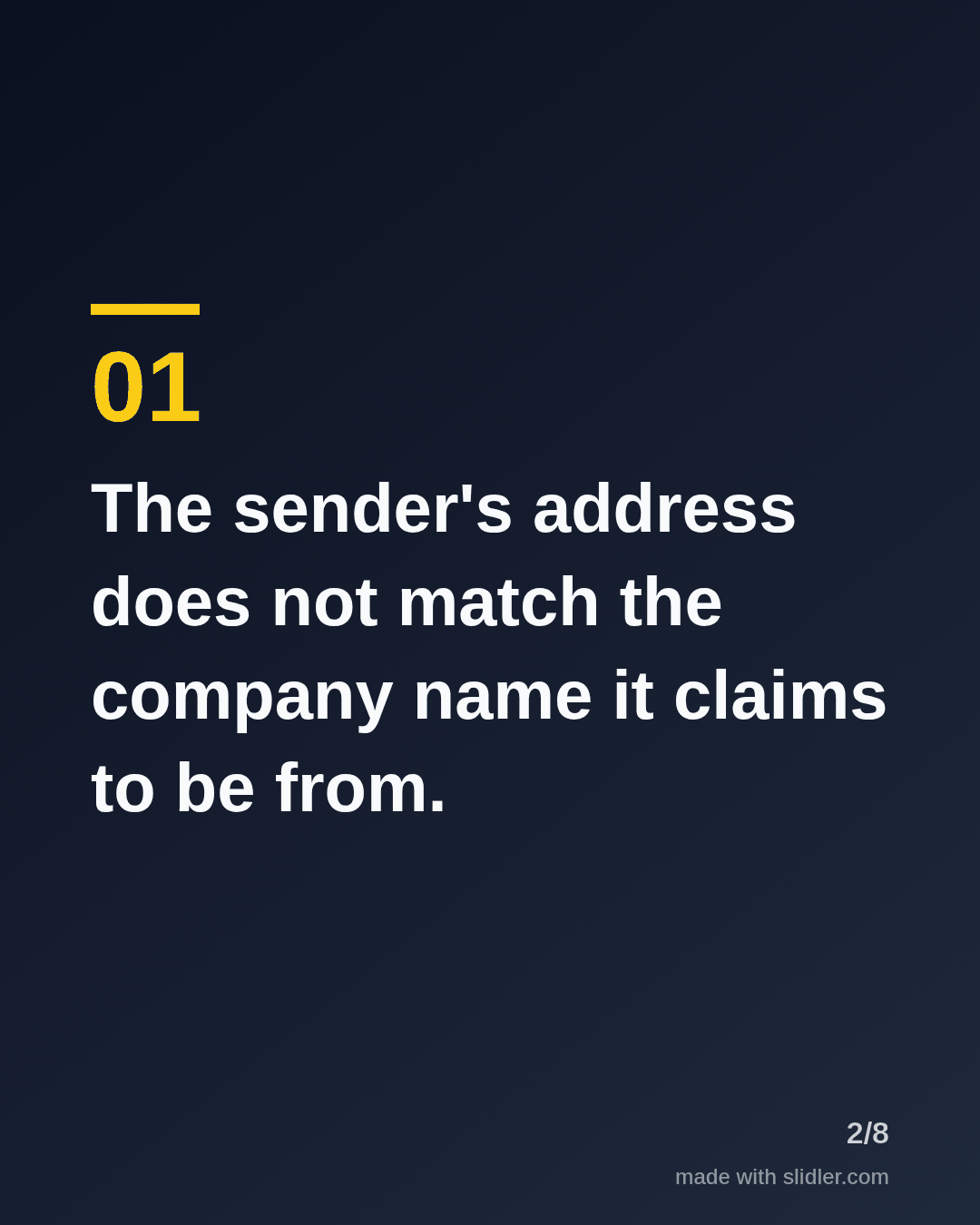
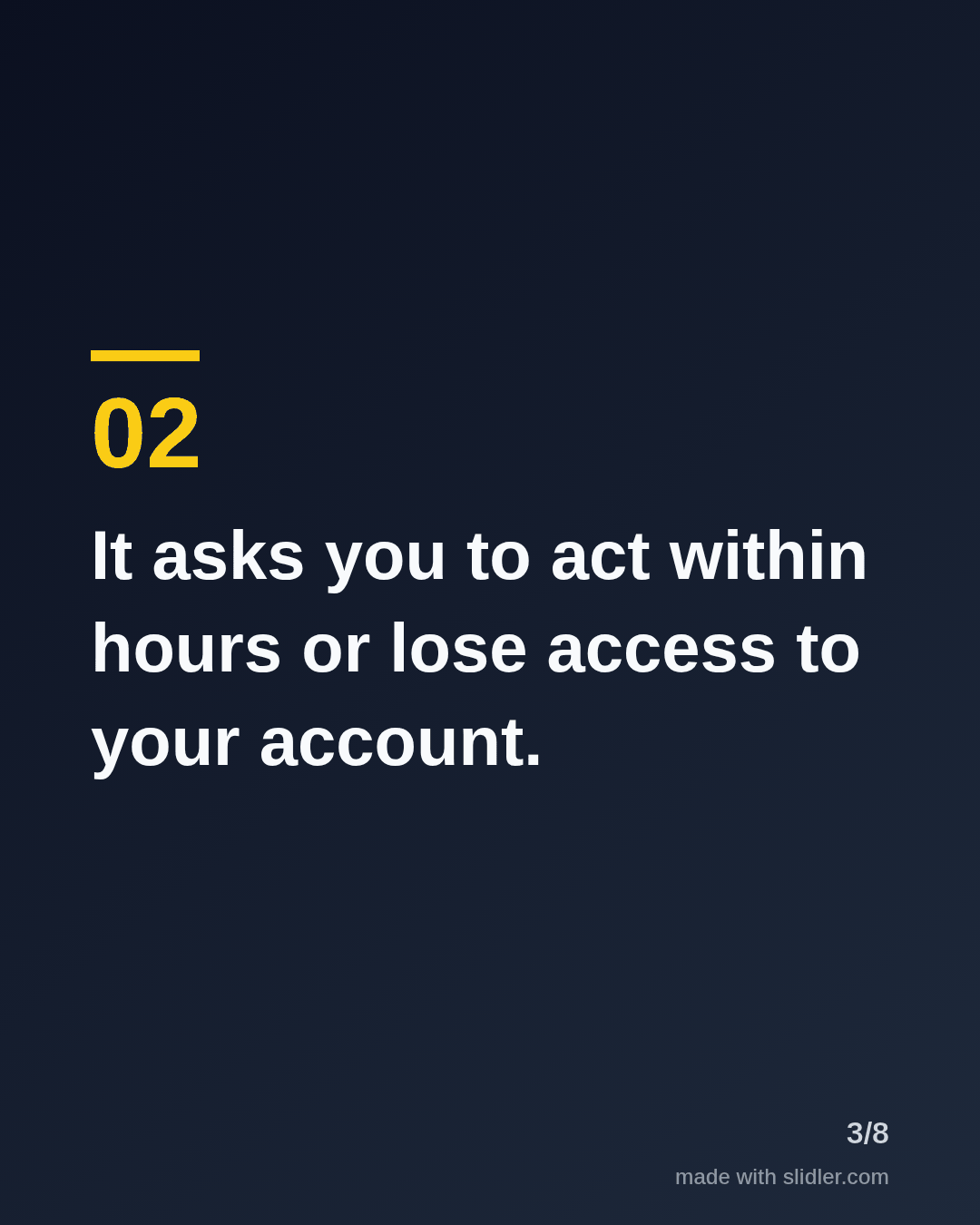
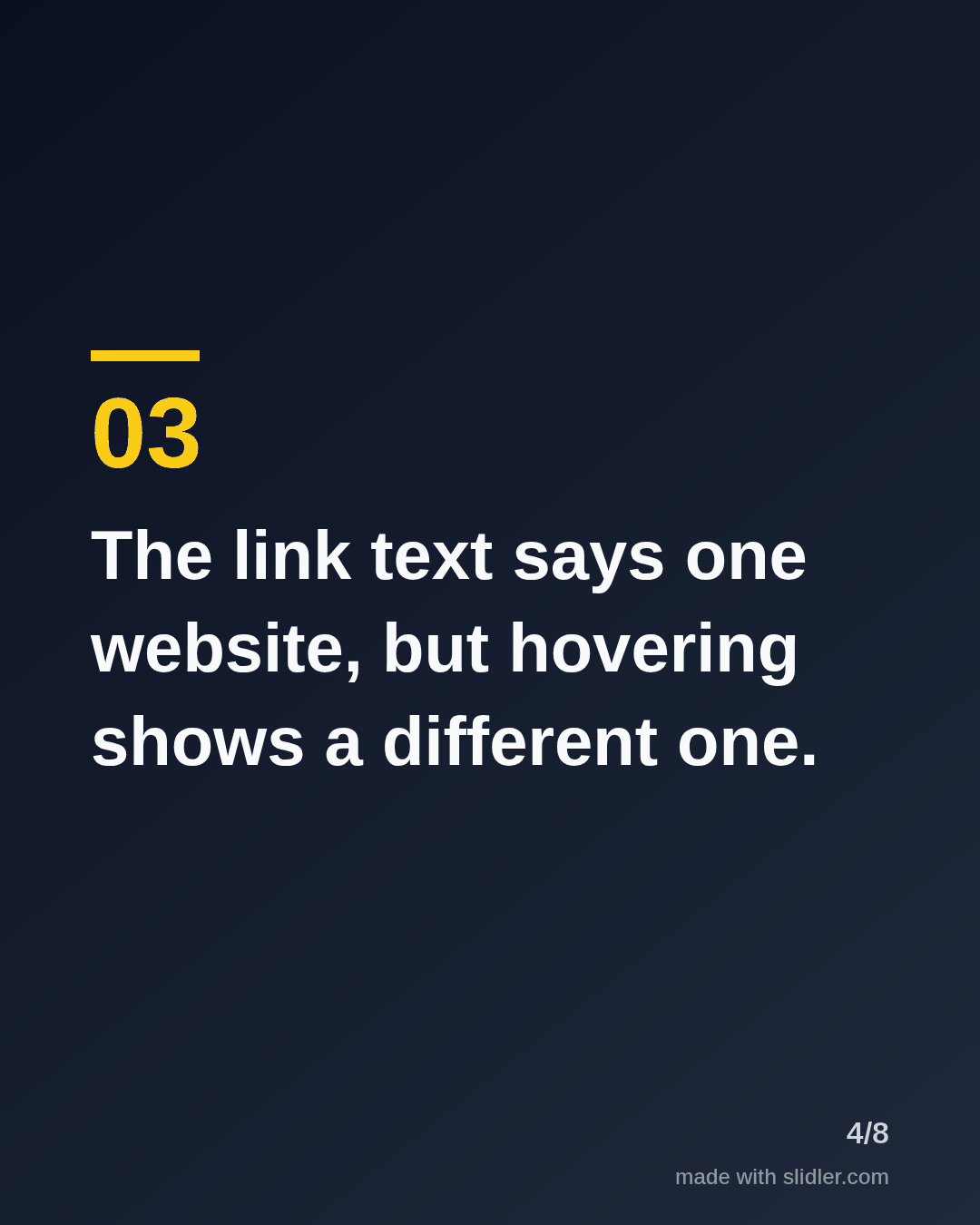
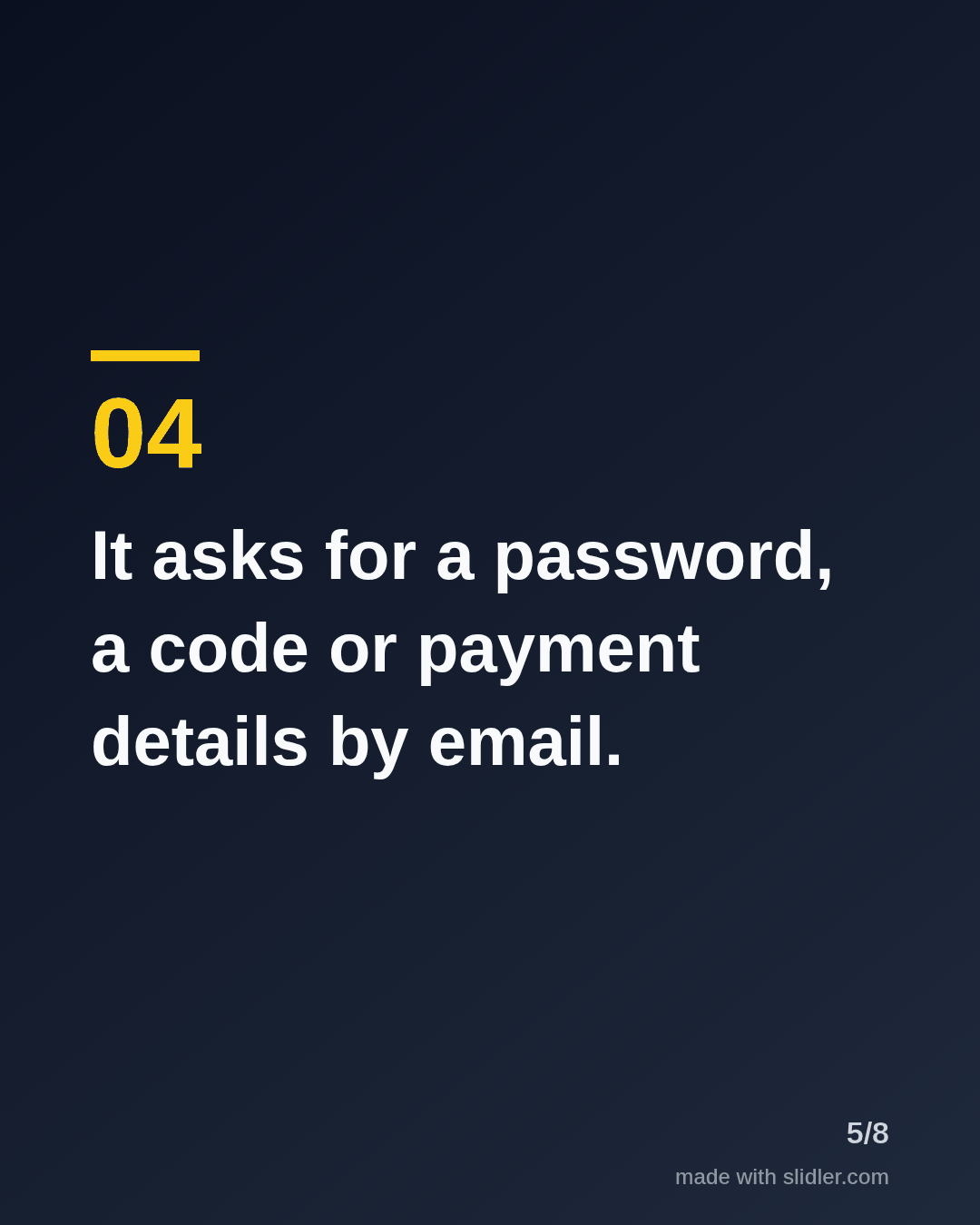
Security teams reach people by turning threats into simple habits. This template turns a security tip into a carousel colleagues forward to their team. Below is a sample carousel Slidler made from the text in the editor; change the text to yours and make your own in under a minute.
Sample carousel (5 of 8 slides)
How to use this template
- Cover: a number and a threat everyone faces.
- One sign or habit per slide, in non-technical words.
- Keep jargon out; write for the least technical colleague.
- End with what to do: report it, do not click.
Tip: Name the reporting step your company actually uses; a habit sticks when the next action is clear.
Edit the sample and make your carousel (free, no sign-up)
The first line becomes the cover; each sentence becomes a slide. Replace the sample with your own words.
FAQ
What should cybersecurity people post on LinkedIn?
Awareness tips, breakdowns of recent incidents, career advice and myths about security.
Can I turn a security newsletter into a carousel?
Paste it into Slidler or give it the link, and it pulls out the key points onto separate slides.
Is this template free?
Yes. Slidler is free and needs no account. Free exports carry a small “made with slidler.com” mark.
What size are the slides?
1080×1350 pixels (4:5 portrait), the size LinkedIn and Instagram show largest in the feed. LinkedIn gets a PDF; Instagram gets a zip of PNGs.
Related templates
- Myths vs facts LinkedIn carousel template
- Checklist LinkedIn carousel template
- LinkedIn carousel template for software developers
- LinkedIn carousel template for founders
- LinkedIn carousel template for recruiters
Start from your own content instead: Turn a newsletter issue into a LinkedIn carousel · Article to carousel · All carousel templates