Webinar LinkedIn carousel template
A webinar carousel gives people a reason to register before, and a reason to watch the recording after. This template is the promo version. Below is a sample carousel Slidler made from the text in the editor; change the text to yours and make your own in under a minute.
Sample carousel (5 of 8 slides)

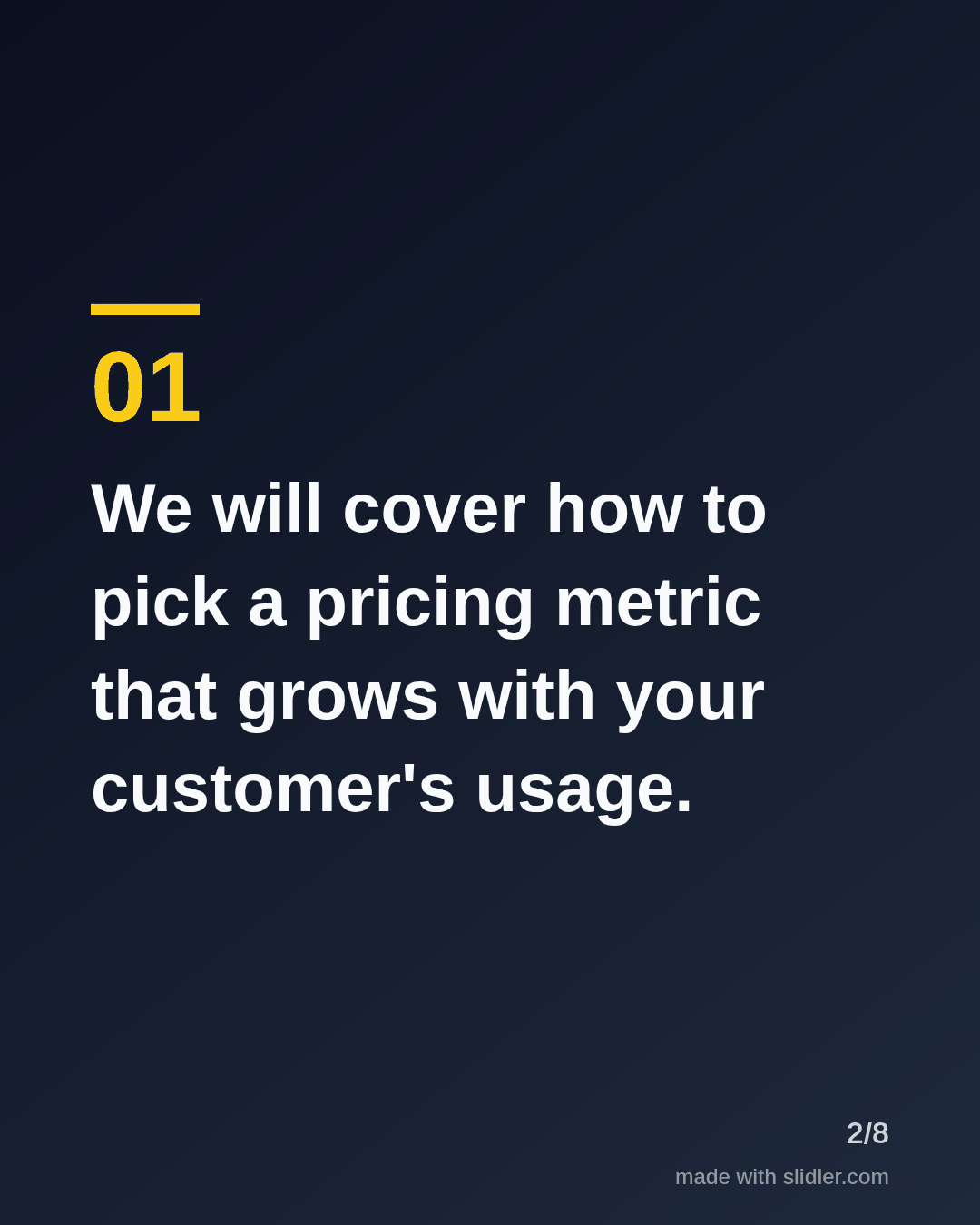
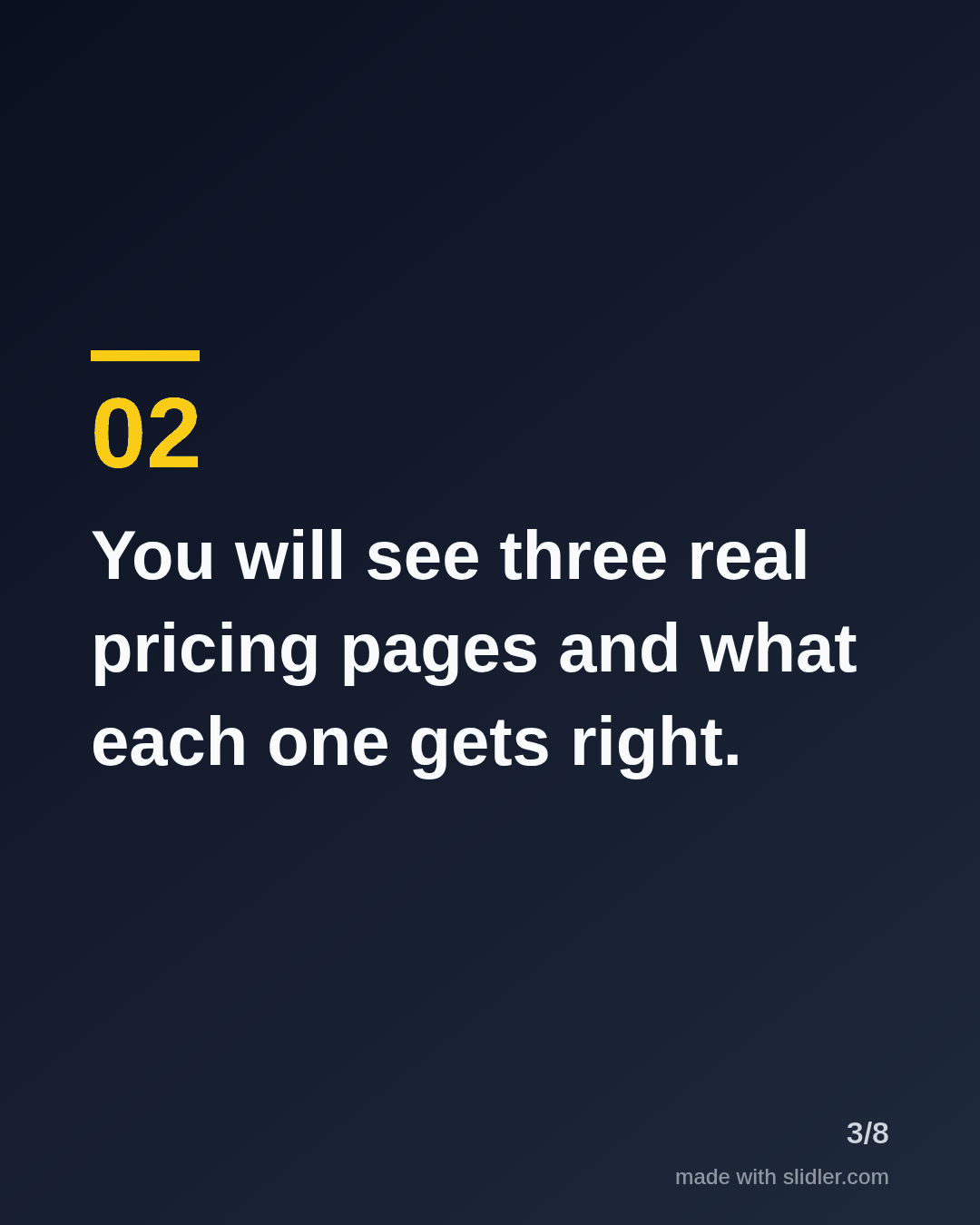

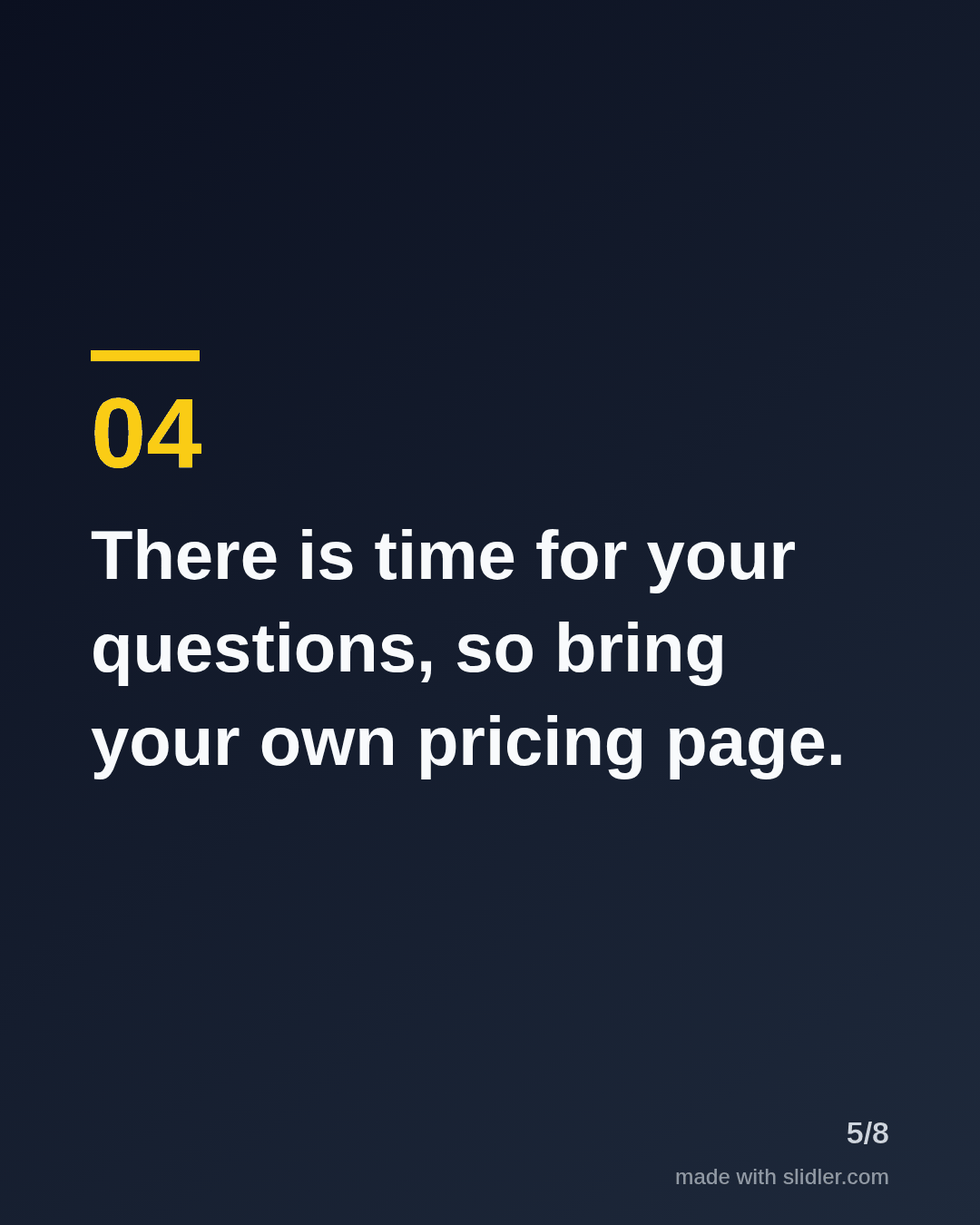
How to use this template
- Cover: "Free webinar" plus the topic.
- What attendees will learn, one point per slide.
- Practical details: length, recording, Q&A.
- Last point: how to register.
Tip: Add the date and time zone in the post text so you can reuse the same carousel for reminders.
Edit the sample and make your carousel (free, no sign-up)
The first line becomes the cover; each sentence becomes a slide. Replace the sample with your own words.
FAQ
How do I promote a webinar on LinkedIn?
Post a carousel of what people will learn a week before, reminders closer to the date, and a takeaways carousel after.
Can I make a carousel from the webinar recording?
If it's on YouTube with captions, paste the link into the YouTube tab.
Is this template free?
Yes. Slidler is free and needs no account. Free exports carry a small “made with slidler.com” mark.
What size are the slides?
1080×1350 pixels (4:5 portrait), the size LinkedIn and Instagram show largest in the feed. LinkedIn gets a PDF; Instagram gets a zip of PNGs.
Related templates
- Event LinkedIn carousel template
- Announcement LinkedIn carousel template
- How-to guide LinkedIn carousel template
- Product launch LinkedIn carousel template
- Case study LinkedIn carousel template
Start from your own content instead: YouTube video to carousel · Turn a podcast episode into a carousel · All carousel templates