LinkedIn carousel template for teachers
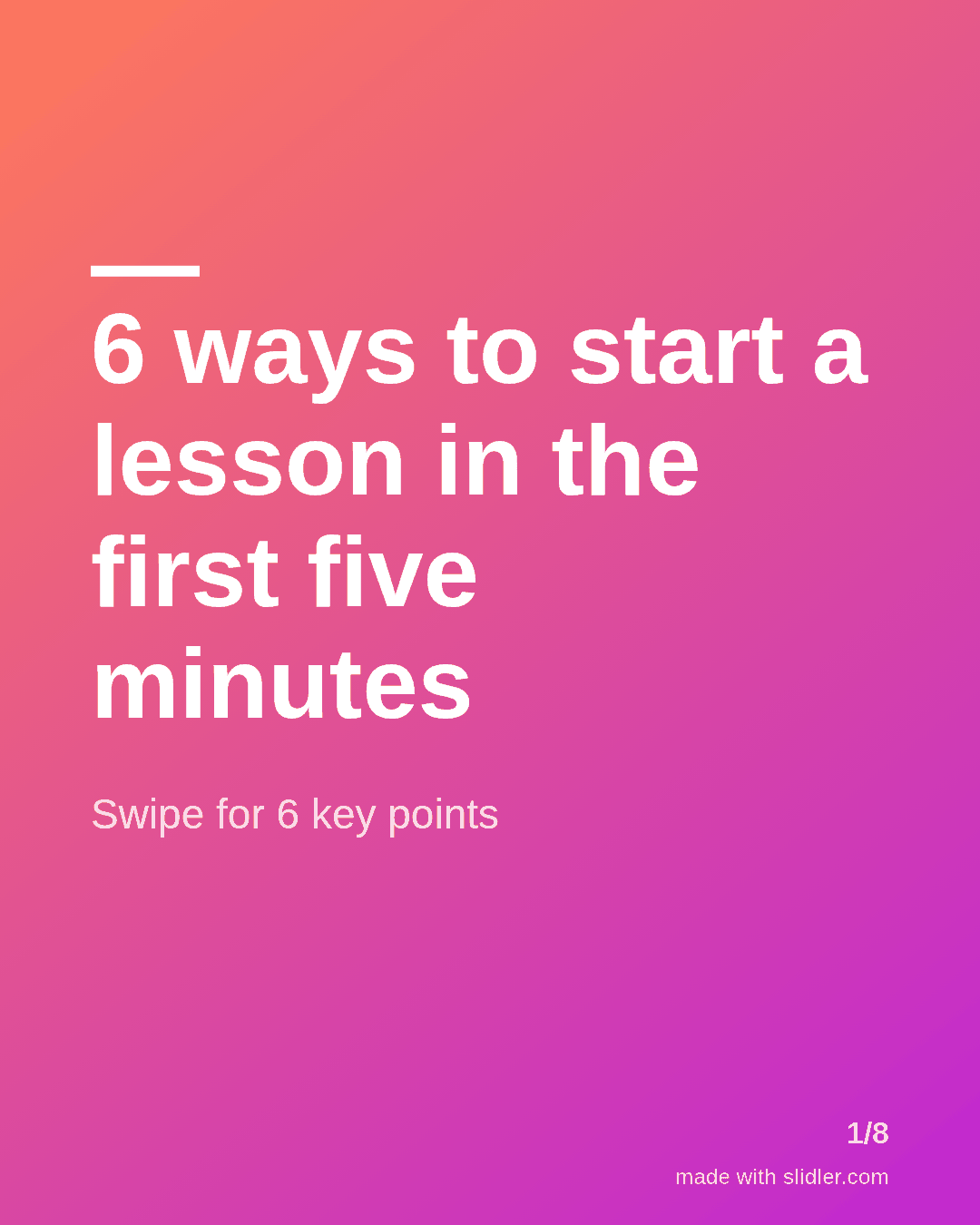
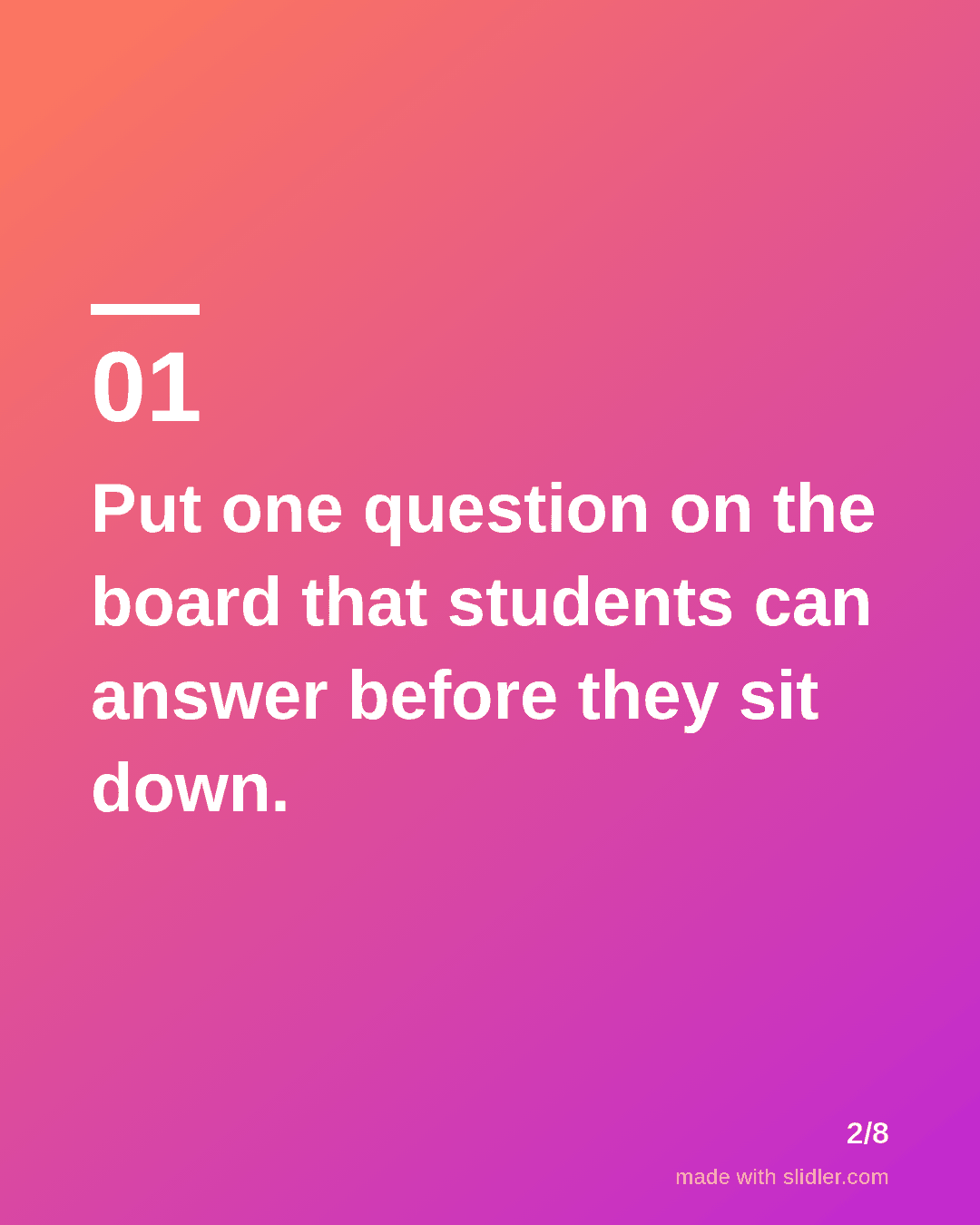
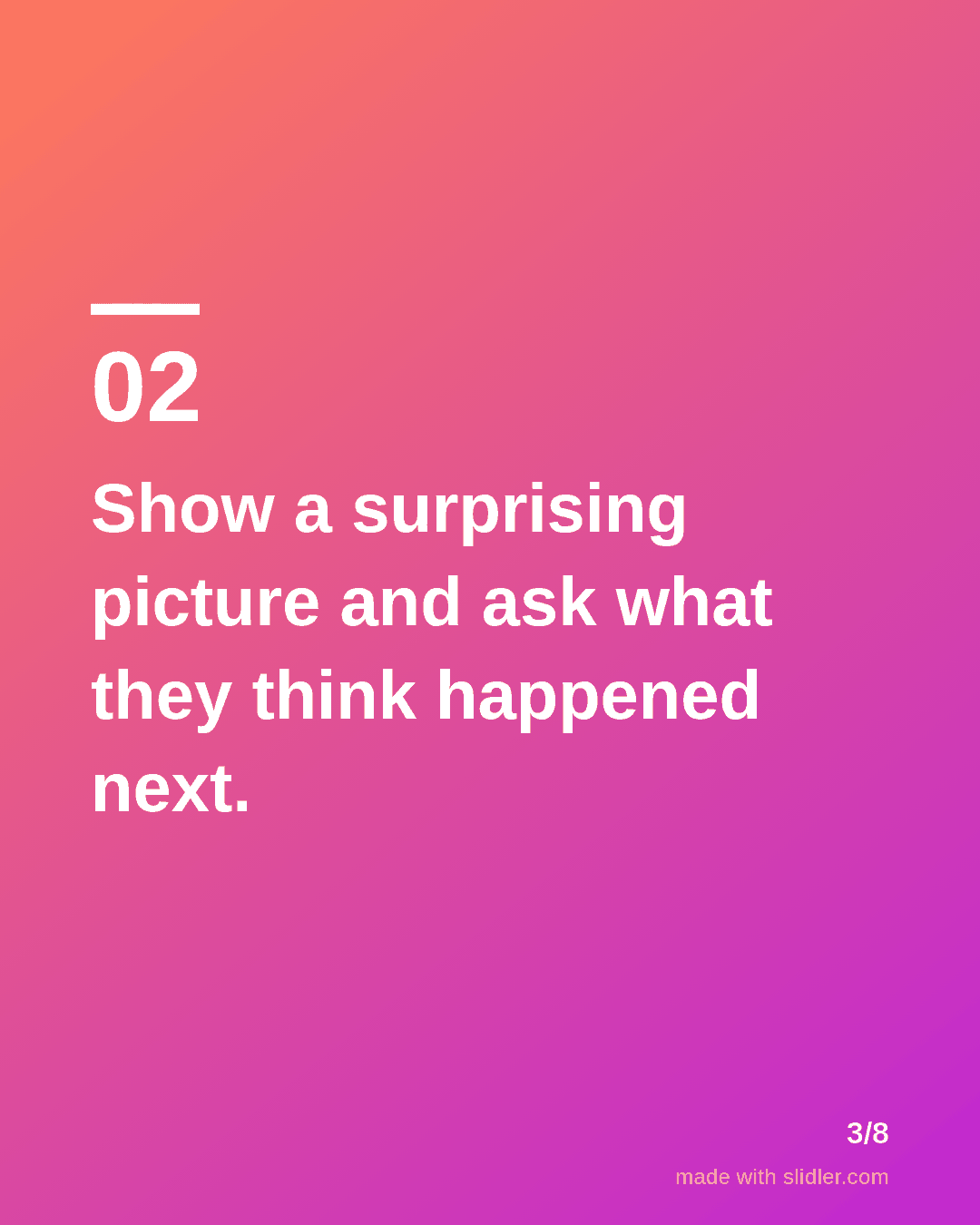
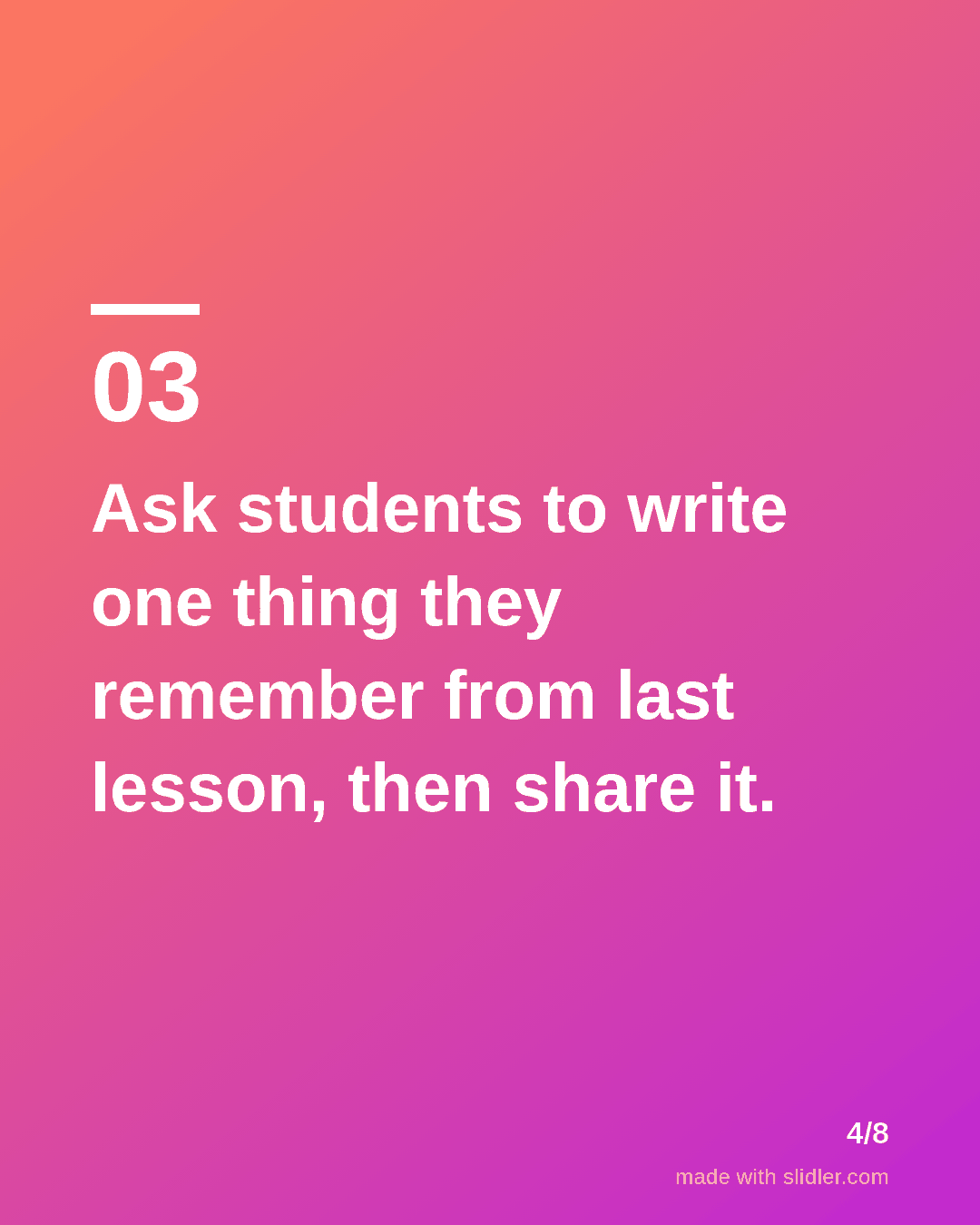
Teachers share classroom ideas that other teachers actually use. This template turns a lesson idea into a carousel that colleagues save for Monday. Below is a sample carousel Slidler made from the text in the editor; change the text to yours and make your own in under a minute.
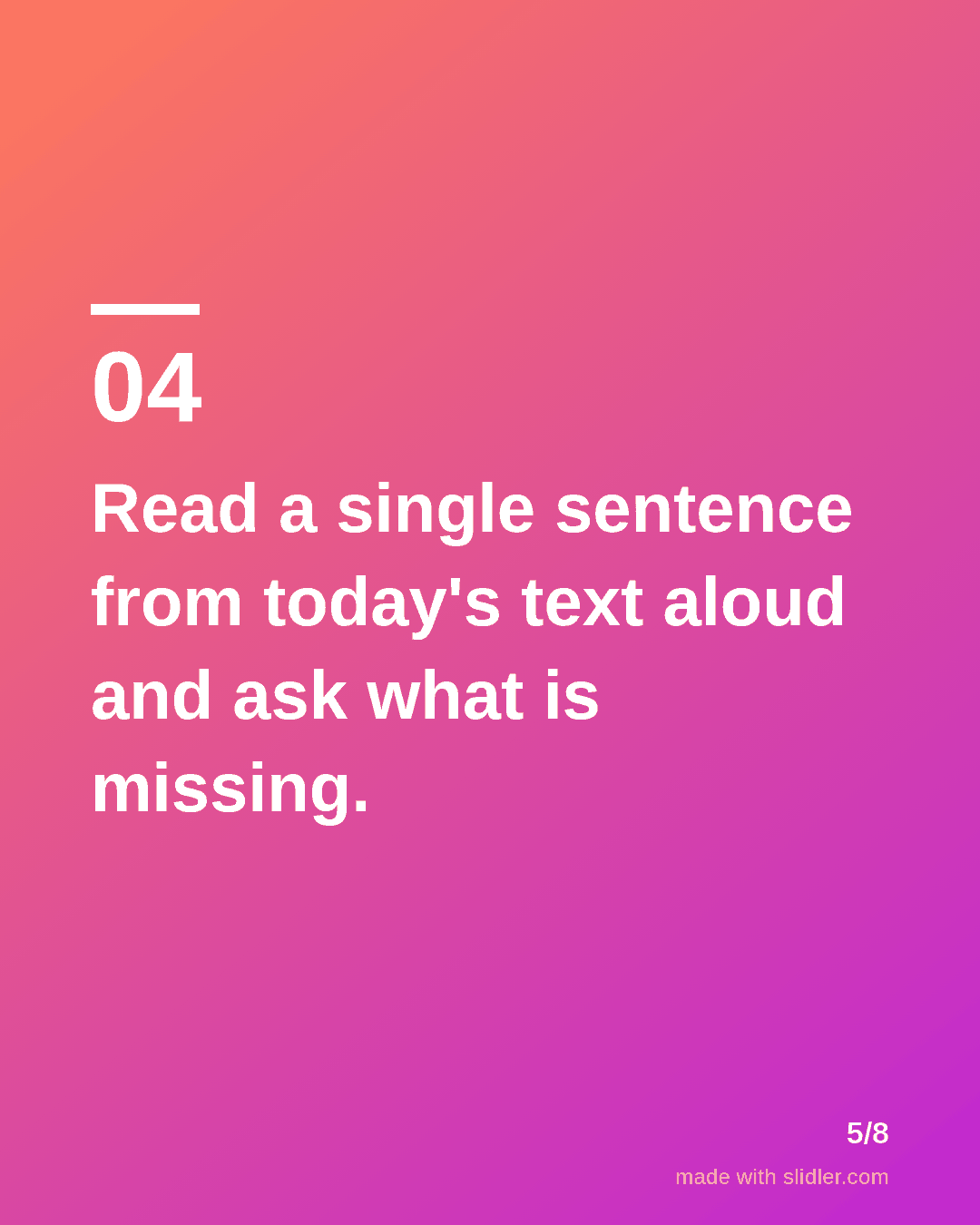
Sample carousel (5 of 8 slides)
How to use this template
- Cover: a number and a moment in the school day.
- One idea per slide that a teacher could try tomorrow.
- Keep each slide to one or two short sentences.
- Ask colleagues to add their own idea in the comments.
Tip: Say which age group the idea works for; teachers skip ideas that do not fit their class.
Edit the sample and make your carousel (free, no sign-up)
The first line becomes the cover; each sentence becomes a slide. Replace the sample with your own words.
FAQ
Are carousels useful for teachers?
Yes, both for sharing ideas with other teachers on LinkedIn or Instagram and for turning lesson notes into slides students can review.
Can I turn a lesson plan into a carousel?
Paste the key steps into Slidler and it puts one step on each slide, ready to export as a PDF.
Is this template free?
Yes. Slidler is free and needs no account. Free exports carry a small “made with slidler.com” mark.
What size are the slides?
1080×1350 pixels (4:5 portrait), the size LinkedIn and Instagram show largest in the feed. LinkedIn gets a PDF; Instagram gets a zip of PNGs.
Related templates
- LinkedIn carousel template for students
- How-to guide LinkedIn carousel template
- Tips list LinkedIn carousel template
- LinkedIn carousel template for founders
- LinkedIn carousel template for recruiters
Start from your own content instead: Text to carousel · PDF to carousel · All carousel templates