LinkedIn carousel template for HR teams
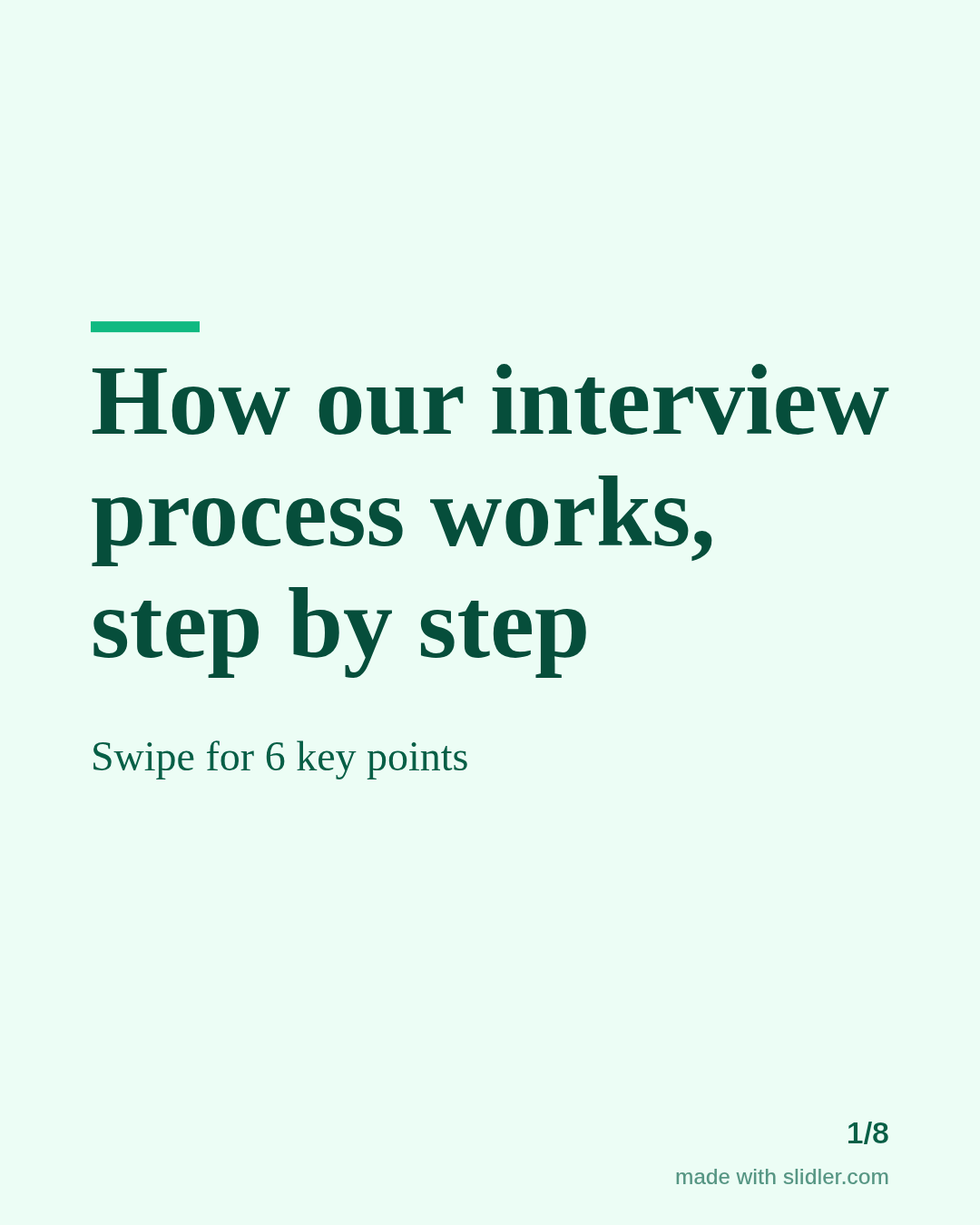
HR teams post to attract candidates and to show how the company treats people. This template explains one policy or process in a way candidates actually read. Below is a sample carousel Slidler made from the text in the editor; change the text to yours and make your own in under a minute.
Sample carousel (5 of 8 slides)
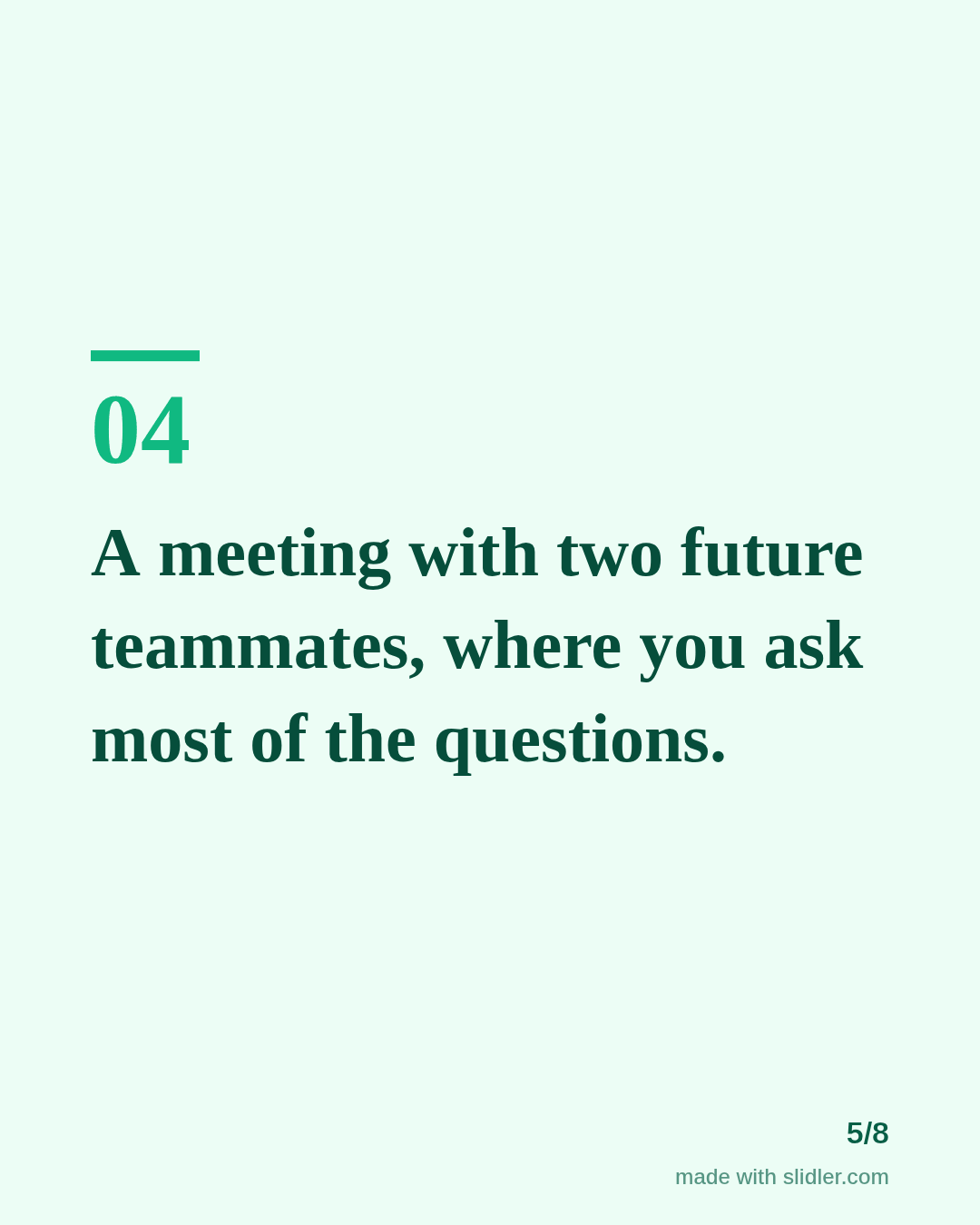
How to use this template
- Cover: the process or policy in plain words.
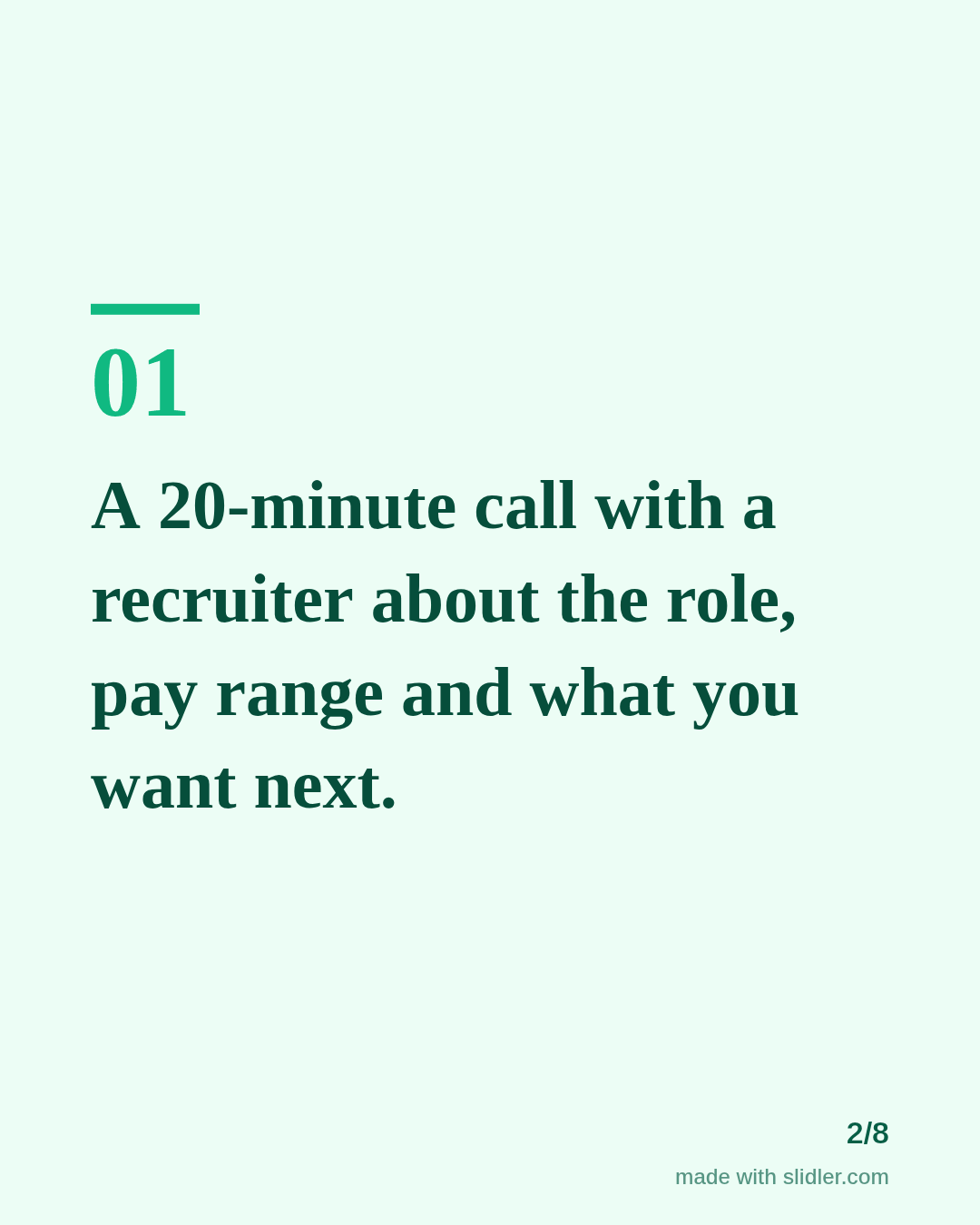
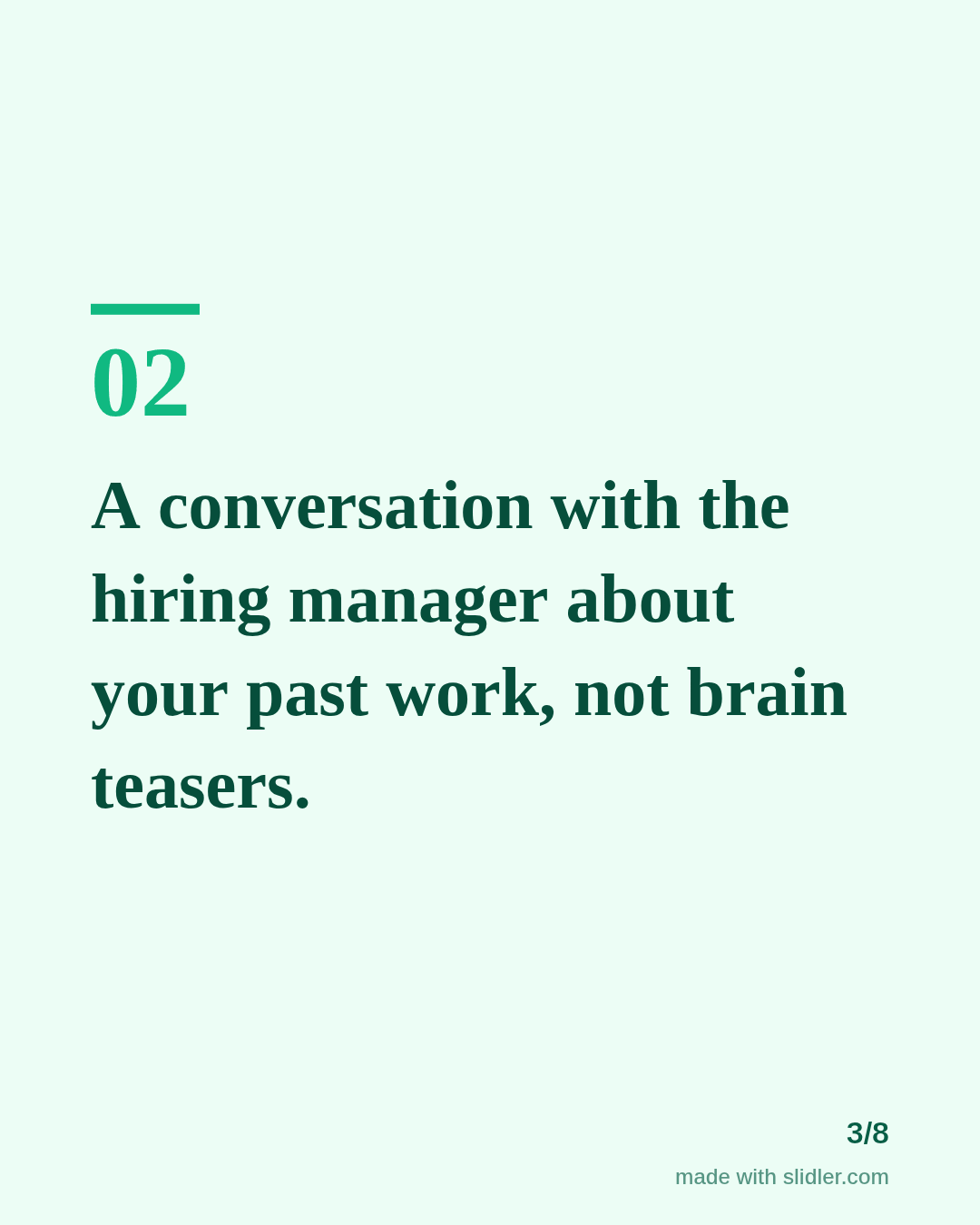
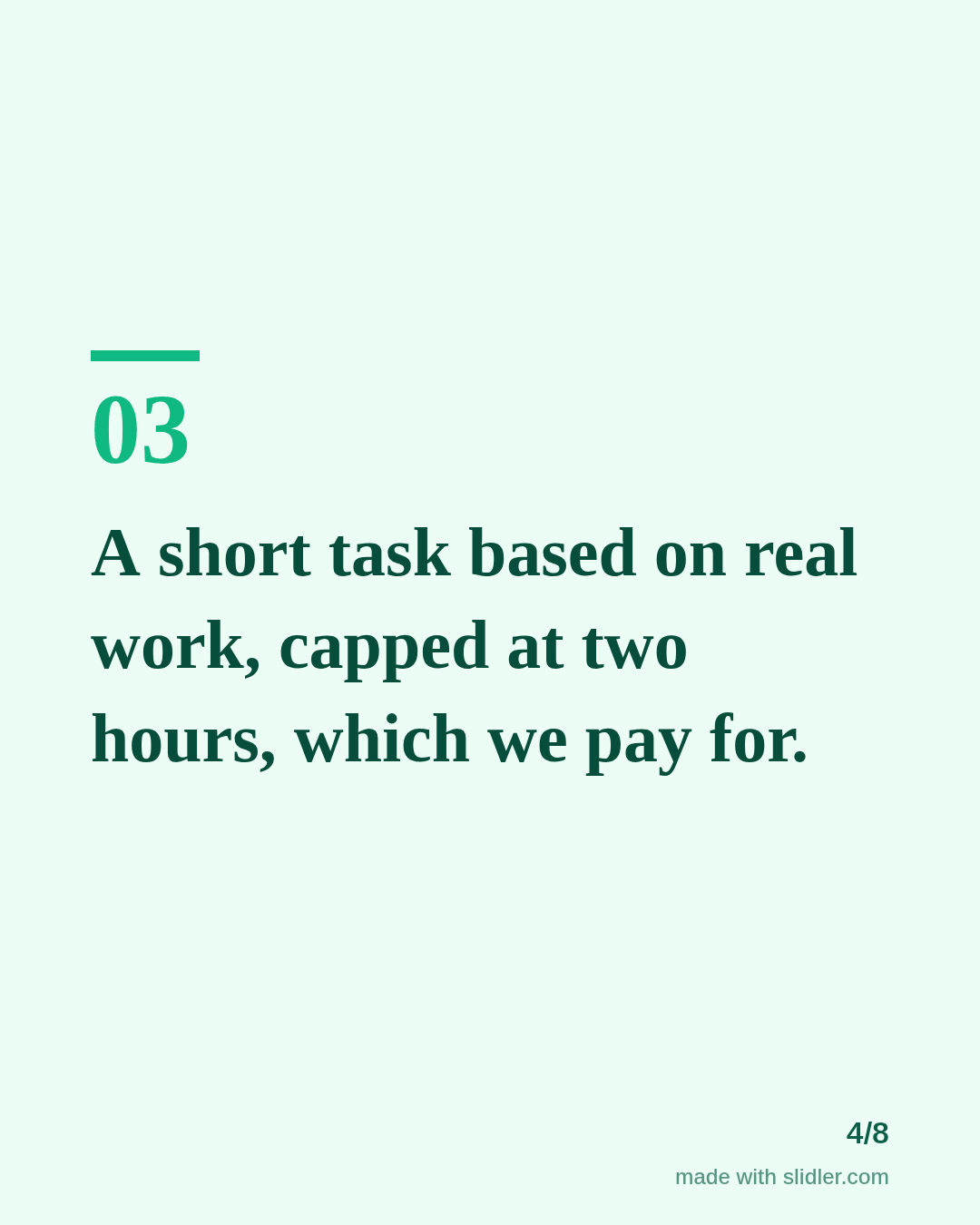
- One step per slide in order.
- Include what candidates usually worry about: pay, time, feedback.
- End with where to see open roles.
Tip: Only publish steps and promises your company actually keeps; candidates screenshot these.
Edit the sample and make your carousel (free, no sign-up)
The first line becomes the cover; each sentence becomes a slide. Replace the sample with your own words.
FAQ
What should HR post on LinkedIn?
Interview processes, benefits explained, onboarding, team stories and policy changes, written for candidates rather than for employees.
Can I make a hiring carousel?
Yes, see the hiring template for a job-focused version.
Is this template free?
Yes. Slidler is free and needs no account. Free exports carry a small “made with slidler.com” mark.
What size are the slides?
1080×1350 pixels (4:5 portrait), the size LinkedIn and Instagram show largest in the feed. LinkedIn gets a PDF; Instagram gets a zip of PNGs.
Related templates
- Hiring post LinkedIn carousel template
- LinkedIn carousel template for recruiters
- Announcement LinkedIn carousel template
- LinkedIn carousel template for founders
- LinkedIn carousel template for marketers
Start from your own content instead: Text to carousel · Turn a LinkedIn text post into a carousel · All carousel templates