LinkedIn carousel template for executives
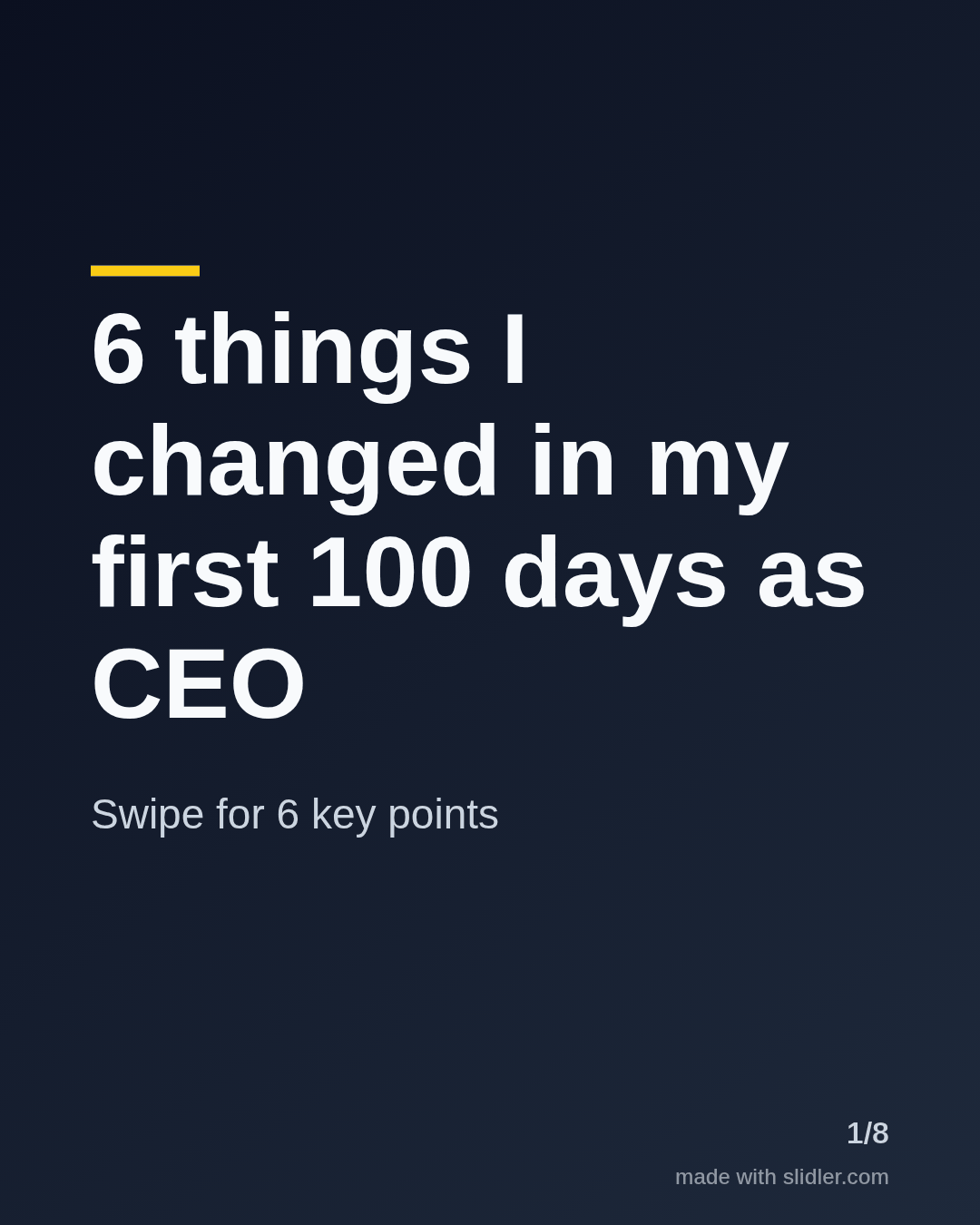
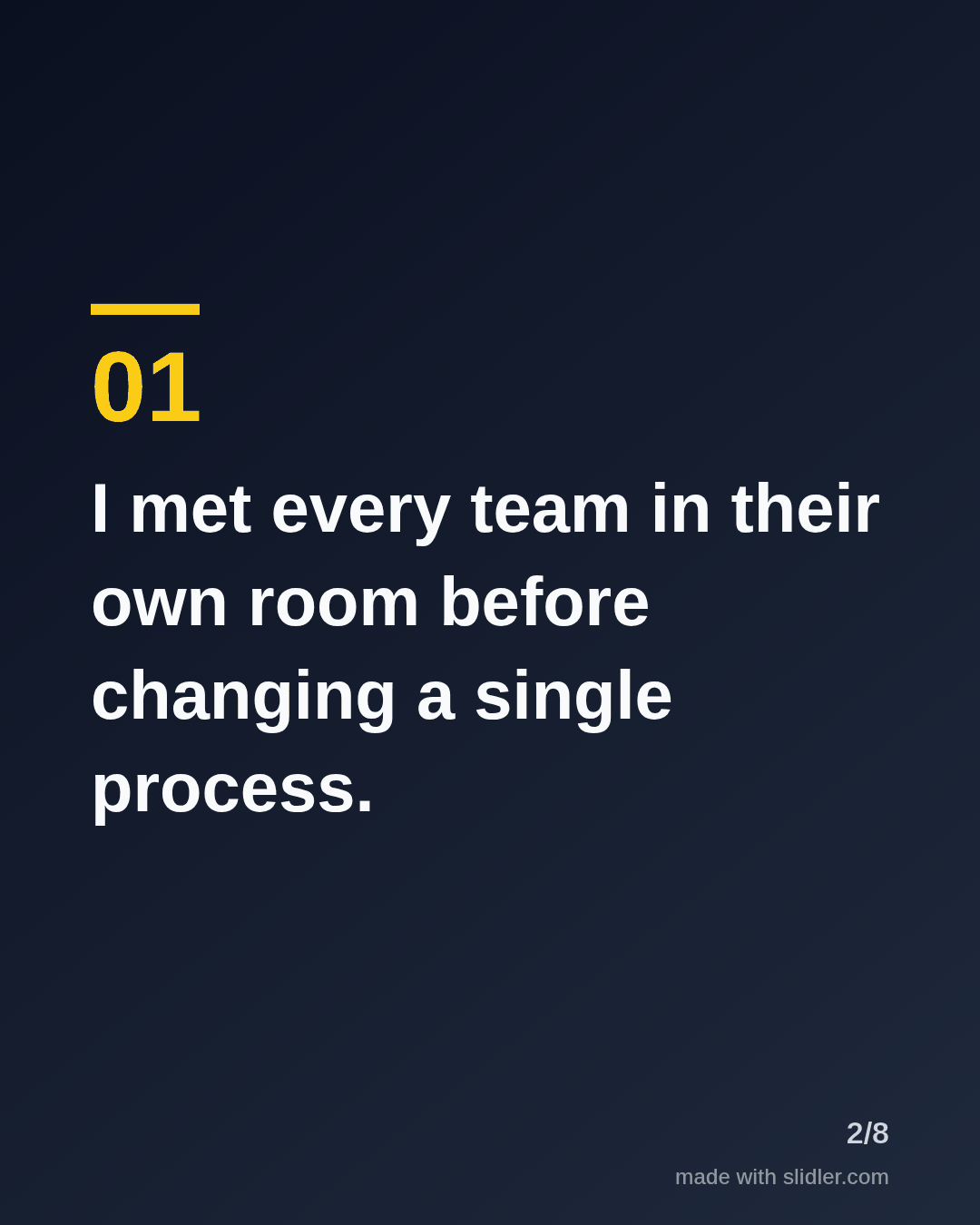
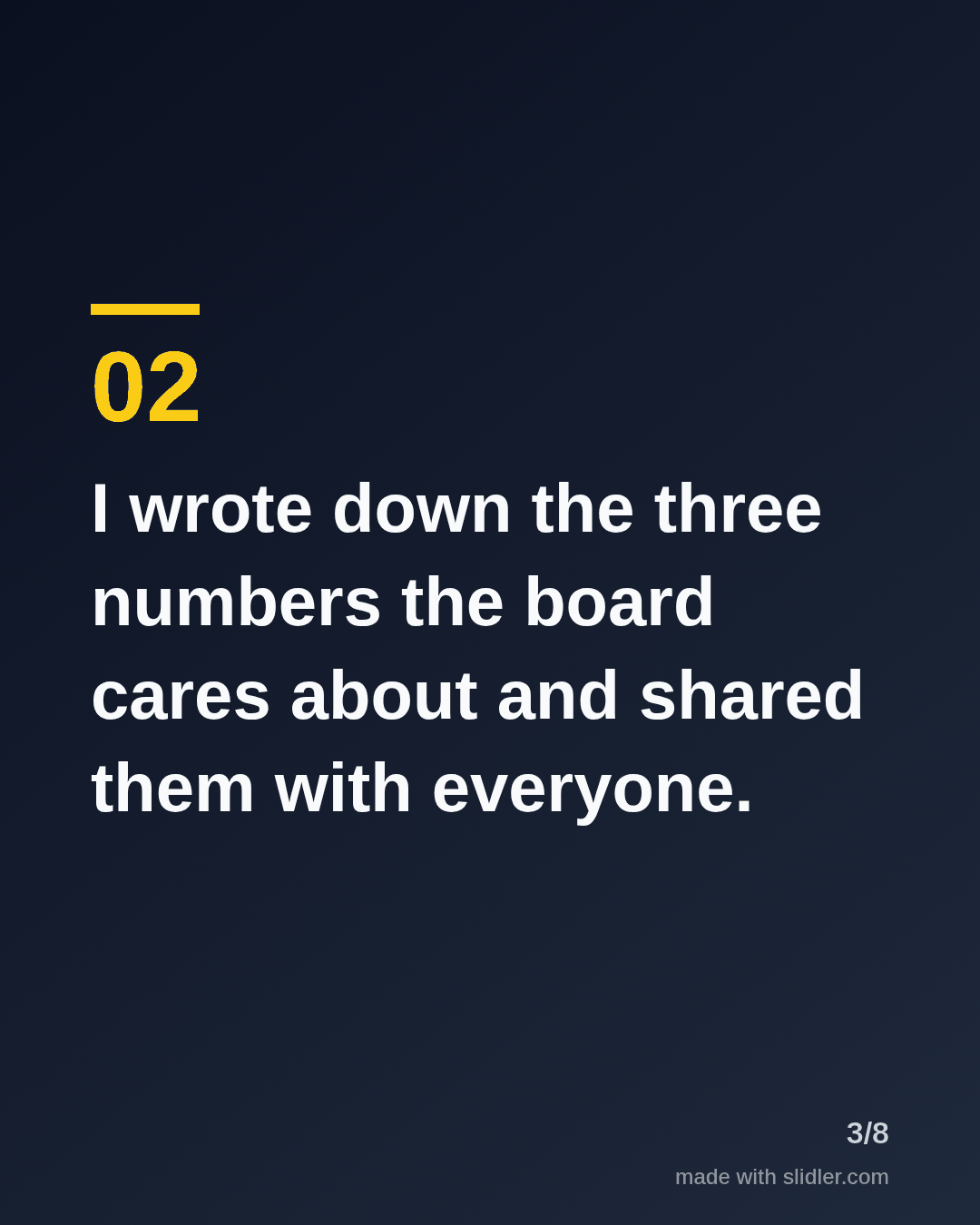
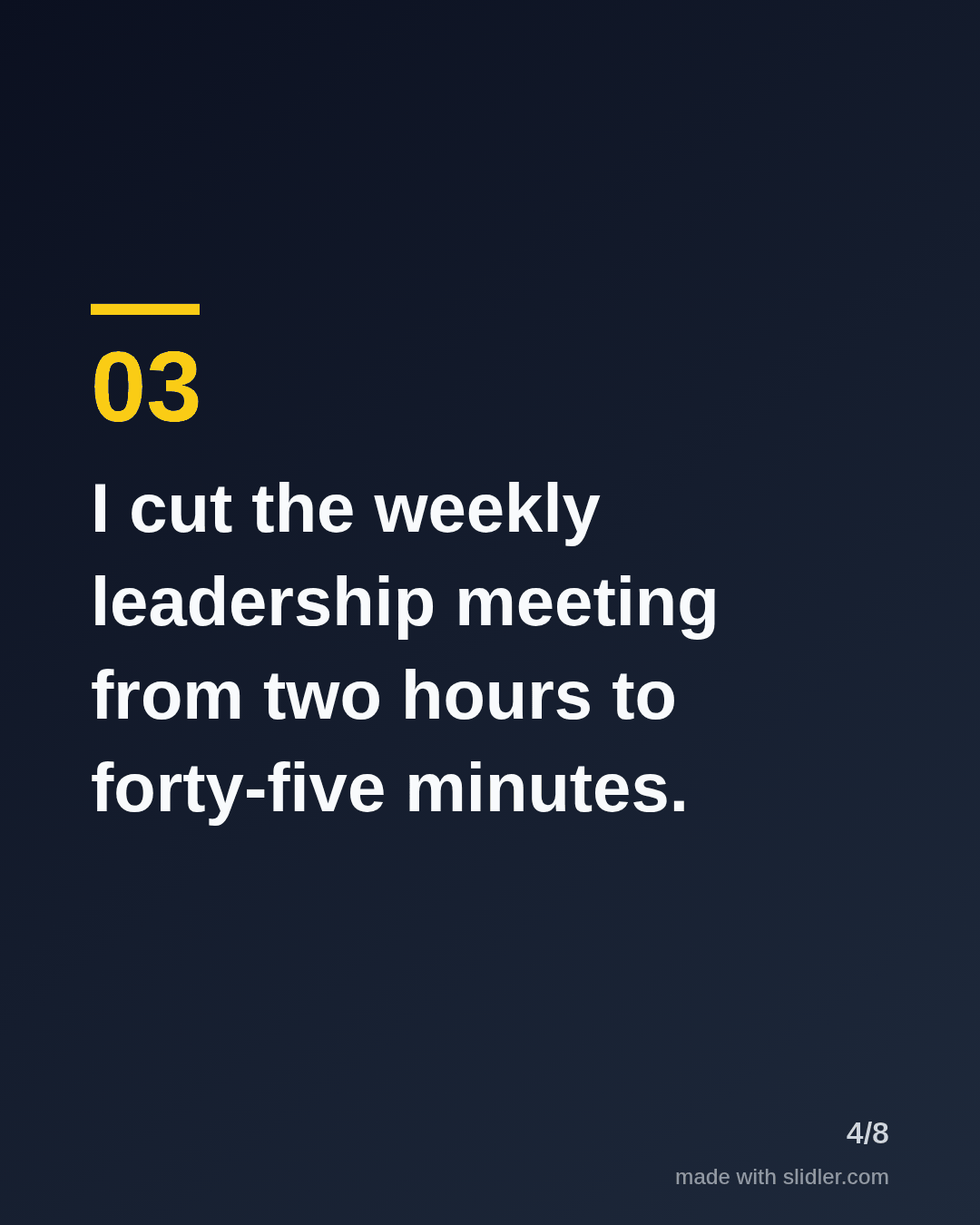
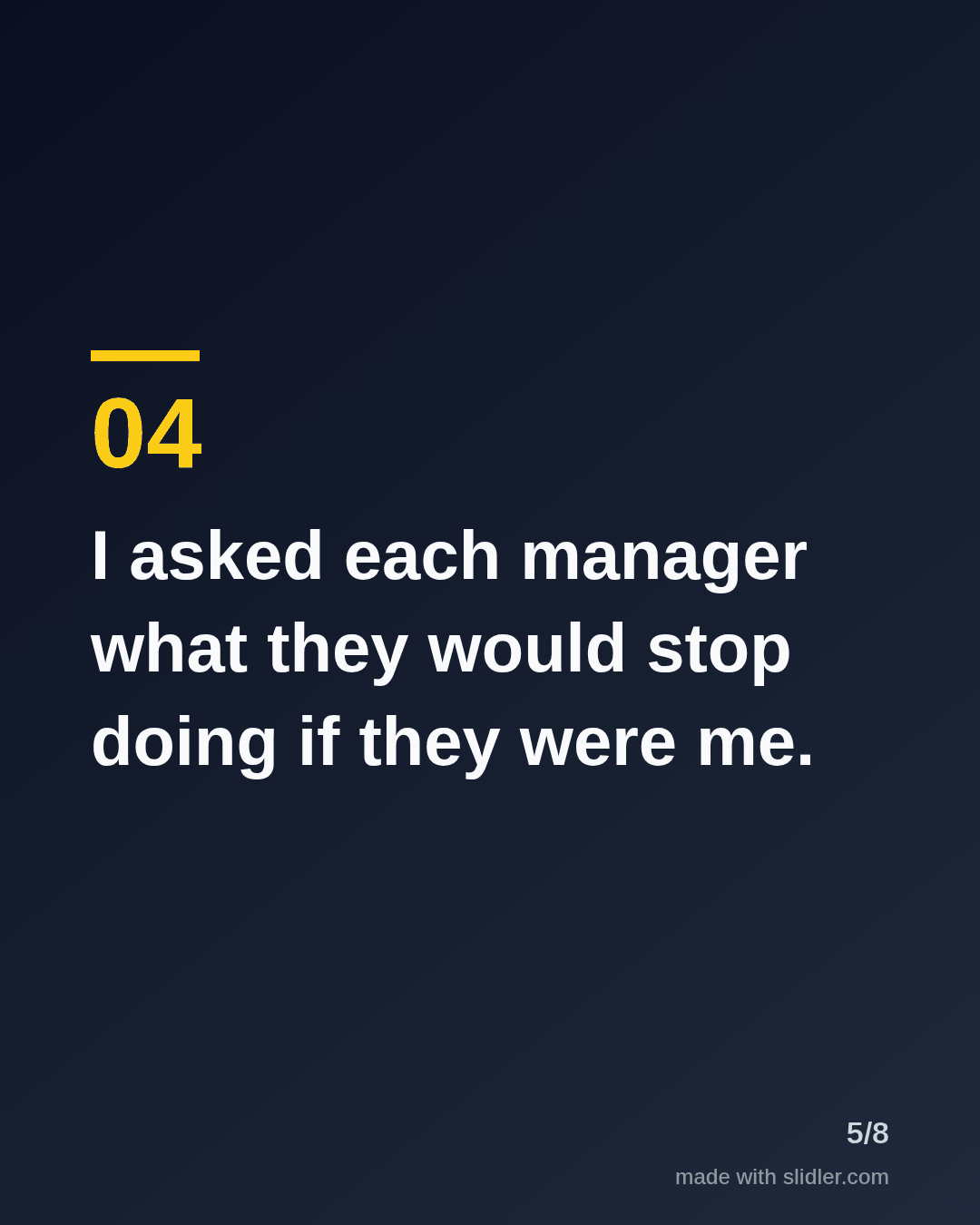
Executives get attention on LinkedIn when they explain how decisions were really made. This template turns a leadership lesson into a short carousel with a clear point of view. Below is a sample carousel Slidler made from the text in the editor; change the text to yours and make your own in under a minute.
Sample carousel (5 of 8 slides)
How to use this template
- Cover: a role, a time frame and a number.
- One concrete action per slide, written in the first person.
- Explain the why in the same sentence so it is not a bare list.
- Close by asking other leaders what they would add.
Tip: Specific beats inspirational: name the meeting, the number or the hour you protected.
Edit the sample and make your carousel (free, no sign-up)
The first line becomes the cover; each sentence becomes a slide. Replace the sample with your own words.
FAQ
Should CEOs post carousels on LinkedIn?
Yes, carousels suit leadership lessons and decisions because each step gets its own slide and readers swipe through the reasoning.
How do executives find time to post?
Turn an internal memo or all-hands note into a carousel by pasting it into Slidler, then remove anything confidential.
Is this template free?
Yes. Slidler is free and needs no account. Free exports carry a small “made with slidler.com” mark.
What size are the slides?
1080×1350 pixels (4:5 portrait), the size LinkedIn and Instagram show largest in the feed. LinkedIn gets a PDF; Instagram gets a zip of PNGs.
Related templates
- LinkedIn carousel template for founders
- Framework LinkedIn carousel template
- Milestone LinkedIn carousel template
- LinkedIn carousel template for recruiters
- LinkedIn carousel template for marketers
Start from your own content instead: Text to carousel · Turn a newsletter issue into a LinkedIn carousel · All carousel templates