LinkedIn carousel template for consultants
Consultants sell judgement, and a carousel is a quick way to show it. This template turns one client lesson into a short, specific argument. Below is a sample carousel Slidler made from the text in the editor; change the text to yours and make your own in under a minute.
Sample carousel (5 of 8 slides)

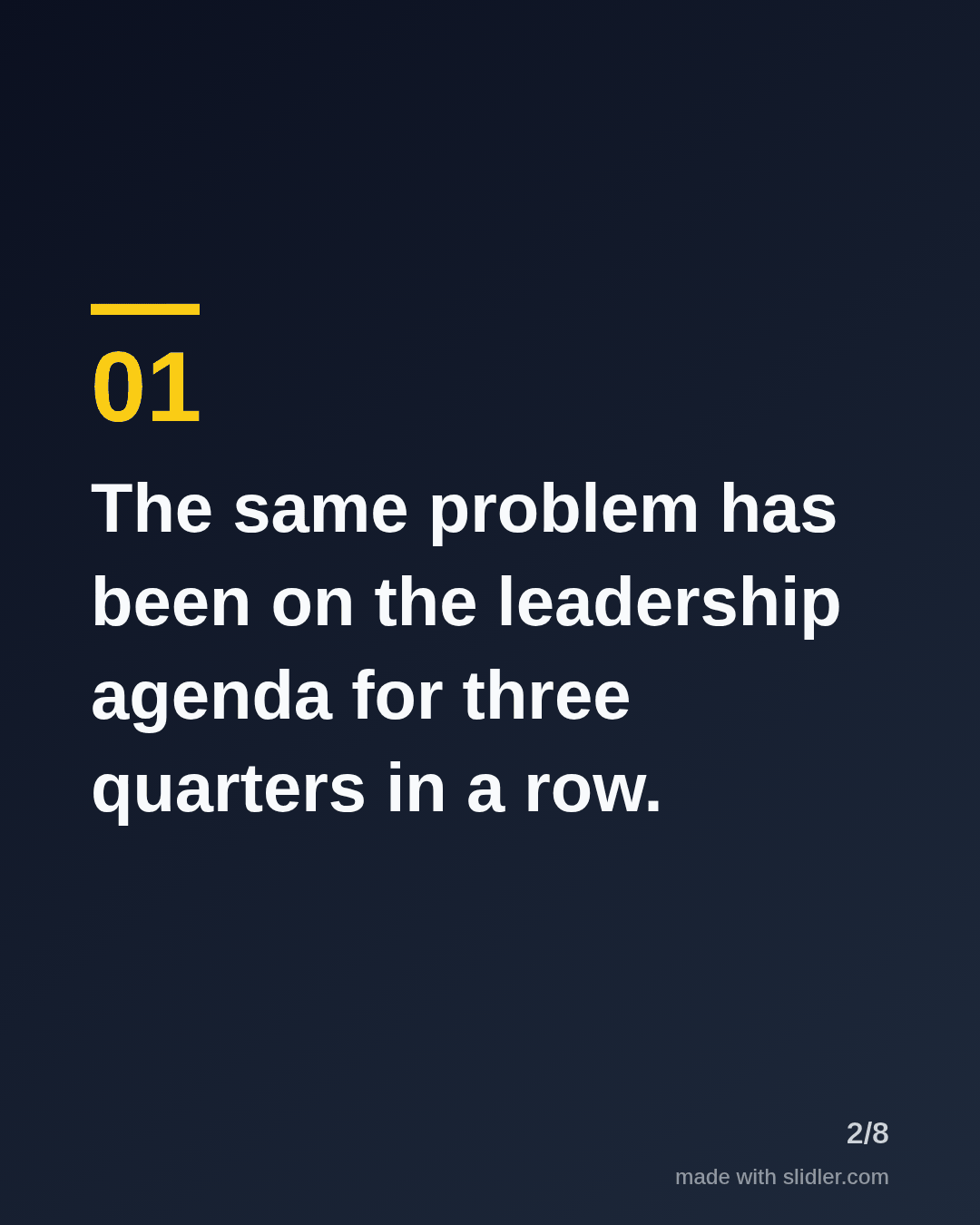


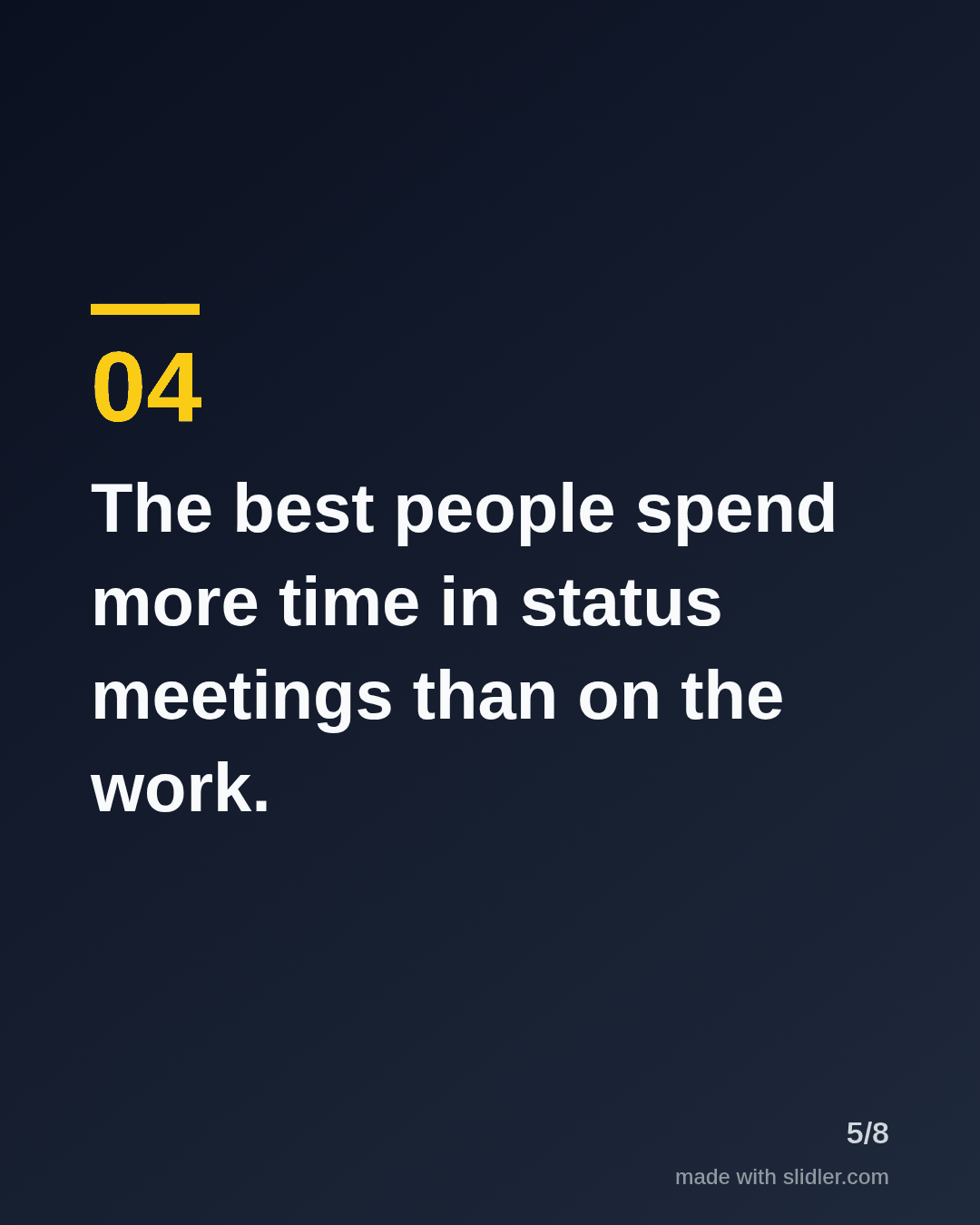
How to use this template
- Cover: a diagnosis your buyer will recognise.
- One symptom per slide, described in the client's words.
- Avoid naming clients; describe the pattern instead.
- Close with the first question you would ask in a discovery call.
Tip: Write for the person who signs the contract, not for other consultants.
Edit the sample and make your carousel (free, no sign-up)
The first line becomes the cover; each sentence becomes a slide. Replace the sample with your own words.
FAQ
What should consultants post on LinkedIn?
Diagnoses, frameworks, anonymised client lessons and contrarian takes on common advice in your field.
How do I turn a client report into a carousel?
Pull the findings out as one sentence each, paste them into Slidler and remove anything that identifies the client.
Is this template free?
Yes. Slidler is free and needs no account. Free exports carry a small “made with slidler.com” mark.
What size are the slides?
1080×1350 pixels (4:5 portrait), the size LinkedIn and Instagram show largest in the feed. LinkedIn gets a PDF; Instagram gets a zip of PNGs.
Related templates
- Framework LinkedIn carousel template
- Case study LinkedIn carousel template
- LinkedIn carousel template for B2B companies
- LinkedIn carousel template for founders
- LinkedIn carousel template for recruiters
Start from your own content instead: PDF to carousel · Turn a case study into a LinkedIn carousel · All carousel templates