LinkedIn carousel template for B2B companies
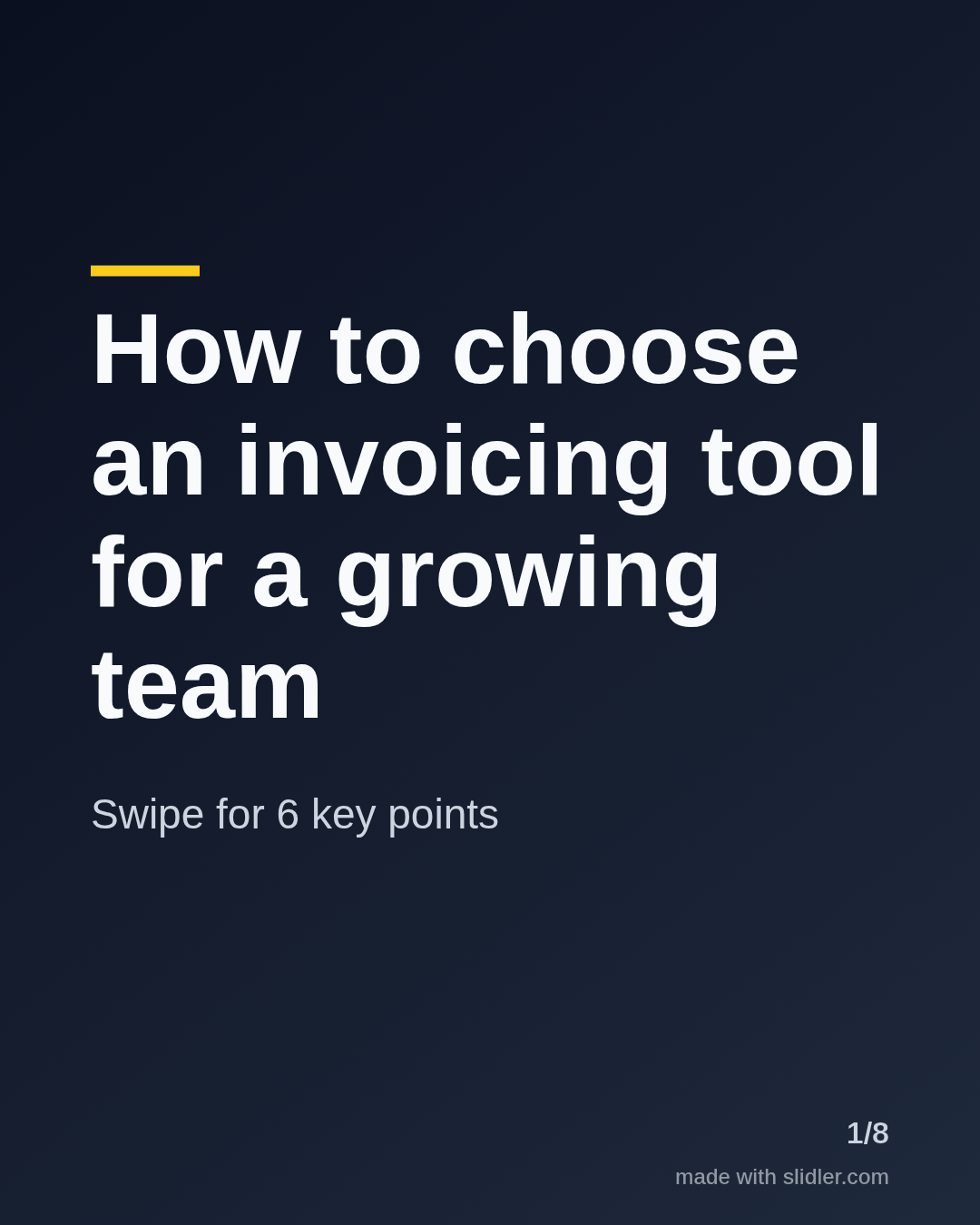
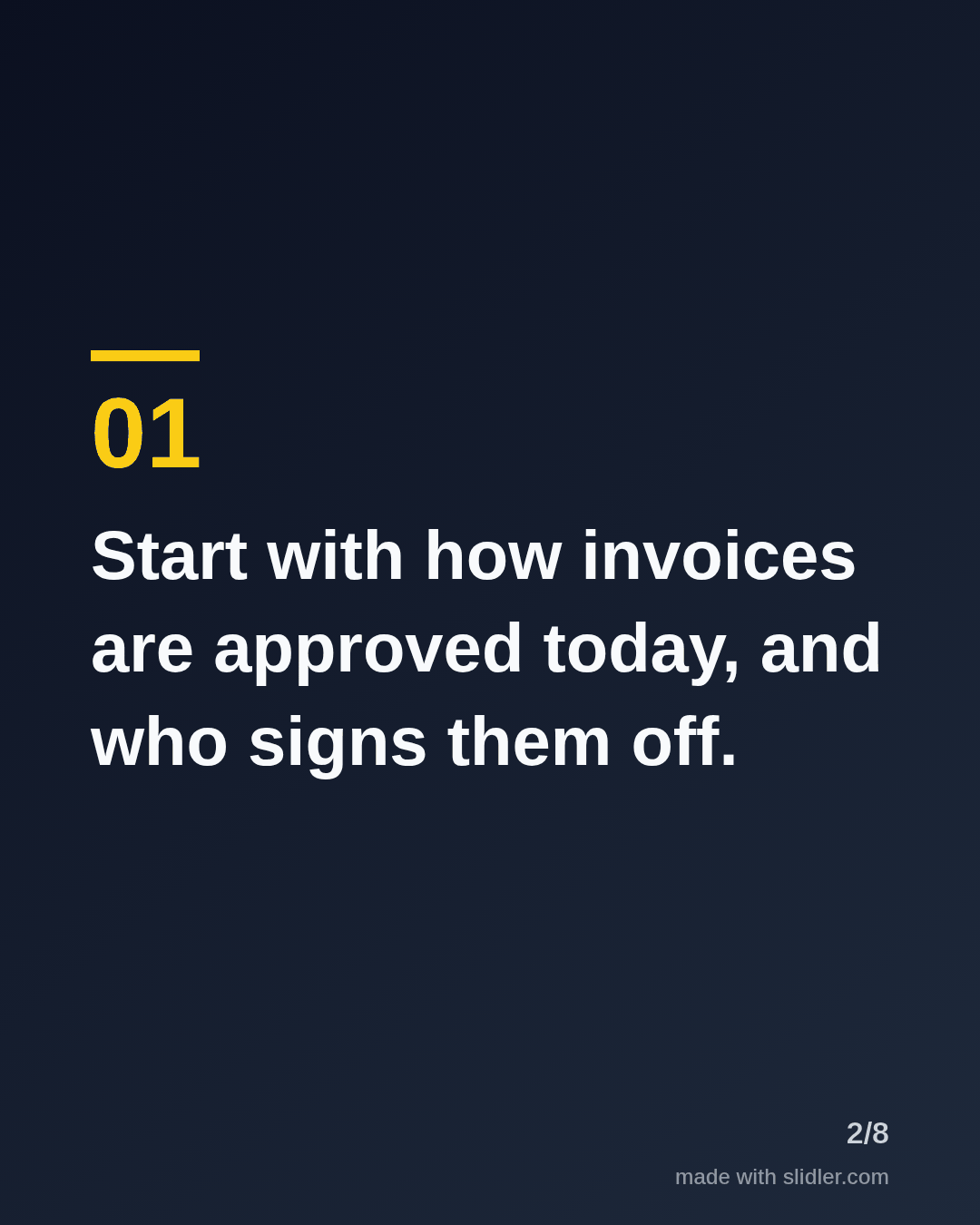
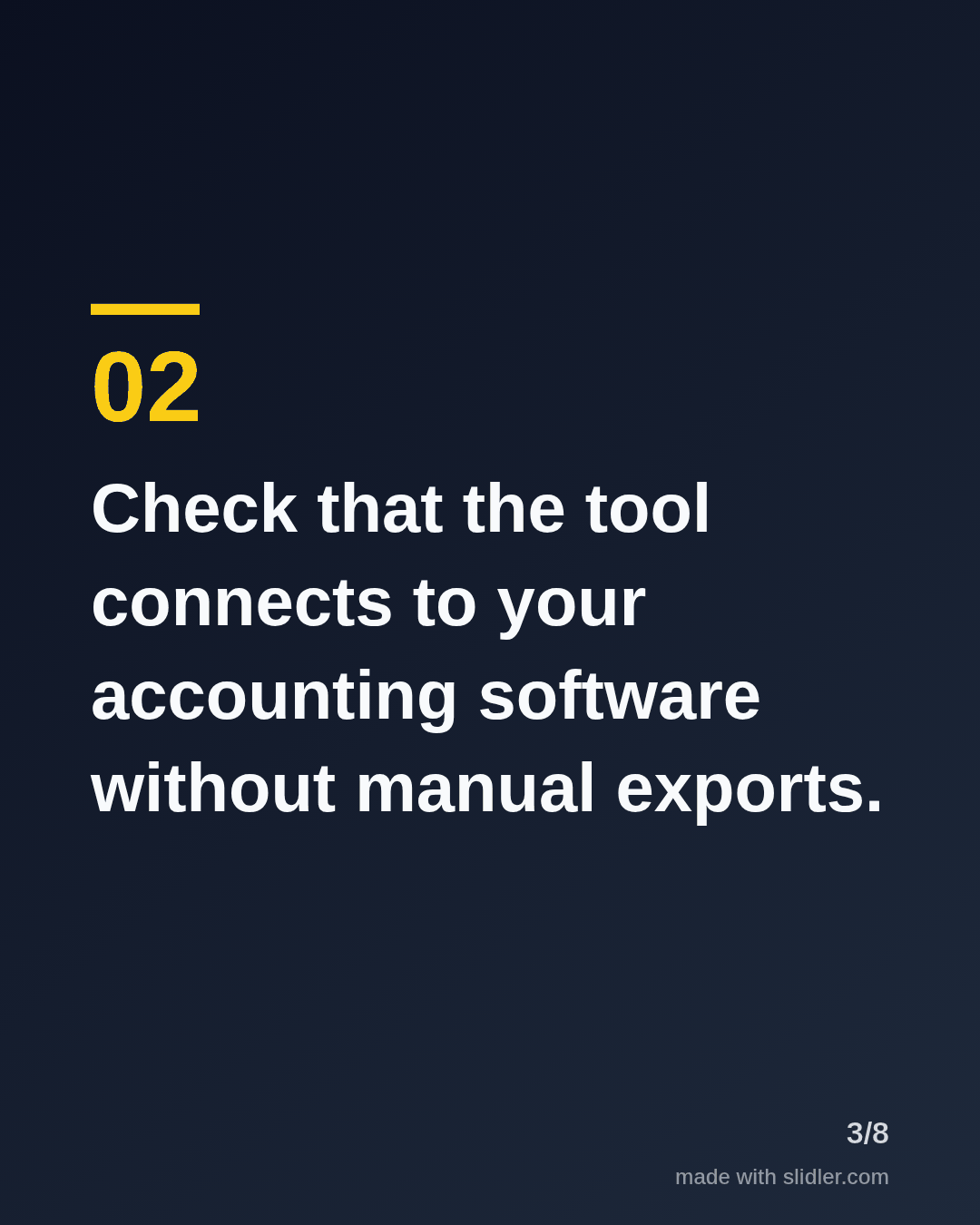
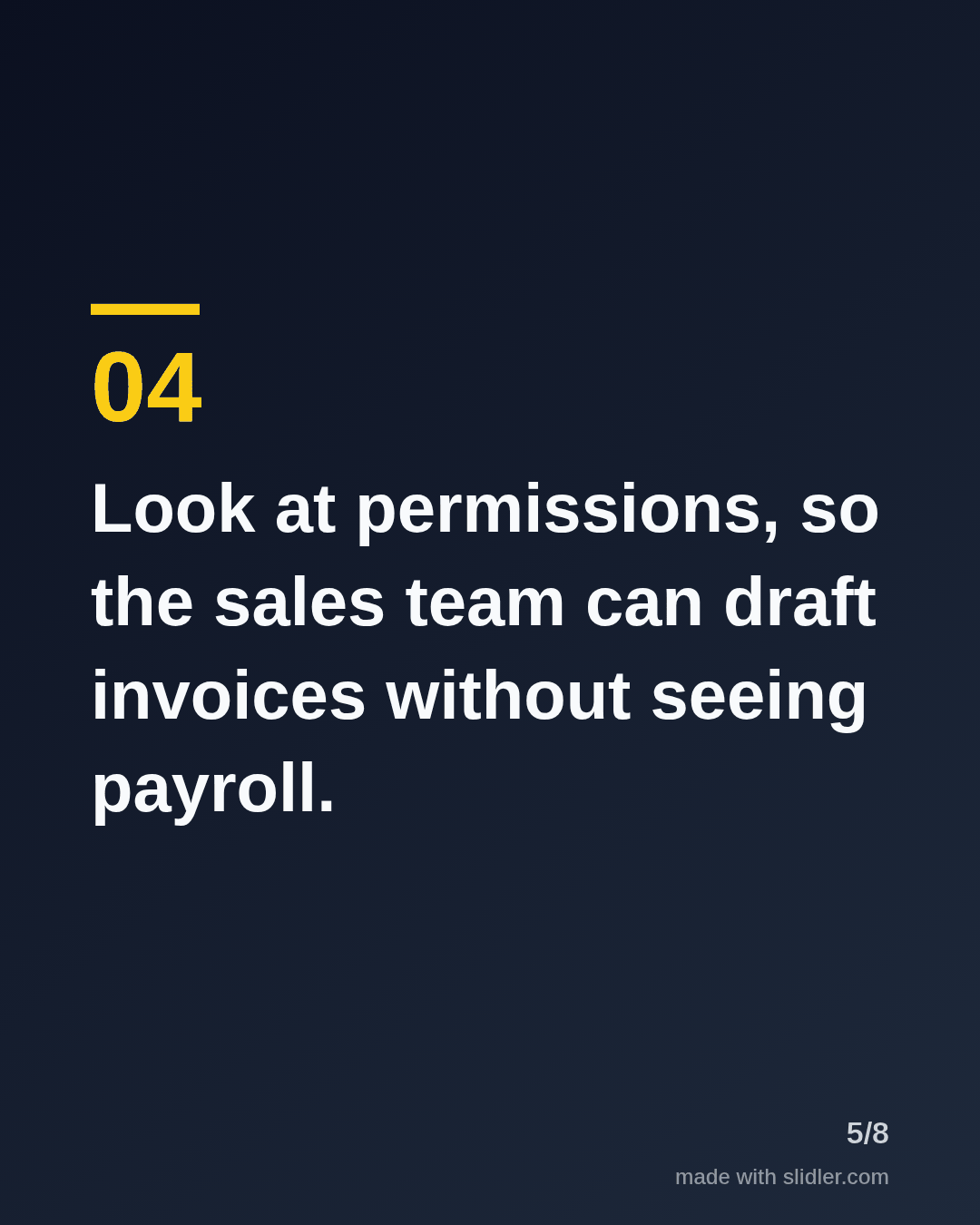
B2B buyers research for weeks before they talk to sales. This template is a buyer's guide carousel that helps them choose, which makes your company the helpful one. Below is a sample carousel Slidler made from the text in the editor; change the text to yours and make your own in under a minute.
Sample carousel (5 of 8 slides)

How to use this template
- Cover: "How to choose" plus the category.
- One buying criterion per slide.
- Stay vendor-neutral; credibility is the point.
- End with a softer offer: a checklist, a demo or a comment.
Tip: Keep your product out of the middle slides; a fair guide gets shared inside buying committees.
Edit the sample and make your carousel (free, no sign-up)
The first line becomes the cover; each sentence becomes a slide. Replace the sample with your own words.
FAQ
What B2B carousel examples work best?
Buyer's guides, comparisons, frameworks, customer case studies and data from your own product with clear sources.
Can I turn a whitepaper into a carousel?
Yes. Use the PDF to carousel page, or paste the key sections into the text box.
Is this template free?
Yes. Slidler is free and needs no account. Free exports carry a small “made with slidler.com” mark.
What size are the slides?
1080×1350 pixels (4:5 portrait), the size LinkedIn and Instagram show largest in the feed. LinkedIn gets a PDF; Instagram gets a zip of PNGs.
Related templates
- Comparison LinkedIn carousel template
- Case study LinkedIn carousel template
- Framework LinkedIn carousel template
- LinkedIn carousel template for founders
- LinkedIn carousel template for recruiters
Start from your own content instead: PDF to carousel · Article to carousel · All carousel templates